b12n-raylib-clj — Guide
User-facing documentation for b12n-raylib-clj: a collection of raylib game-development examples in Clojure, calling raylib's C library directly via coffi over JDK 22+'s Foreign Function & Memory API (Project Panama). No wrapper library, no codegen — coffi's defcfn binds each raylib C function directly.
Why this exists
One idea — a suite of raylib examples that reach the C library directly, with no wrapper layer in between — explored on three Clojure runtimes, one repo each.
This is the JVM one: JDK 22+'s Panama Foreign Function & Memory API via coffi, where a binding is a defcfn form and a C struct arrives as a plain Clojure map. b12n-raylib-jlt does it on Chez Scheme through jolt's jolt.ffi, with no JVM at all. b12n-raylib-jnk does it in jank, which compiles through C++/LLVM to a native binary and so has no FFI layer to speak of — it includes raylib.h and calls the C++ directly.
Reading them side by side is the interesting part: the same example, drawn three ways, shows exactly where each runtime puts the boundary. The pages below cover the JVM/Panama side — what defcfn actually does, how structs and pointers cross, and how to add a new binding.
What b12n-raylib-clj is
A .clj (JVM Clojure) project:
(require '[raylib.core.window :as rcw]
         '[raylib.core.drawing :as rcd]
         '[raylib.colors :as colors])

(rcw/init-window! 800 450 "Hello")
(loop []
  (when-not (rcw/window-should-close?)
    (rcd/begin-drawing!)
    (rcd/clear-background! colors/raywhite)
    (rcd/end-drawing!)
    (recur)))
(rcw/close-window!)
78 examples ship in src/examples/ on top of the FFI bindings in src/raylib/ — a mix of original games and ports of official raylib C examples across core/shapes/text/textures/shaders/audio/models categories. See example-catalog.md for the per-example breakdown of what's an original creation and what's ported from which raylib C source file.
Pages
Orientation
getting-started.md— install JDK 22+, the Clojure CLI, Babashka; running examples; IDE setuparchitecture.md— module layout, the FFI/native library flow, bundled libraries
FFI internals
adding-ffi-bindings.md—defcfn/defalias, the C-to-coffi type table, pointer in/out params, a worked examplecoffi-panama-internals.md— what happens underdefcfnon the JDK Panama FFI, memory arenas, why JDK 22+
Working with examples
example-architecture-patterns.md— the shared example skeleton, state-as-atom,debug-stats/embedded nREPL integration, the porting reciperepl-workflow.md— embedded vs standalone REPL, live game developmentexample-catalog.md— all 78 examples, grouped and tabulateddemos.md— the full-size demo gallery (every example's animated GIF, one-line description)
Support
troubleshooting.md— common errors and fixes
See also
The same suite on the other two Clojure runtimes:
b12n-raylib-jlt— in Jolt (native Clojure on Chez Scheme, no JVM), overjolt.ffi. raylib-jlt.b12n.appb12n-raylib-jnk— in jank (native Clojure via C++/LLVM), calling raylib as ordinary C++ through(:include "raylib.h")— no FFI layer at all. raylib-jnk.b12n.app
Adding a new FFI binding
The defcfn pattern
Every raylib binding is a defcfn form. Here are three real ones from src/raylib/core/window.clj lines 1-21:
(ns raylib.core.window
  (:require
   [raylib.core]
   [raylib.internals :as ri]
   [coffi.mem :as mem]
   [coffi.ffi :refer [defcfn]]))

(defcfn init-window!
  "Initialize window and OpenGL context"
  {:arglists '([width height title])}
  "InitWindow"
  [::mem/int ::mem/int ::mem/c-string] ::mem/void)

(defcfn window-should-close?
  "Check if KEY_ESCAPE pressed or Close icon pressed"
  "WindowShouldClose"
  [] ::ri/bool)

(defcfn close-window!
  "Close window and unload OpenGL context"
  "CloseWindow" [] ::mem/void)
defcfn (from coffi.ffi) always has the same four-part shape:
- Docstring — describes what the C function does. Copy it from
raylib.h's comment on the same line as the function signature. {:arglists '(...)}— optional. Only needed when the function takes arguments, sincedefcfn's own parameter vector is a list of types, not names —:arglistsis what makes(doc init-window!)and editor autocomplete show meaningful argument names instead of[arg0 arg1 arg2].window-should-close?andclose-window!both take no arguments, so they skip it.- C function name string — the exact symbol raylib exports (e.g.
"InitWindow"), used to look up the function in the shared library. [param-types] return-type— the parameter types vector followed by the return type, both from the type-mapping table below.
Every binding namespace requires raylib.core first (see the :require above) — that namespace is what loads the native libraylib shared library, and a defcfn can't resolve its C symbol until the library is loaded.
C -> coffi type mapping
| C Type | Coffi Type |
|---|---|
int | ::mem/int |
float | ::mem/float |
double | ::mem/double |
bool | ::ri/bool (returns 0/1) |
unsigned char | ::ri/ubyte |
const char* | ::mem/c-string |
void | ::mem/void |
Color | ::rs/color |
Vector2 | ::rs/vector-2 |
Vector3 | ::rs/vector-3 |
Rectangle | ::rs/rectangle |
Camera2D | ::rc2d/camera-2d |
Camera3D | ::rc3d/camera3d |
| Pointer (in/out param) | ::mem/pointer |
::ri/bool and ::ri/ubyte are not built-in coffi types — coffi only ships primitive types like ::mem/int and ::mem/byte out of the box. They're custom types this project defines in src/raylib/internals.clj:
(ns raylib.internals
  (:require [coffi.mem :as mem]))

;; ubyte
(defmethod mem/primitive-type ::ubyte
  [_type]
  ::mem/byte)

(defmethod mem/serialize* ::ubyte
  [obj _type _scope]
  (unchecked-byte obj))

(defmethod mem/deserialize* ::ubyte
  [obj _type]
  (Byte/toUnsignedLong obj))

;; bool
(defmethod mem/primitive-type ::bool
  [_type]
  ::mem/byte)

(defmethod mem/serialize* ::bool
  [obj _type _scope]
  (byte (if obj 1 0)))

(defmethod mem/deserialize* ::bool
  [obj _type]
  (not (zero? obj)))
Raylib's C bool and unsigned char both travel over the FFI boundary as a single byte — that's just how they're laid out in memory. coffi's mem/primitive-type multimethod tells coffi which real primitive (::mem/byte) to use on the wire for a custom type. mem/serialize* and mem/deserialize* then teach coffi how to box and unbox that raw byte into something Clojure-friendly: ::ubyte deserializes to an unsigned Byte/toUnsignedLong value (so a byte like -1 reads back as 255, not -1), and ::bool serializes a Clojure truthy/falsy value to 1/0 and deserializes 0/non-0 back to false/true. Without these three multimethod overrides, ::ri/bool and ::ri/ubyte wouldn't exist as usable coffi types at all.
Struct definitions with defalias
C structs are defined with defalias in src/raylib/structs.clj. The full list at time of writing (grep -n "defalias" src/raylib/structs.clj): Color, Vector2, Vector3, Vector4, Texture, RenderTexture, Rectangle.
(defalias ::color
  [::mem/struct
   [[:r ::ri/ubyte]
    [:g ::ri/ubyte]
    [:b ::ri/ubyte]
    [:a ::ri/ubyte]]])

(defalias ::vector-2
  [::mem/struct
   [[:x ::mem/float]
    [:y ::mem/float]]])
Once defined, a struct behaves as a plain Clojure map: {:x 100.0 :y 200.0} for a ::vector-2, {:r 255 :g 0 :b 0 :a 255} for a ::color.
Field order must match the C struct layout exactly. coffi lays out the native memory segment for a ::mem/struct field-by-field, in the order you list them — it has no way to know raylib's real field order except from what you tell it. If raylib.h declares Color as r, g, b, a and you write the defalias fields in a different order, every read and write against that struct silently misaligns.
Pointer in/out parameters
Some raylib functions take a struct pointer and mutate it in place rather than returning a new struct — UpdateCamera(Camera3D *camera, int mode) is one. The worked example for this pattern is update-camera in src/raylib/core/camera3d.clj:
;; Camera update function
(defcfn update-camera!
  "Update camera position for selected mode"
  {:arglists '([camera mode])}
  "UpdateCamera"
  [::mem/pointer ::mem/int] ::mem/void)

;; Helper function that updates camera and returns the new state
(defn update-camera
  "Update camera position for selected mode. Returns updated camera map.
   mode: CAMERA_FREE, CAMERA_ORBITAL, CAMERA_FIRST_PERSON, CAMERA_THIRD_PERSON"
  [camera mode]
  (let [arena (mem/confined-arena)
        seg (mem/alloc-instance ::camera3d arena)]
    (mem/serialize-into camera ::camera3d seg arena)
    (update-camera! seg mode)
    (mem/deserialize-from seg ::camera3d)))
The raw defcfn (update-camera!) takes ::mem/pointer — coffi can't serialize a Clojure map directly as a pointer argument, so the wrapper function (update-camera) does the pointer dance by hand:
mem/confined-arena— creates an arena that owns the lifetime of any native memory allocated from it, scoped to this block.mem/alloc-instance— allocates a native memory segment inside that arena, sized and laid out for the::camera3dstruct.mem/serialize-into— writes the Clojurecameramap's fields into that segment, following the struct's field layout.update-camera!— the rawdefcfncall passes the segment as the pointer argument; raylib'sUpdateCameramutates the segment's bytes in place.mem/deserialize-from— reads the (now-mutated) segment back out into a fresh Clojure map, which becomes the wrapper's return value.
See Coffi & Panama Internals for what a confined arena actually is and when you need one at all.
Worked example: adding a new raylib function end-to-end
DrawRectangleGradientV is a real raylib C function that isn't bound anywhere in this repo yet — confirmed with:
grep -rn "DrawRectangleGradientV" src/raylib/
which returns nothing. It's a good pick for a worked example: a plain draw call with two Color arguments and no pointer trickery.
- Find the C signature in
raylib.h:void DrawRectangleGradientV(int posX, int posY, int width, int height, Color color1, Color color2); - Pick the target namespace. This is a shape-drawing call, so it belongs in
src/raylib/shapes/basic.clj(confirmed to exist) alongside its siblingdraw-rectangle!, which already uses the sameint int int int Colorargument shape. - Write the
defcfnform, following the type-mapping table above:(defcfn draw-rectangle-gradient-v! "Draw a vertical-gradient-filled rectangle" {:arglists '([pos-x pos-y width height color-1 color-2])} "DrawRectangleGradientV" [::mem/int ::mem/int ::mem/int ::mem/int ::rs/color ::rs/color] ::mem/void) - Verify it. Start any example (
bb basic-shapes, which already connects an embedded nREPL on port 7888), connect your editor, andclj-nrepl-evala call like(raylib.shapes.basic/draw-rectangle-gradient-v! 100 100 200 100 colors/red colors/blue)inside the running game's draw loop to confirm it renders instead of throwing.
See also
coffi-panama-internals.md— what happens underneathdefcfnwhen Clojure calls the resulting function
Architecture
Overview
flowchart TB
    subgraph Clojure["Clojure Application"]
        Game["Game Code<br/>(examples/*.clj)"]
        Bindings["Raylib Bindings<br/>(raylib/*.clj)"]
        Structs["Struct Definitions<br/>(raylib/structs.clj)"]
    end

    subgraph FFI["Foreign Function Interface"]
        Coffi["coffi library"]
        Panama["JDK 22+ Panama API"]
    end

    subgraph Native["Native Libraries"]
        Raylib["Raylib C Library<br/>(libs/*)"]
        OpenGL["OpenGL"]
    end

    Game --> Bindings
    Bindings --> Structs
    Bindings --> Coffi
    Coffi --> Panama
    Panama --> Raylib
    Raylib --> OpenGL

    style Clojure fill:#4B8BBE,color:#fff
    style FFI fill:#FFD43B,color:#000
    style Native fill:#306998,color:#fff
Game Loop Architecture
flowchart LR
    subgraph GameLoop["Main Game Loop"]
        direction TB
        Init["Initialize<br/>Window & State"]
        Tick["Tick/Update<br/>Game Logic"]
        Draw["Draw<br/>Render Frame"]
        Check{"Window<br/>Closed?"}
        Cleanup["Cleanup<br/>Resources"]
    end

    Init --> Tick
    Tick --> Draw
    Draw --> Check
    Check -->|No| Tick
    Check -->|Yes| Cleanup

    subgraph State["Game State (Atom)"]
        Ship["Ship Position/Velocity"]
        Entities["Asteroids/Bullets"]
        Screen["Screen State"]
    end

    Tick -.->|Read/Update| State
    Draw -.->|Read| State
Module layout
src/raylib/— FFI bindings (this is the library) -core.clj— loads the native library; every binding namespace requires this first -structs.clj— C struct definitions viadefalias(Color, Vector2, Vector3, Vector4, Texture, RenderTexture, Rectangle) -colors.clj— color constants (raywhite, red, etc.) -enums.clj— keyboard/mouse enums -internals.clj— internal helpers (ubyte, bool types) -utils.clj— utility functions (random, fade, etc.) -audio.clj— audio functions (Music, Sound) -lights.clj— shader-lighting helpers, based on raylib'srlights.h-nrepl.clj— embedded nREPL server startup, powers the port 7888 live-development workflow -core/— window, drawing, keyboard, mouse, timing, camera2d, camera3d, collision, gamepad, gestures, shaders -window.clj— window management -drawing.clj— drawing primitives -keyboard.clj— keyboard input -mouse.clj— mouse input -timing.clj— frame timing (FPS, delta time) -camera2d.clj— 2D camera -camera3d.clj— 3D camera and rendering -collision.clj— ray casting and collision detection -gamepad.clj— gamepad input -gestures.clj— touch gesture detection -shaders.clj— shader loading and management -text/,shapes/,textures/— drawing/loading helperssrc/examples/— the 78 example namespaces (54 top-level + 3 ingames/+ 21 inmodels/)src/debug_stats.clj— F1 overlay plugin (see Example Architecture Patterns for usage)src/raylib_ext.clj— extended/derived bindings not in core rayliblibs/— bundled native libraries per platform
Project structure diagram
flowchart TB
    subgraph src["src/"]
        subgraph raylib["raylib/ - FFI Bindings"]
            core["core.clj - Library loading"]
            structs["structs.clj - C struct definitions"]
            colors["colors.clj - Color constants"]
            enums["enums.clj - Keyboard/mouse enums"]

            subgraph coremod["core/"]
                window["window.clj"]
                drawing["drawing.clj"]
                keyboard["keyboard.clj"]
                mouse["mouse.clj"]
                timing["timing.clj"]
            end
        end

        subgraph examples["examples/ - Game Examples"]
            hello["hello_world.clj"]
            pongex["pong.clj"]
            astex["asteroids.clj"]
            tetex["tetris.clj"]
            vampex["vampire_survivors.clj"]
        end

        debug["debug_stats.clj - FPS/Memory overlay"]
        raylibext["raylib_ext.clj - Extended bindings"]
    end

    subgraph libs["libs/ - Native Libraries"]
        macos["macos/"]
        linux["linux_amd64/"]
        win["win64_msvc16/"]
    end
Bundled libraries
This project includes pre-built Raylib 5.5.0 libraries for different platforms:
| Platform | Directory | Library |
|---|---|---|
| macOS (Intel/ARM) | libs/macos | libraylib.5.5.0.dylib |
| Linux 64-bit | libs/linux_amd64 | libraylib.so.5.5.0 |
| Linux 32-bit | libs/linux_i386 | libraylib.a |
| Windows 64-bit | libs/win64_msvc16 | raylib.dll |
| Windows 32-bit | libs/win32_msvc16 | raylib.dll |
The correct library is loaded automatically based on your operating system.
macOS code signing
On macOS, you might see a security warning about the library. Fix it with:
bb macos:sign-lib
Or manually:
codesign --force --sign - libs/macos/libraylib.5.5.0.dylib
Coffi and the JDK Panama FFI
Why JDK 22+
This project uses coffi to call Raylib's C library directly from Clojure. Coffi is built on the JDK's Foreign Function & Memory API (Project Panama), and that API only reached stable (non-preview) status in JDK 22 — earlier JDK versions only had it available behind a preview flag. Coffi depends on the stable API, which is why this project requires JDK 22 or newer:
This project uses coffi for calling native C code from Clojure. Coffi requires JDK 22+ because that's when the Foreign Function and Memory API (Project Panama) became stable. Earlier JDK versions had this API in preview mode.
What happens when defcfn is evaluated
sequenceDiagram
    participant Clojure
    participant Coffi
    participant Panama as JDK Panama API
    participant Raylib as Raylib C Library

    Clojure->>Coffi: (defcfn draw-circle! "DrawCircle" ...)
    Coffi->>Panama: Create method handle
    Panama->>Raylib: Load symbol from .dylib/.so/.dll

    Note over Clojure,Raylib: At runtime:

    Clojure->>Coffi: (draw-circle! 100 100 50 red)
    Coffi->>Coffi: Serialize Clojure map to C struct
    Coffi->>Panama: Invoke foreign function
    Panama->>Raylib: DrawCircle(100, 100, 50.0f, color)
    Raylib-->>Panama: Return
    Panama-->>Coffi: Return
    Coffi-->>Clojure: Return (deserialized if needed)
- Load time. When a
defcfnform like(defcfn init-window! "Initialize window..." "InitWindow" [...] ::mem/void)is evaluated, coffi asks the JDK Panama API to create a method handle bound to the named C symbol ("InitWindow"). Panama resolves that symbol against the already-loadedlibraylibshared library. This only works becauseraylib.core— required first by every binding namespace — has already loaded the native library by the time anydefcfnin that namespace runs; without it, the symbol lookup has nothing to search. - Call time. Every time Clojure calls the function
defcfndefined (e.g.(draw-circle! 100 100 50 red)), coffi serializes the Clojure arguments into native memory laid out according to their declared types — a plain value like an int passes straight through, while a struct argument (a map like{:r 255 :g 0 :b 0 :a 255}) gets written into memory following the field layout itsdefaliasdeclared. Coffi then invokes the foreign function through the method handle created at load time. If the C function returns a struct, coffi deserializes the returned native memory back into a Clojure map before handing control back to the caller.
Memory arenas
The update-camera example in Adding a new FFI binding uses mem/confined-arena to allocate a native memory segment by hand — that page walks through each call; this section explains what the arena itself is.
A confined arena owns the lifetime of the native memory segments allocated from it. It's scoped to the thread and block that created it: the segment mem/alloc-instance allocates from a confined arena stays valid only until that arena closes, at which point the native memory is freed. This matters because Panama's native memory isn't garbage-collected by the JVM — something has to own and release it explicitly, and the arena is that owner.
You only need to reach for an arena yourself when you're explicitly allocating a segment for an in/out pointer parameter — the update-camera case, where raylib mutates a Camera3D* in place. For ordinary struct arguments passed by value (like draw-cube!'s ::rs/vector-3 and ::rs/color parameters), coffi manages the serialization memory automatically per-call; there's no arena to think about.
Why macOS needs -XstartOnFirstThread
OpenGL on macOS requires all GL calls to happen on the process's main thread. This project configures that in deps.edn's jvm-opts (grep -n "XstartOnFirstThread" deps.edn), which every example alias carries:
:jvm-opts ["--enable-native-access=ALL-UNNAMED"
           "-XstartOnFirstThread"
           "-Djava.library.path=libs:libs/macos:..."]
The practical consequence: you cannot open a raylib window from a plain clj -M:dev REPL on macOS. This is not because the standalone :dev alias omits the flag — it doesn't. grep -n "XstartOnFirstThread" deps.edn shows the flag present in every single alias in the file, :dev included:
:dev
{:jvm-opts ["--enable-native-access=ALL-UNNAMED"
            "-XstartOnFirstThread"
            "-Djava.library.path=libs:libs/macos:..."]
 :main-opts ["-m" "nrepl.cmdline" "--port" "7999"]}
deps.edn flags the limitation itself, with a comment right above :dev:
;; Note: On macOS, you cannot run GUI code from this REPL due to -XstartOnFirstThread
Beyond that comment, this repo doesn't document the exact mechanism, so this guide won't invent one — the flag is present either way, and having it present is not sufficient to make GUI calls work from :dev. What's verified is the practical rule: a raylib window works from the game aliases (bb asteroids, clj -M:hello-world, etc., which call init-window! directly from their own -main at process start) but not from a standalone :dev REPL session evaluating the same call interactively. If you need a raylib window, run an example directly and connect to its embedded nREPL (port 7888) instead of trying to open one from :dev's REPL (port 7999).
See also
adding-ffi-bindings.md— the practical guide to writing a new binding using these mechanicsrepl-workflow.md— the live consequence of the macOS main-thread requirement on REPL workflow
Full-size demo gallery
Every example at full size — linked from the example catalog's preview thumbnails. Every GIF here is committed. They are regenerated by bb record, a maintainer-only task driving a screen-capture tool that is not publicly released; the per-example capture settings and input timelines live in scripts/demo_manifest.edn.
🎮 Original games (9)
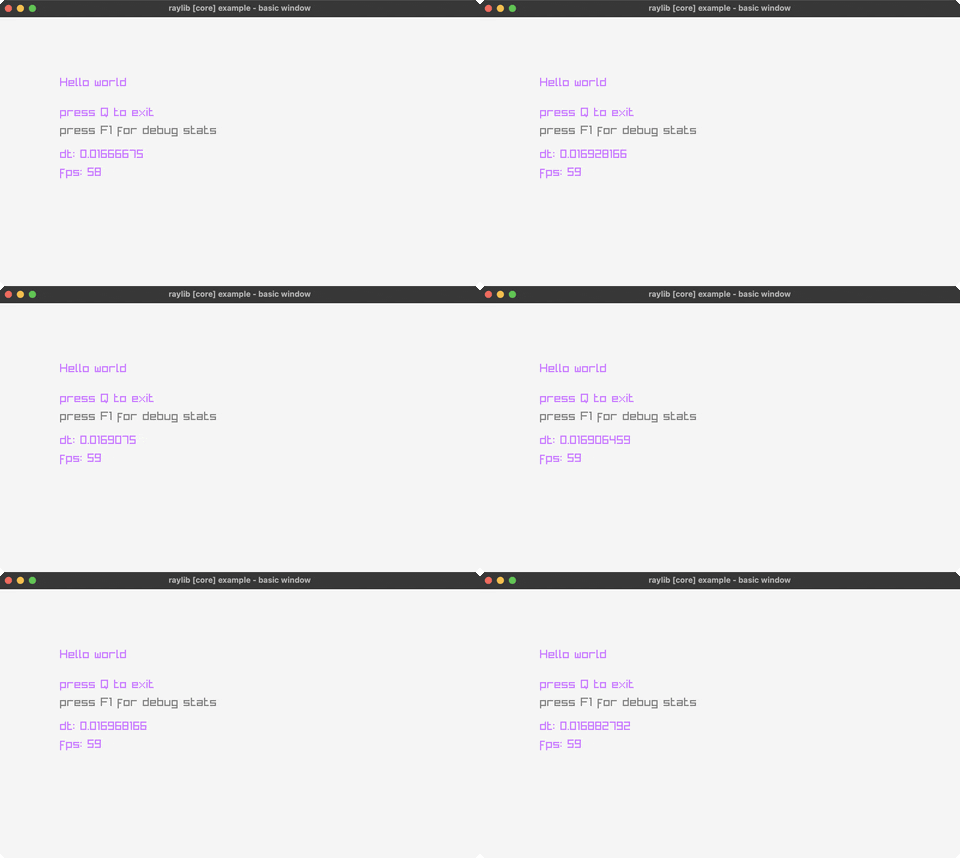
hello-world
the minimal raylib window + text (Q exits, F1 toggles debug stats)
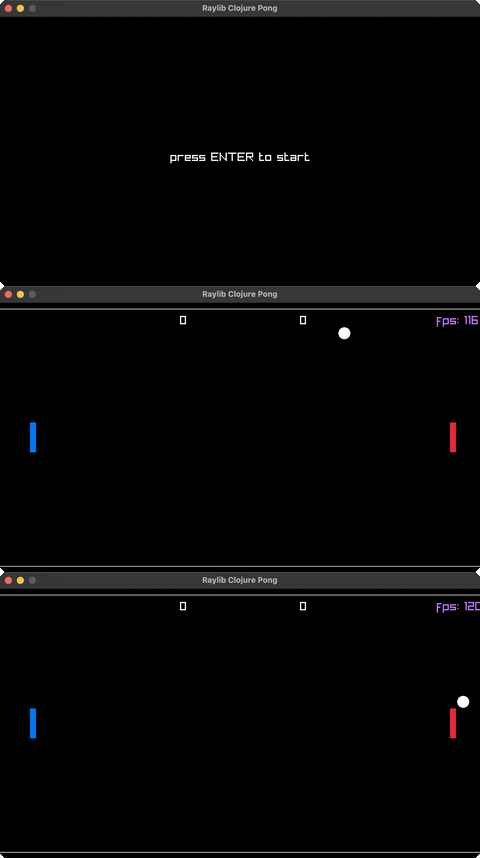
pong
two-paddle classic, P1 (W/S) vs P2 (K/J)
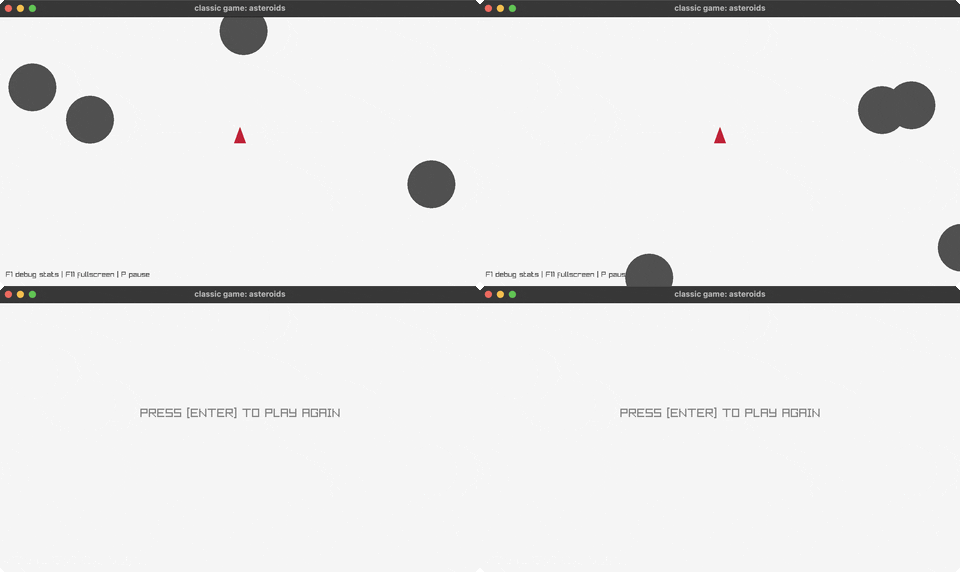
asteroids
the classic vector shooter (rotate/thrust/fire)
asteroids2
an alternate asteroids build (rotate/thrust/fire)
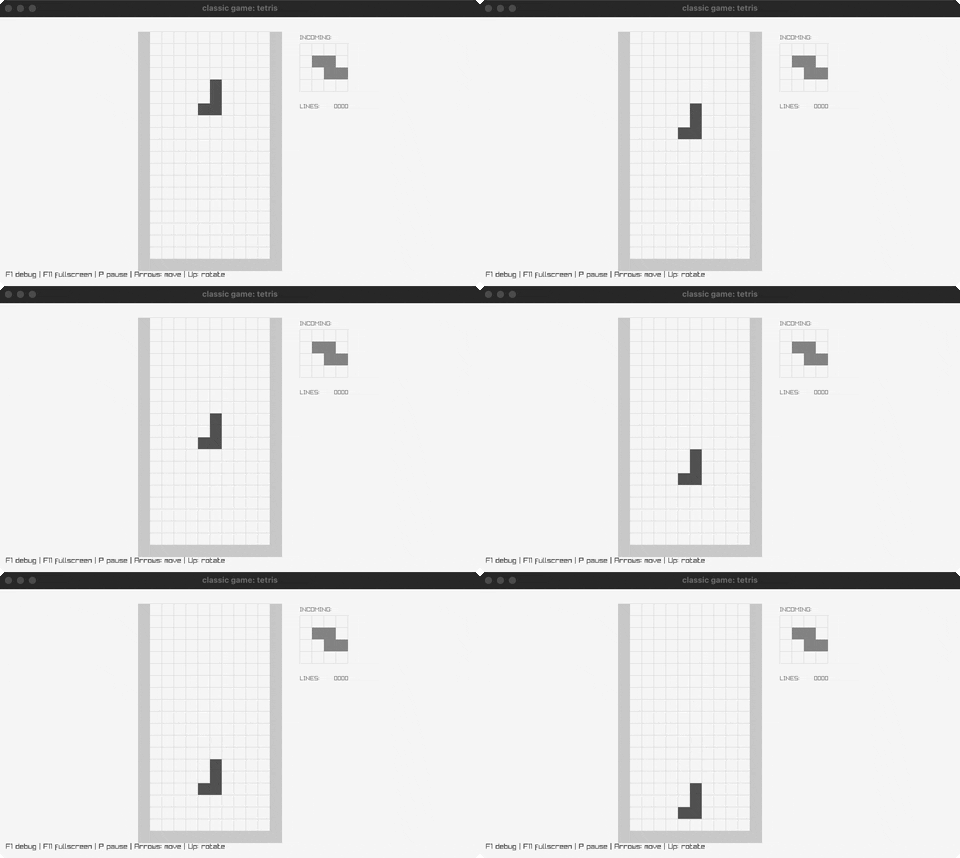
tetris
the block-stacking puzzle (move/rotate/drop)
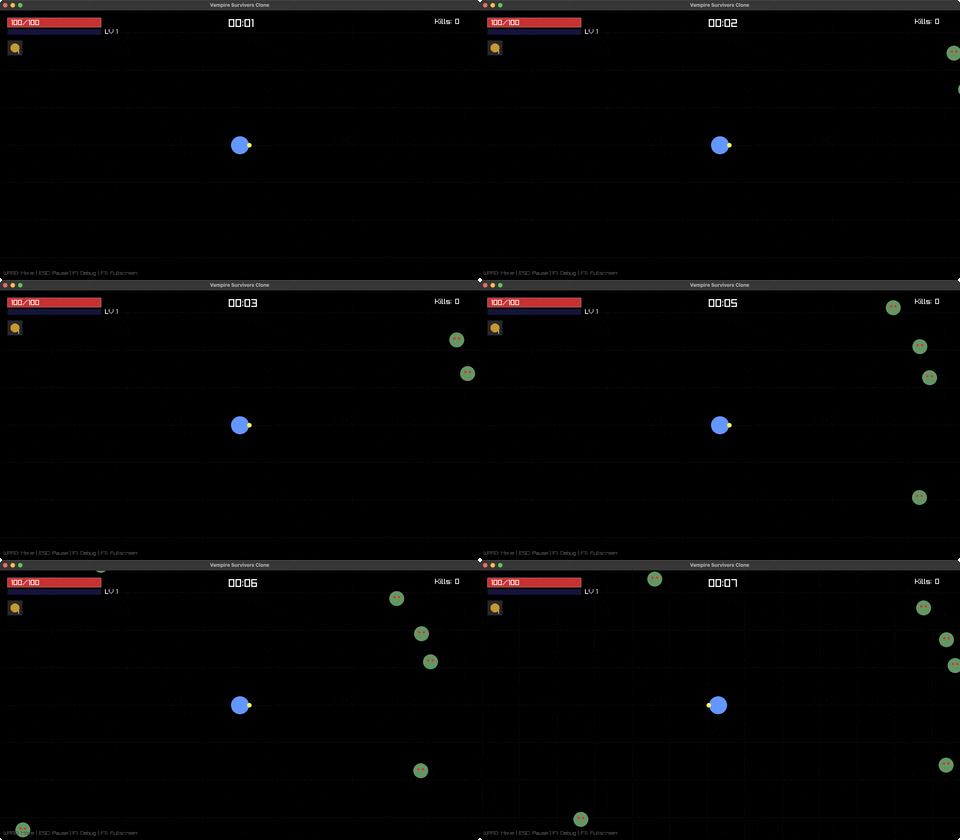
vampire-survivors
auto-fire survival: move (WASD), waves chase you
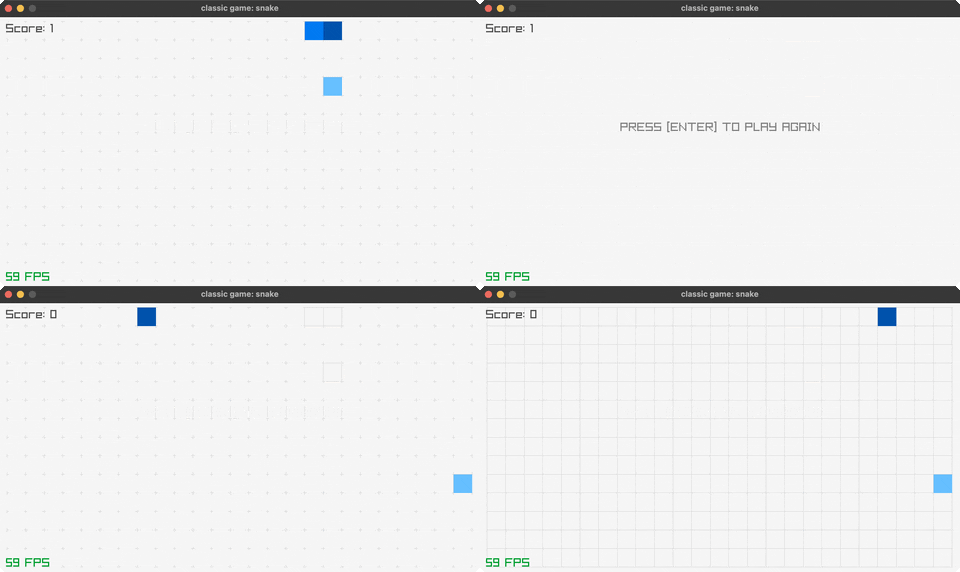
snake
the classic snake (arrow keys, grow, don't crash)
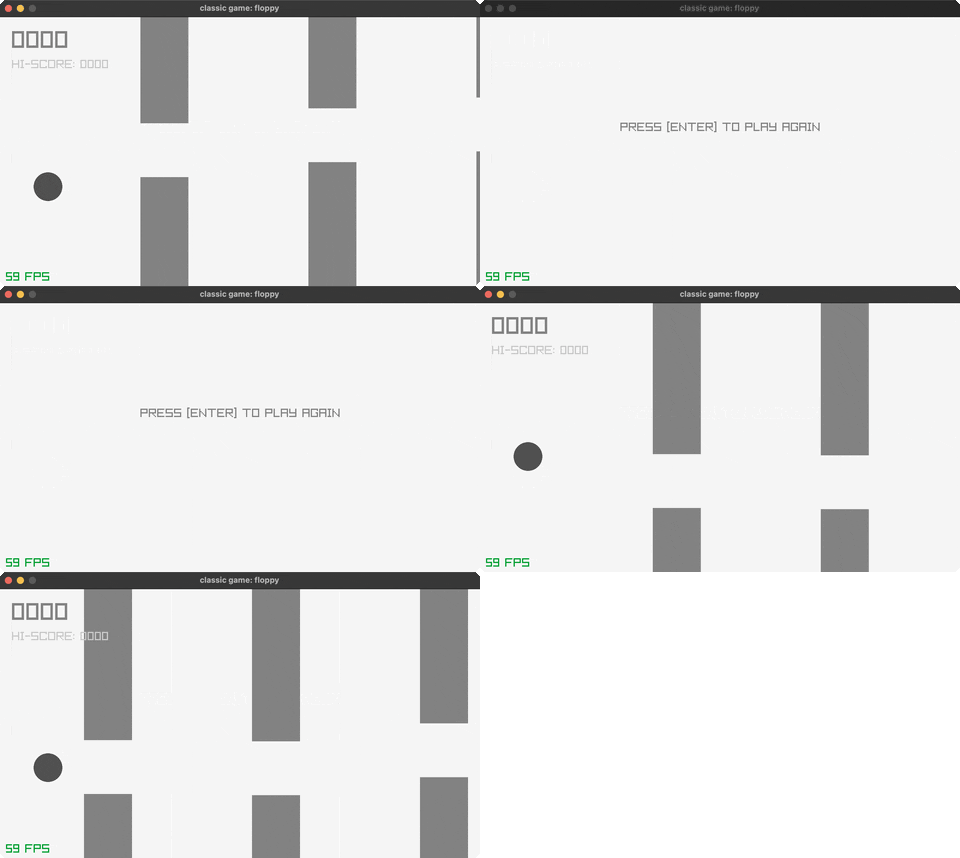
floppy
flap through the pipe gaps (SPACE)
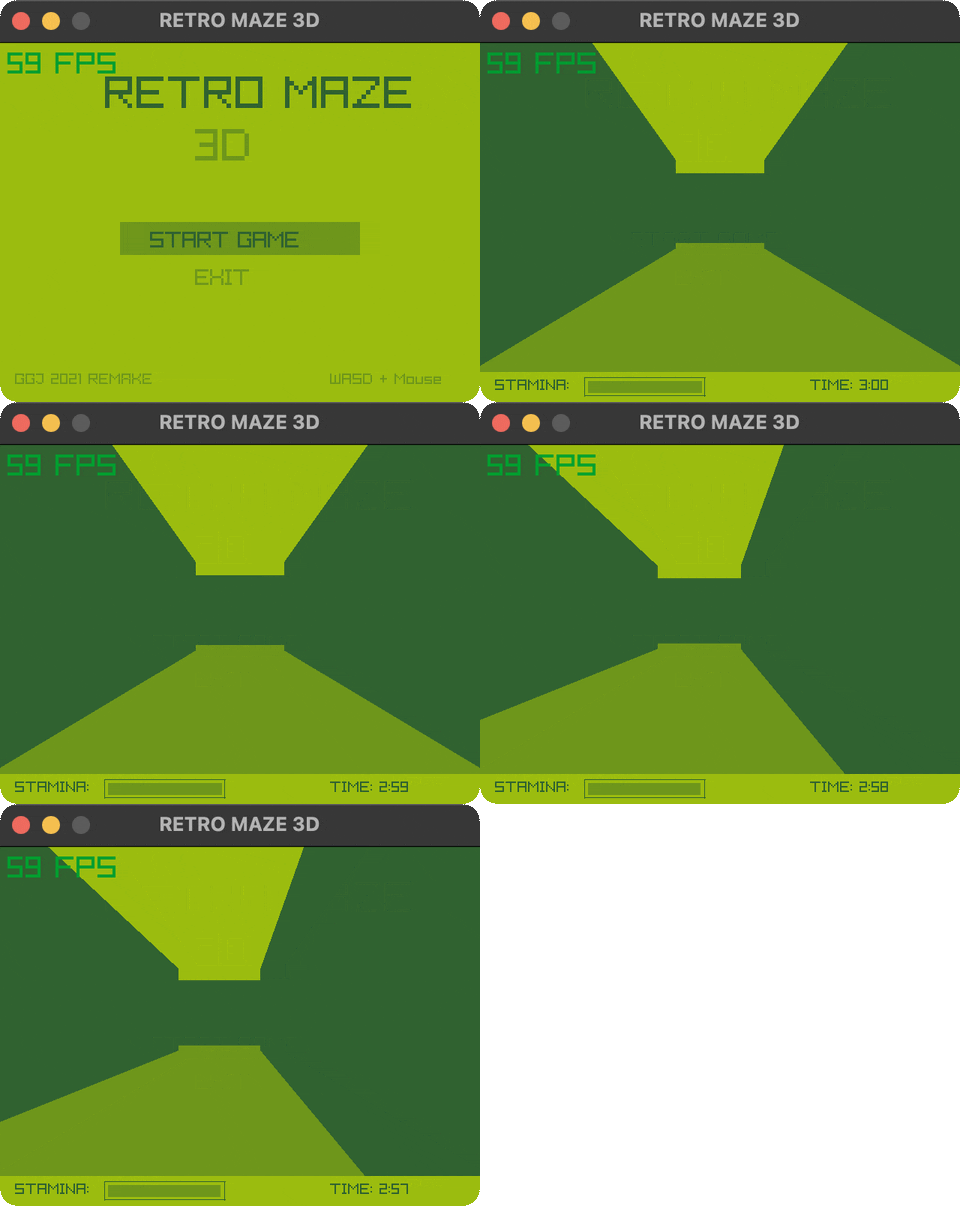
retro-maze-3d
a GameBoy-style 3D maze escape (WASD + mouse look)
📦 Core (23)
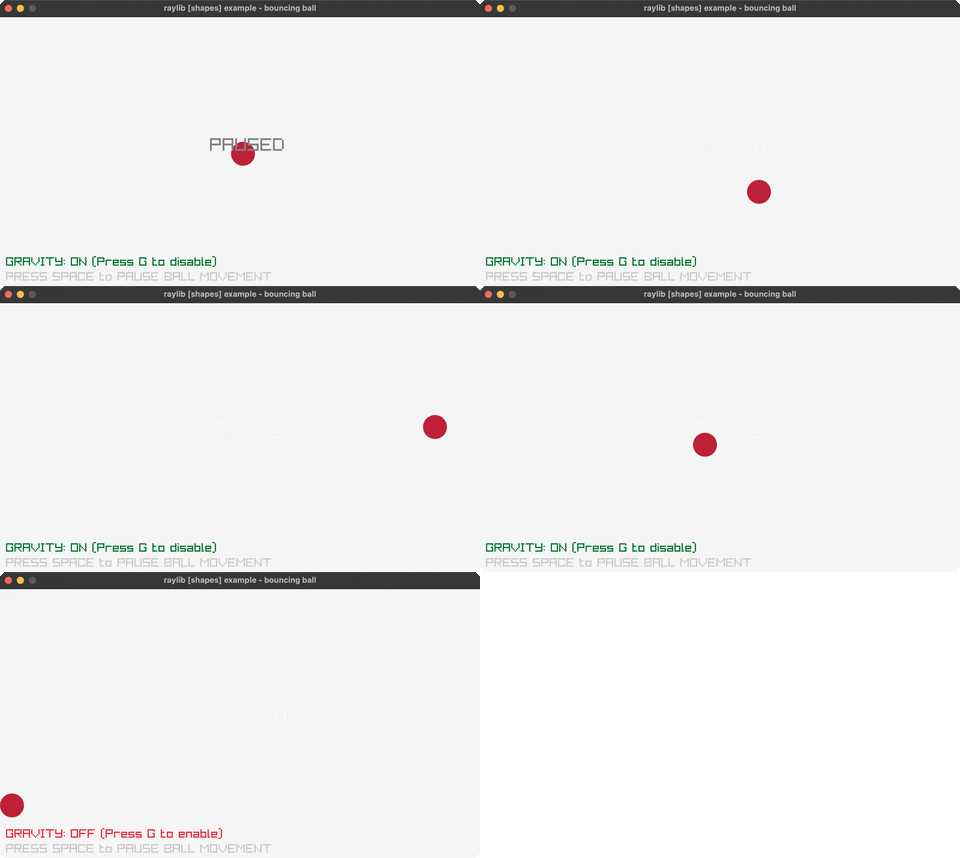
bouncing-ball
a ball bouncing around the window (SPACE pauses, G toggles gravity)
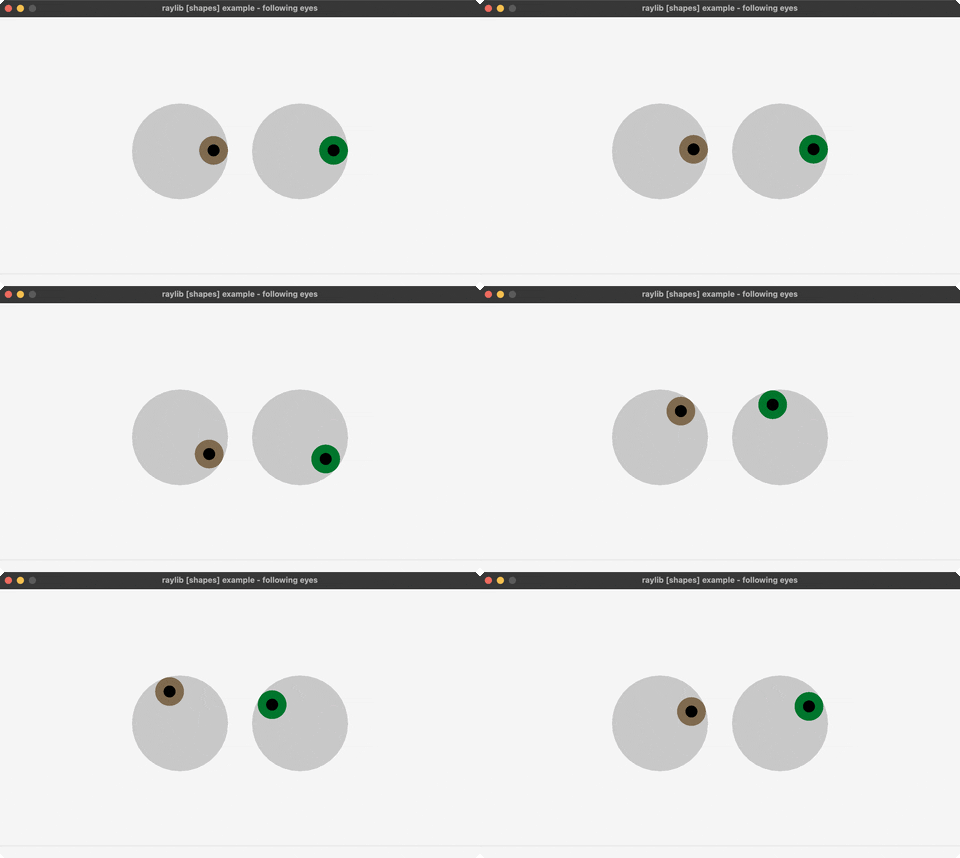
following-eyes
two eyes track the mouse
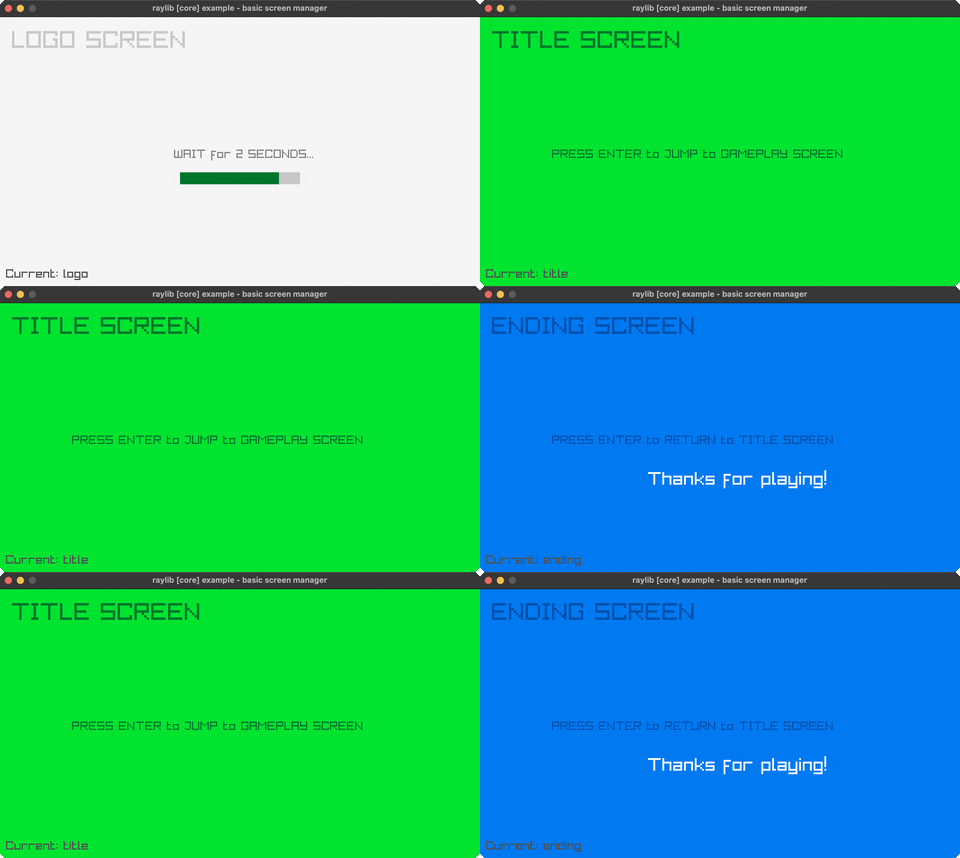
screen-manager
a LOGO/TITLE/GAMEPLAY/ENDING state flow (ENTER advances)
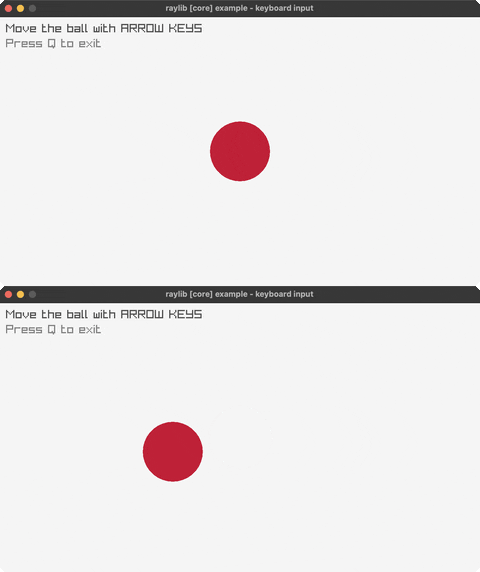
input-keys
steer a ball with the arrow keys
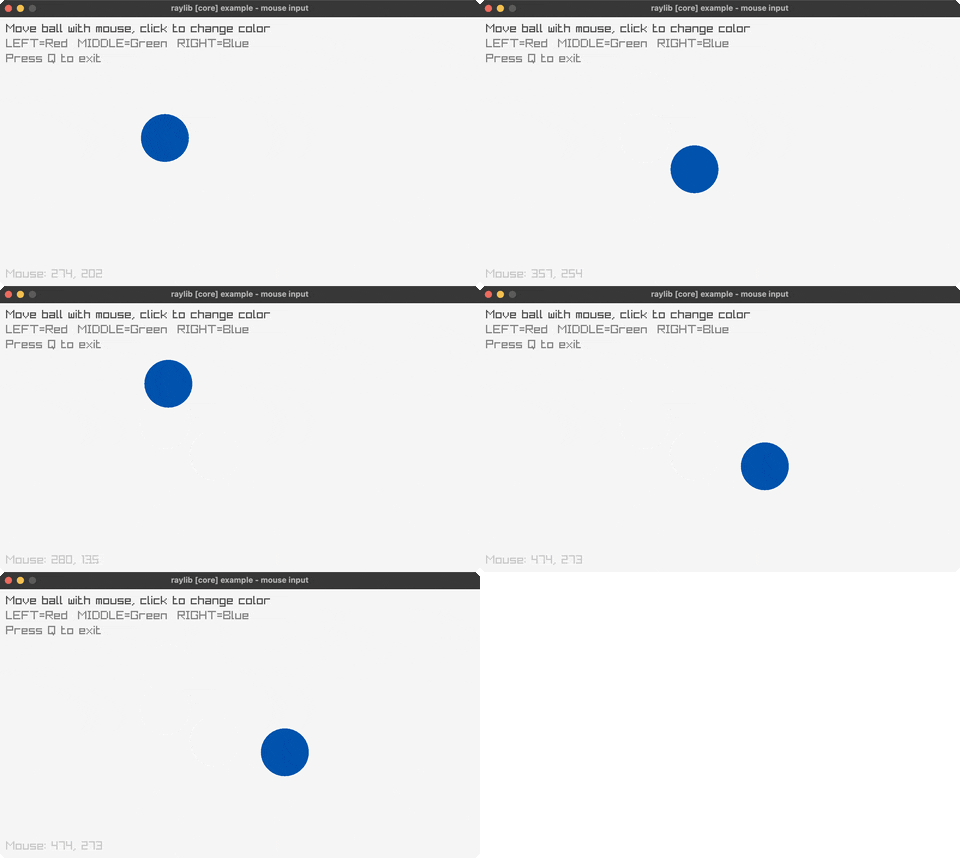
input-mouse
a ball follows the mouse; click to recolor
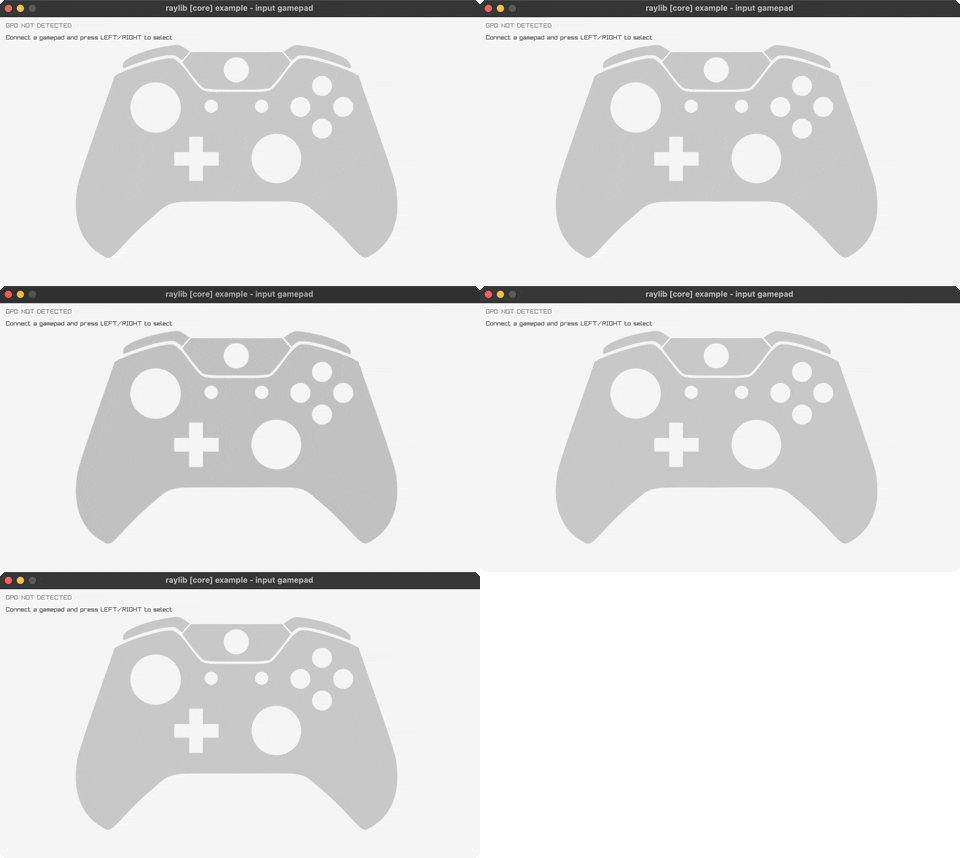
input-gamepad
a live gamepad axis/button readout
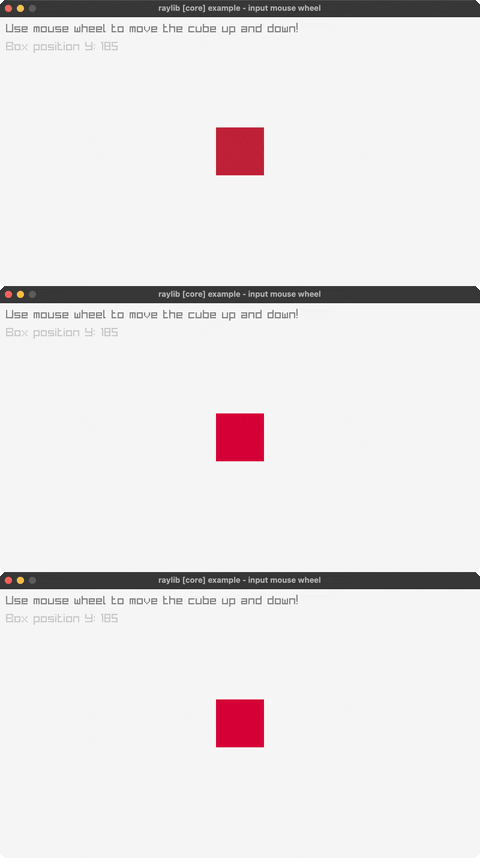
mouse-wheel
scroll a box with the mouse wheel
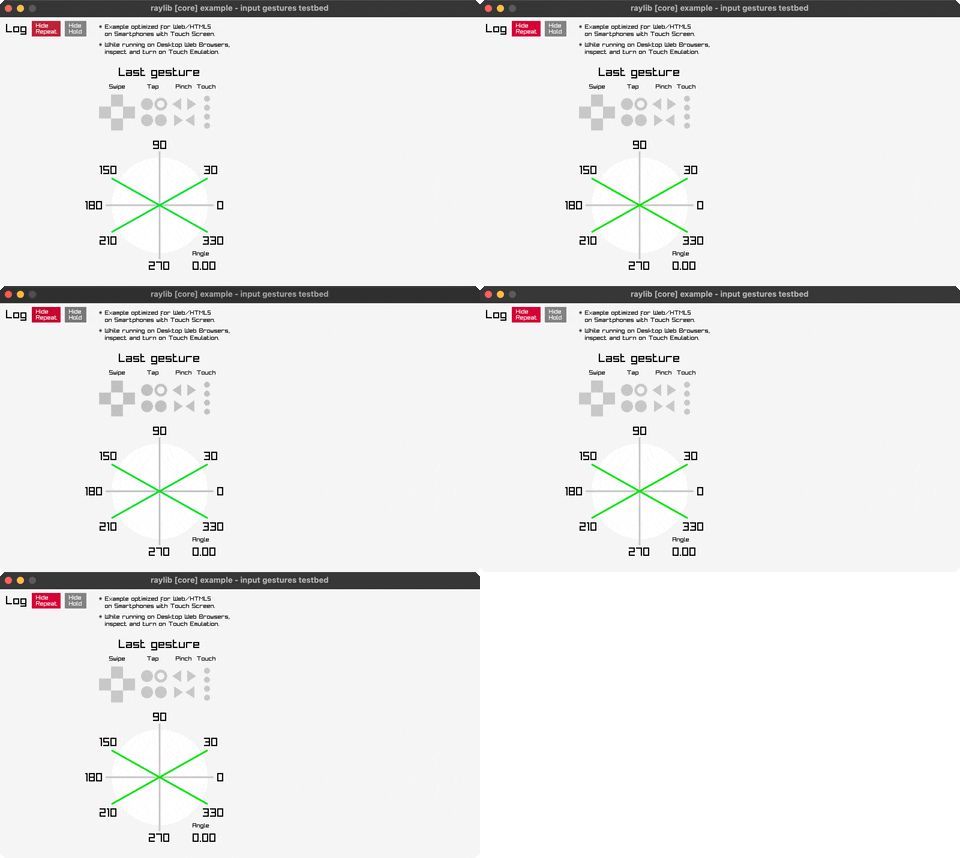
gestures-testbed
a testbed for raylib's touch/click gesture detection
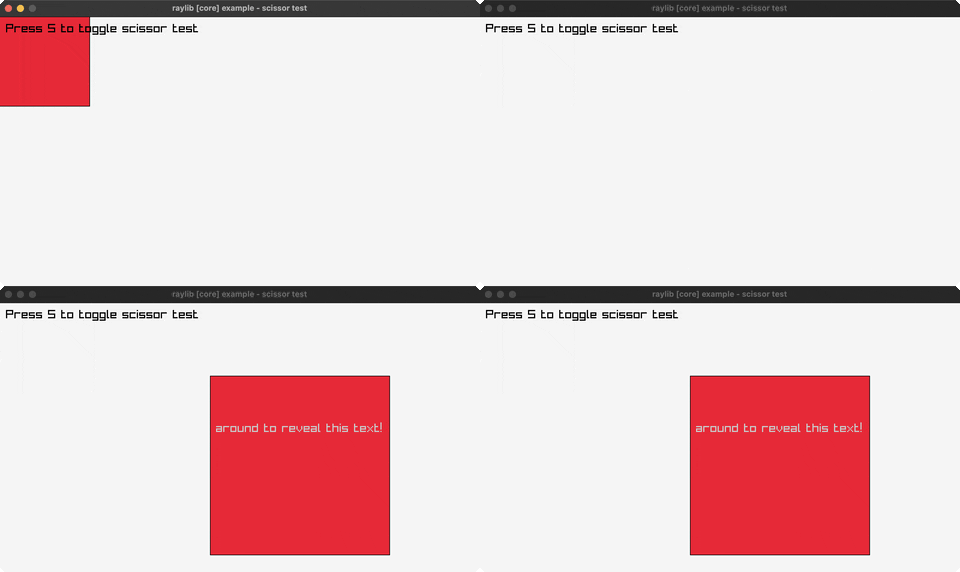
scissor-test
a scissor rectangle clips a grid (S toggles, mouse moves it)
random-values
a new random value every two seconds
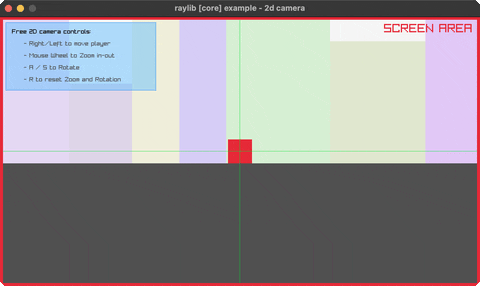
camera-2d
a 2D camera over a scene (arrows pan, A/S rotate, wheel zooms)
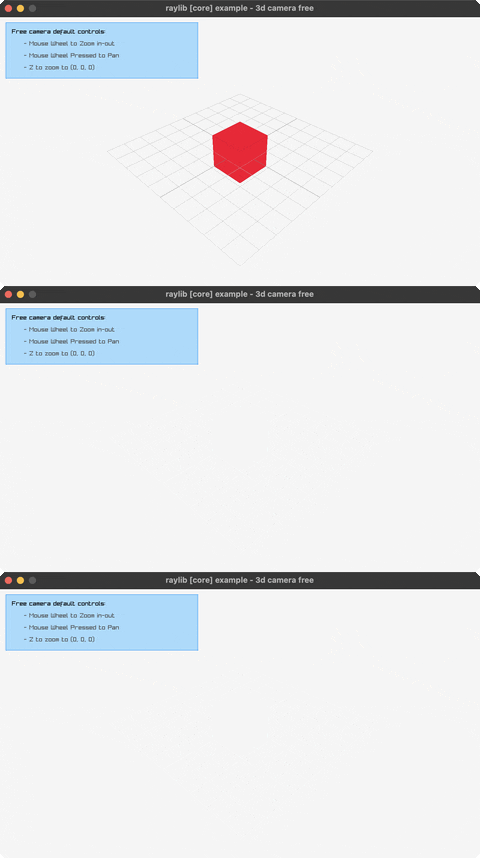
camera-3d-free
a free-orbit 3D camera (mouse look, wheel zoom)
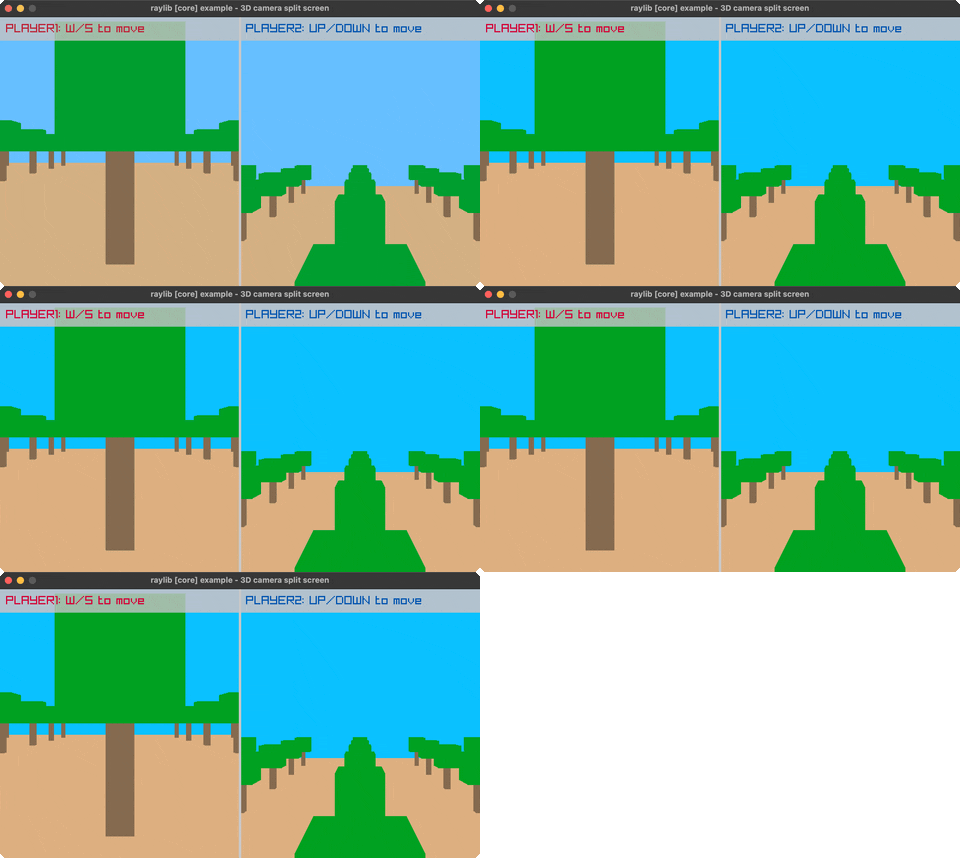
split-screen-3d
two 3D viewports, one per player (W/S, UP/DOWN)
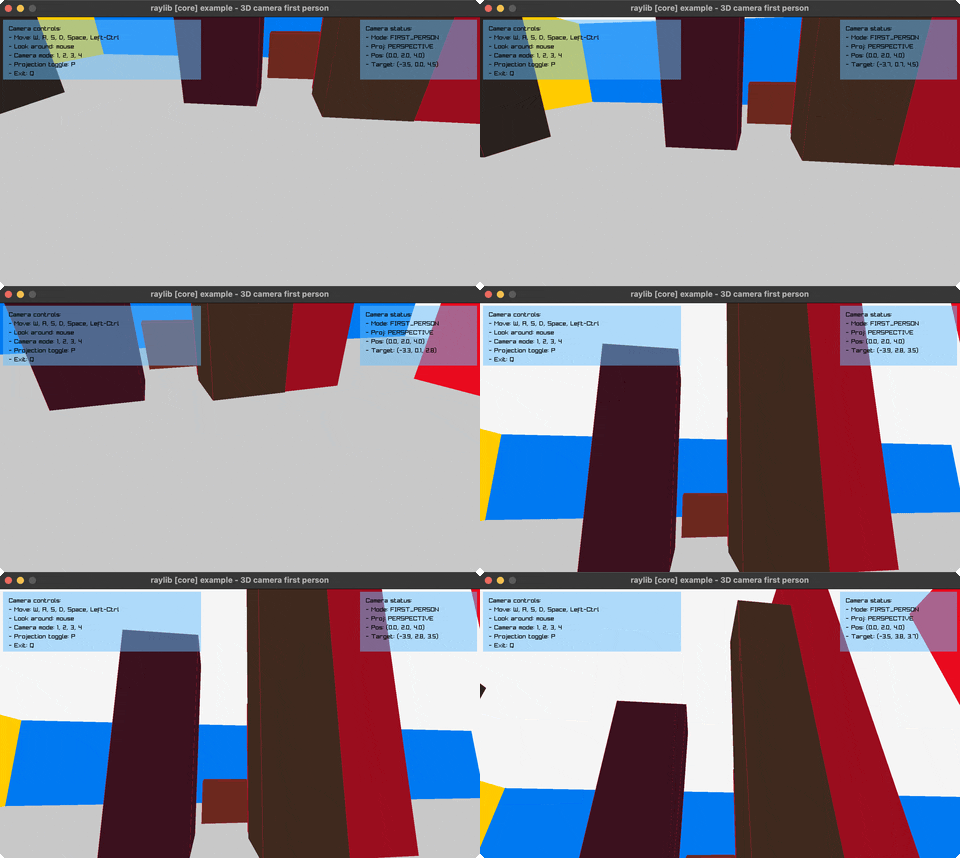
first-person-3d
a first-person camera walkthrough (WASD + mouse, 1-4 switch modes)
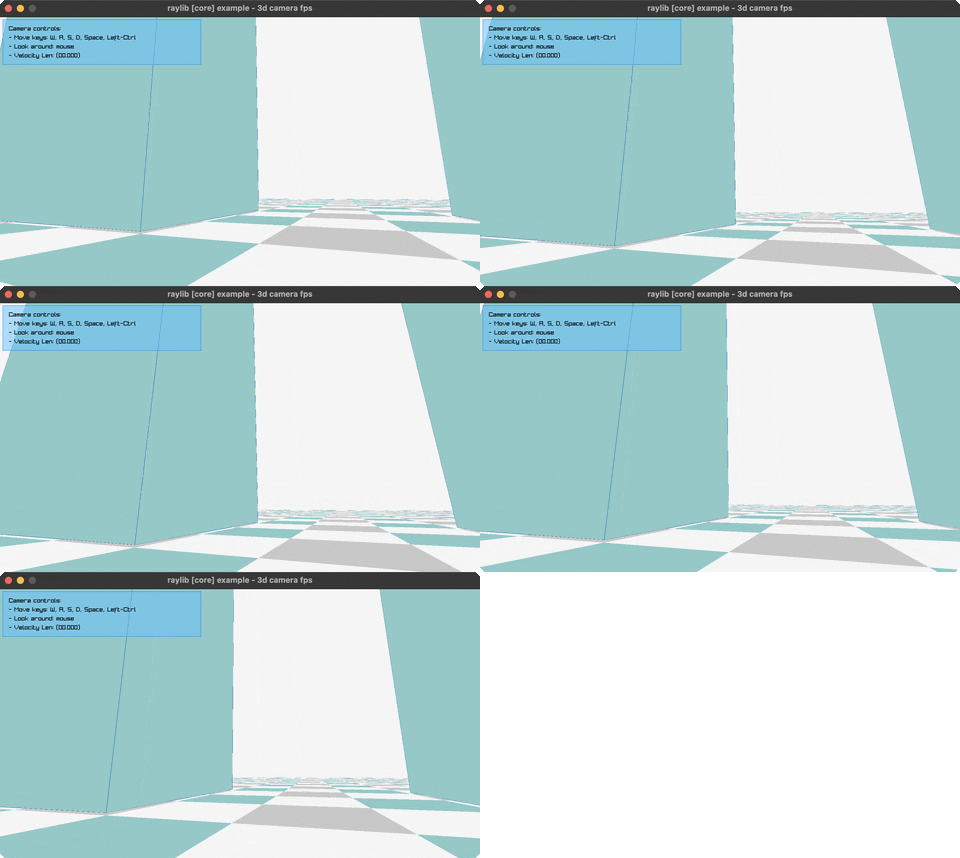
camera-fps
an FPS camera with jump/crouch physics (WASD, Space, Ctrl)
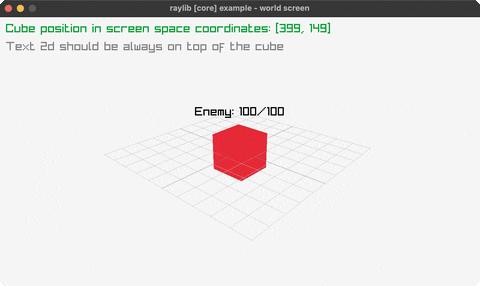
world-screen
project 3D world points to 2D screen space (mouse, wheel)
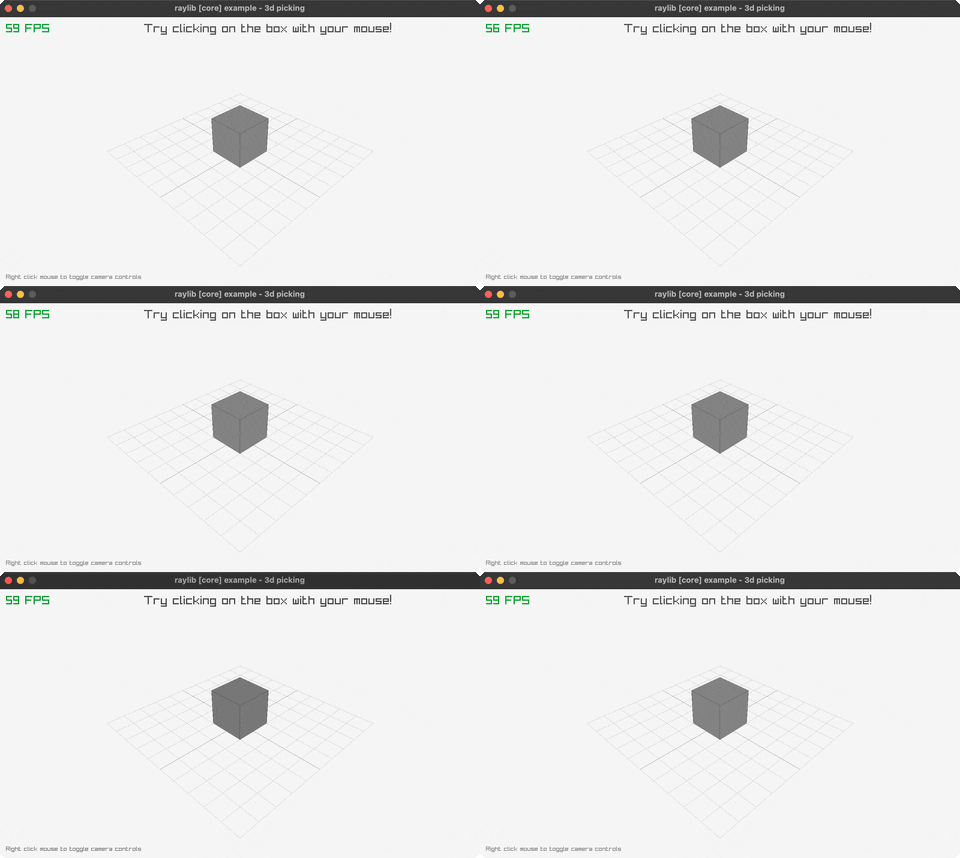
picking-3d
click to raycast and pick a 3D cube
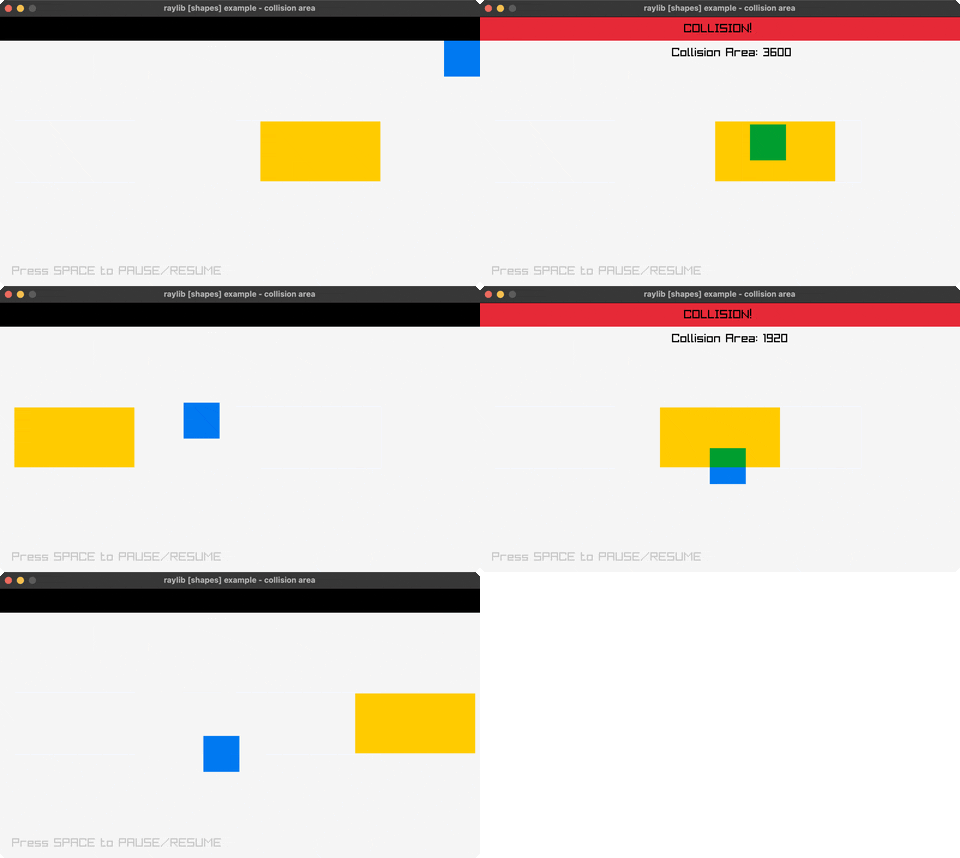
collision-area
AABB collision between two boxes (mouse moves, SPACE)
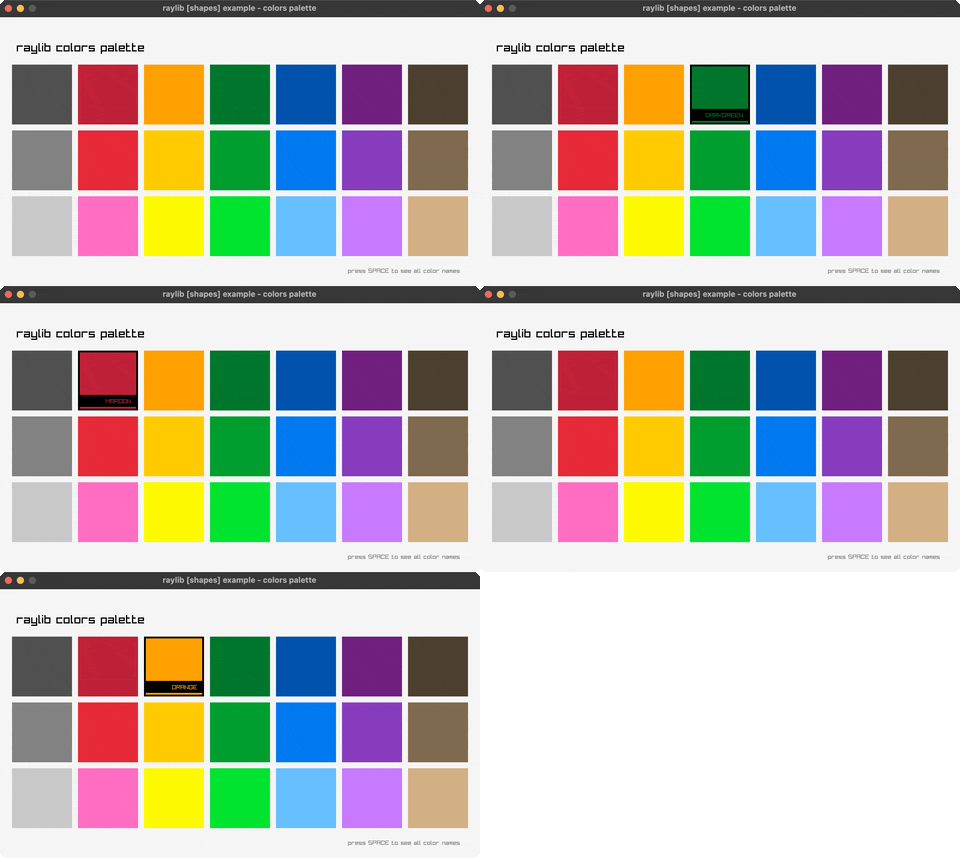
colors-palette
every named raylib color in a grid (hover, SPACE)
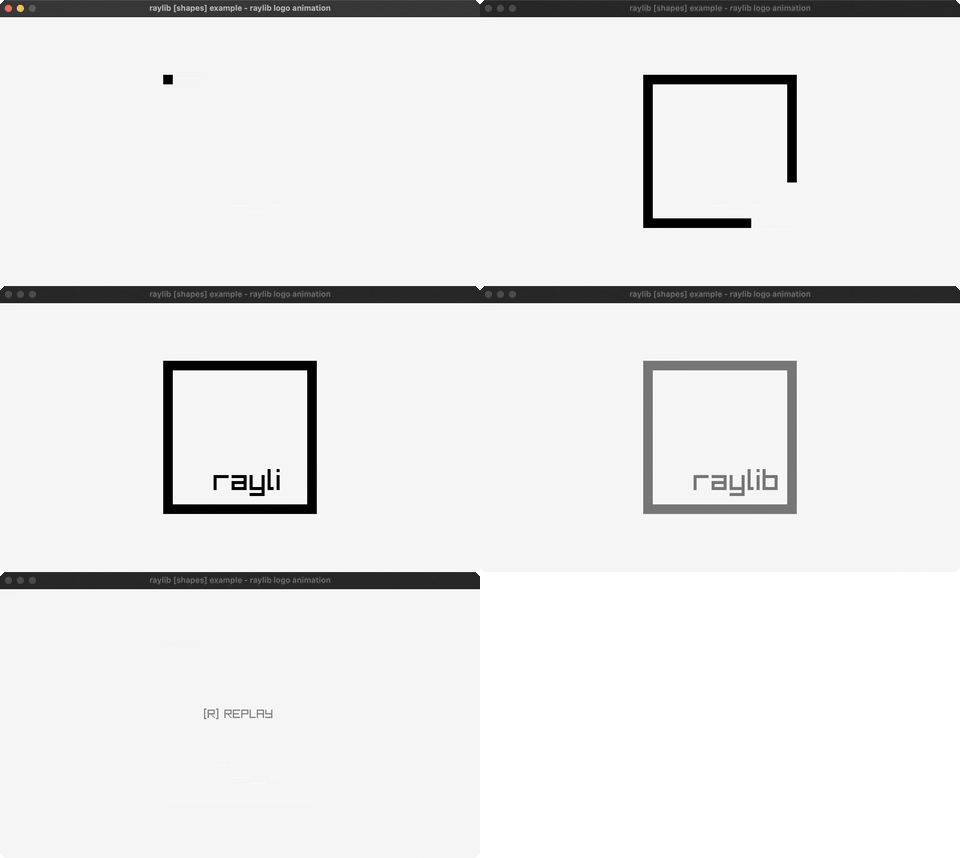
logo-anim
the raylib logo animating in (R replays)
window-should-close
intercept the close button with a Y/N confirm
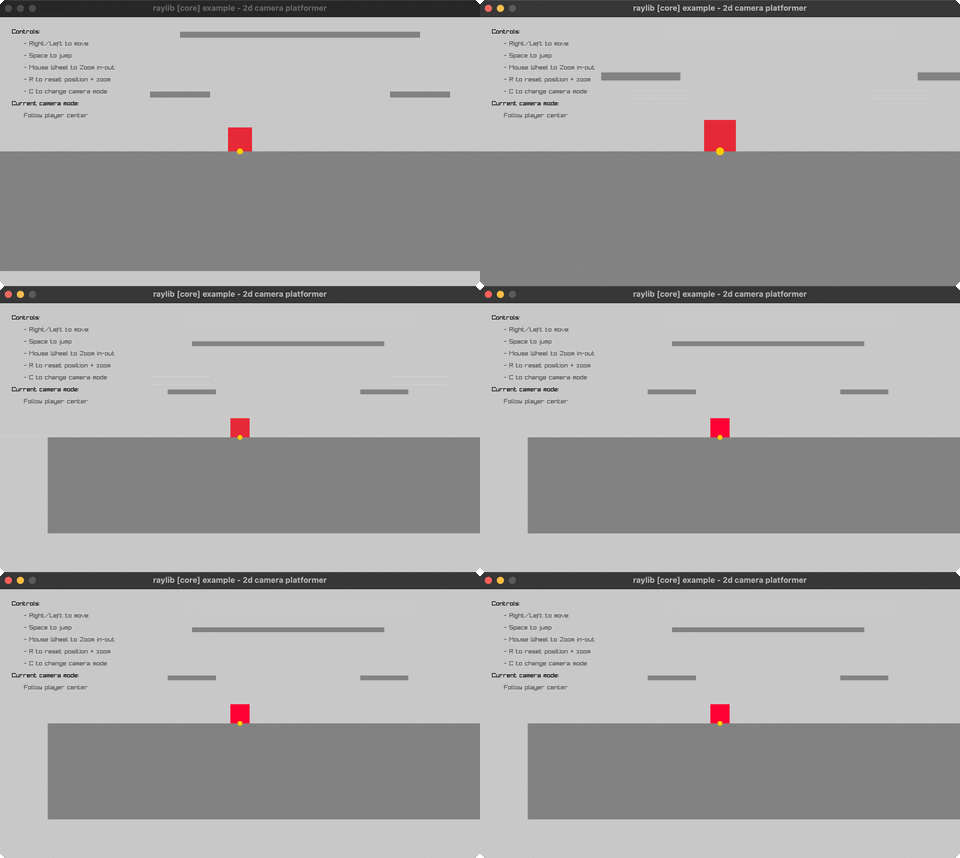
camera-2d-platformer
5 platformer camera-follow styles (SPACE cycles, C/R/wheel)
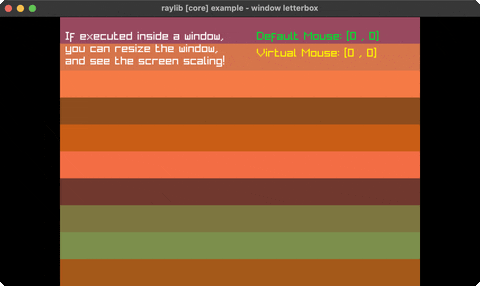
window-letterbox
resolution-independent rendering via letterboxing (SPACE, resize)
🔷 Shapes (15)
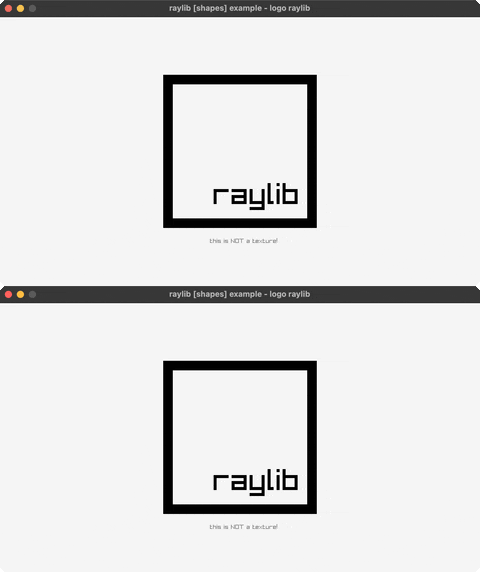
logo-raylib
the raylib logo built from rectangles + text
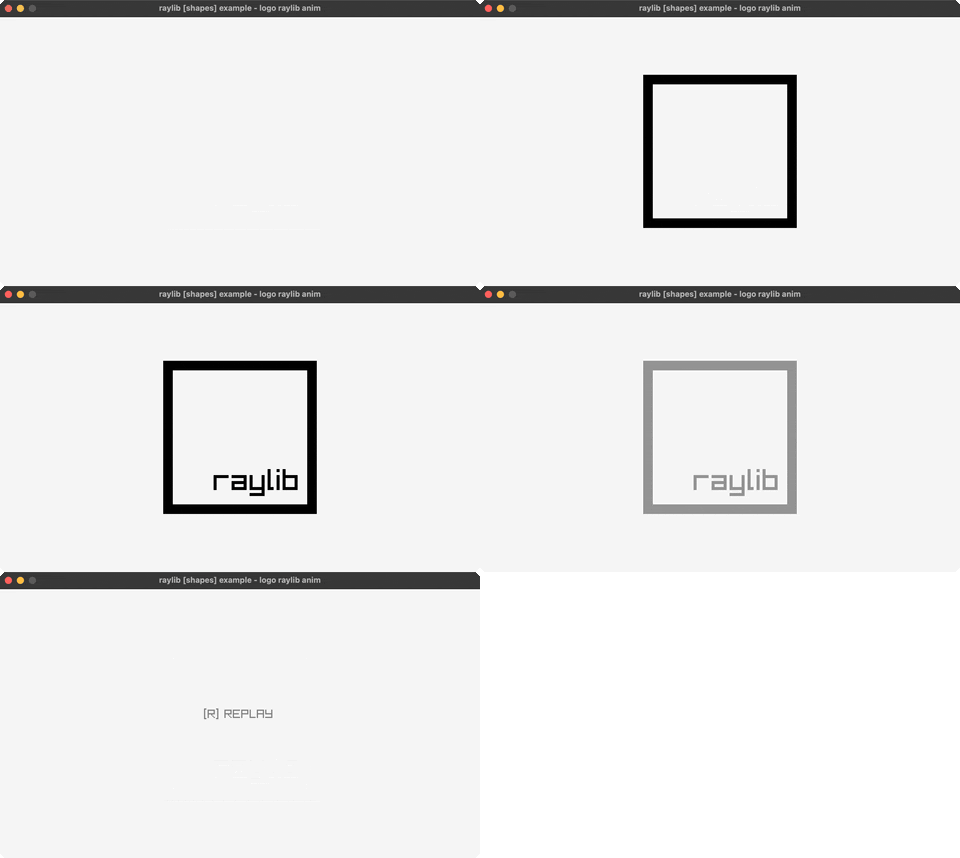
logo-raylib-anim
the logo animating together, piece by piece (R replays)
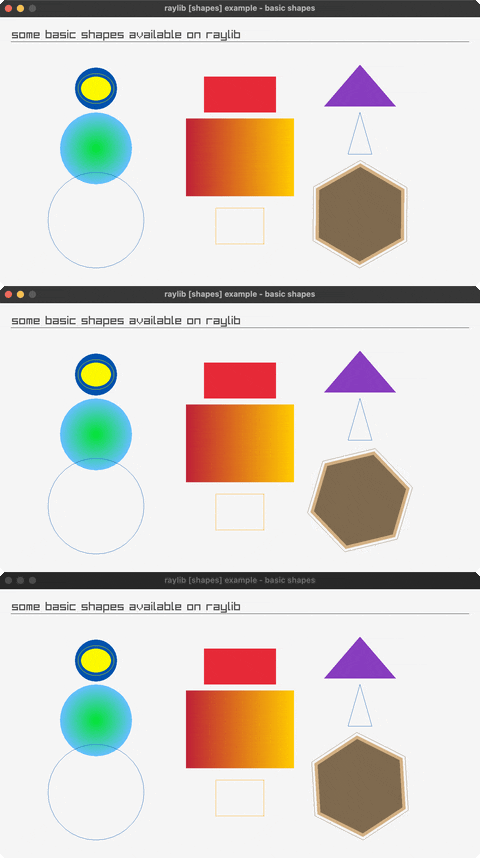
basic-shapes
circles, rectangles, triangles, polygons + an rlgl triangle
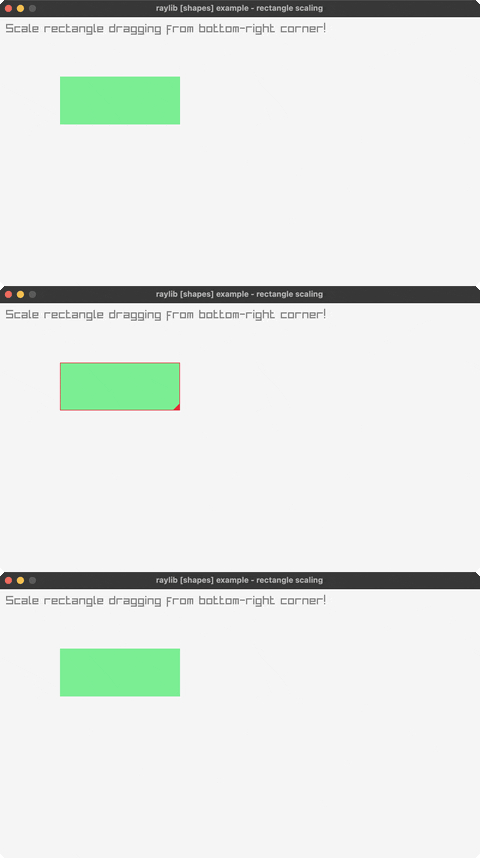
rectangle-scaling
drag the bottom-right corner to resize a rectangle
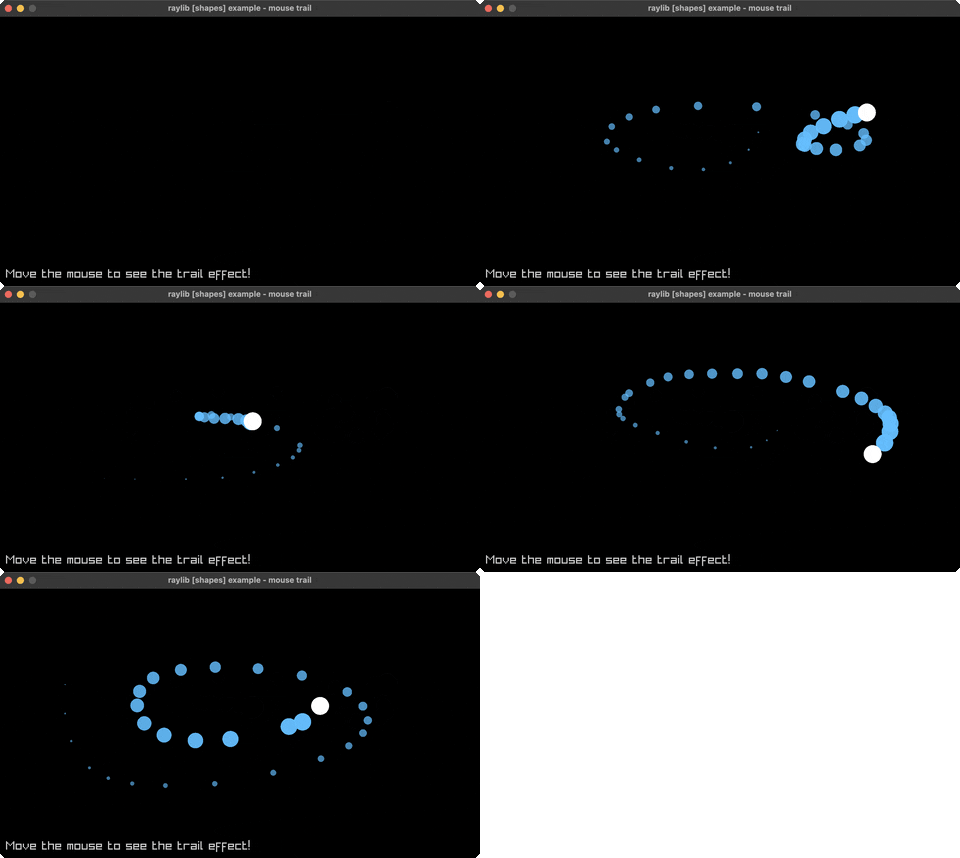
mouse-trail
a fading trail follows the cursor
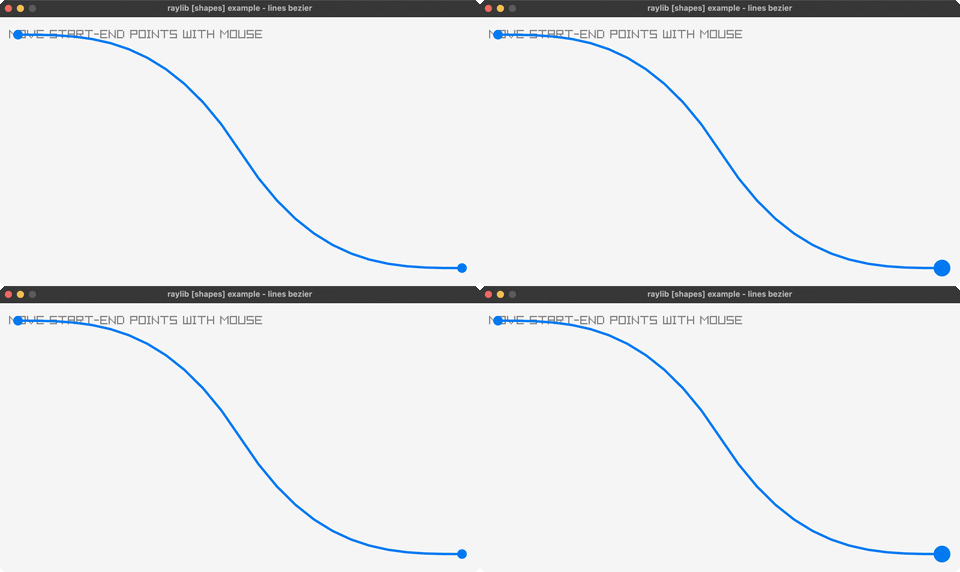
lines-bezier
a cubic bezier curve — drag the endpoints
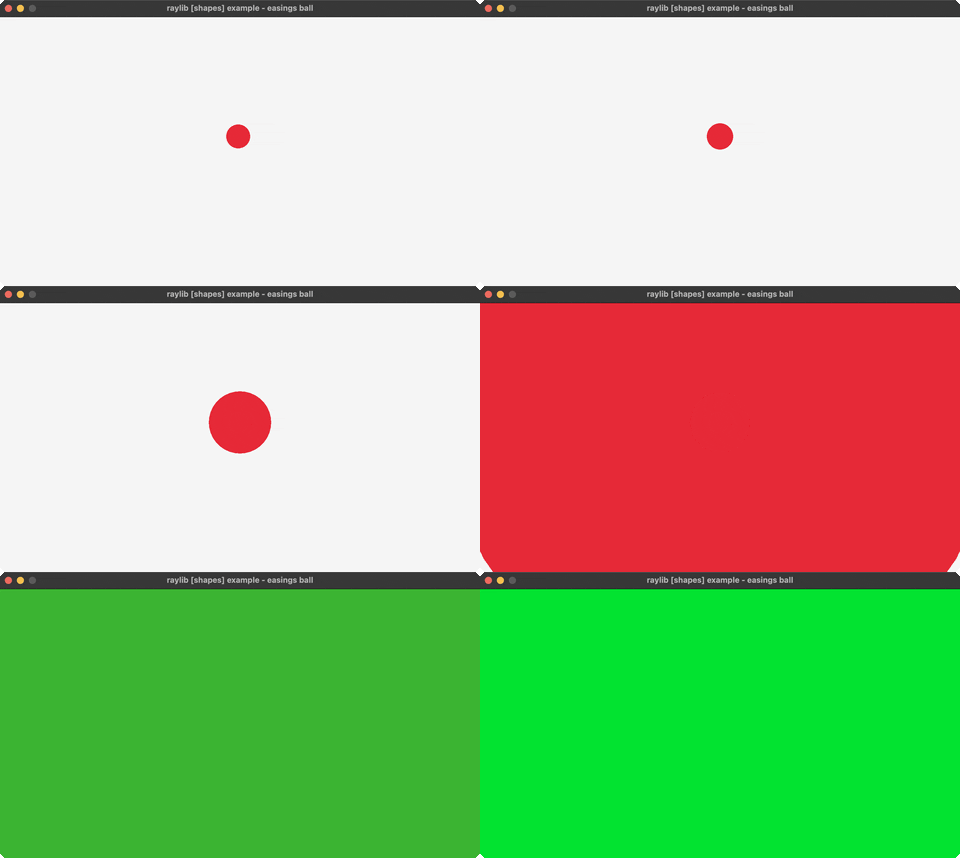
easings-ball
a ball animating along an easing curve (ENTER replays)
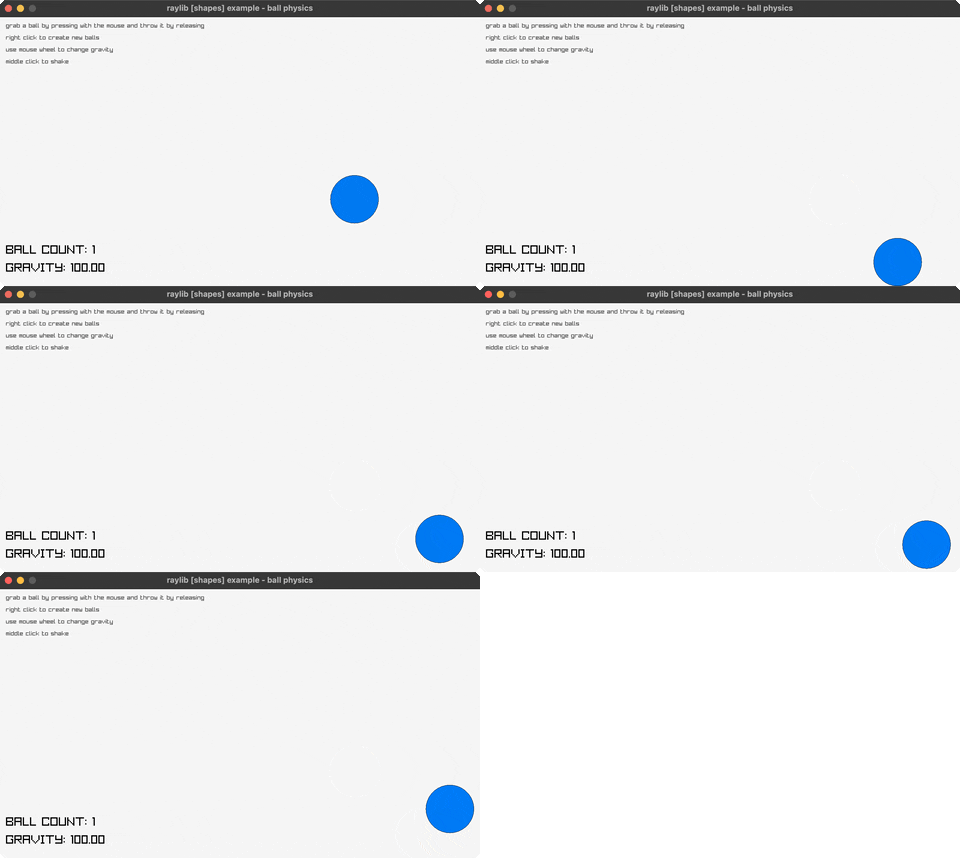
ball-physics
grab, throw, and resize bouncing balls (click, right-click, wheel)
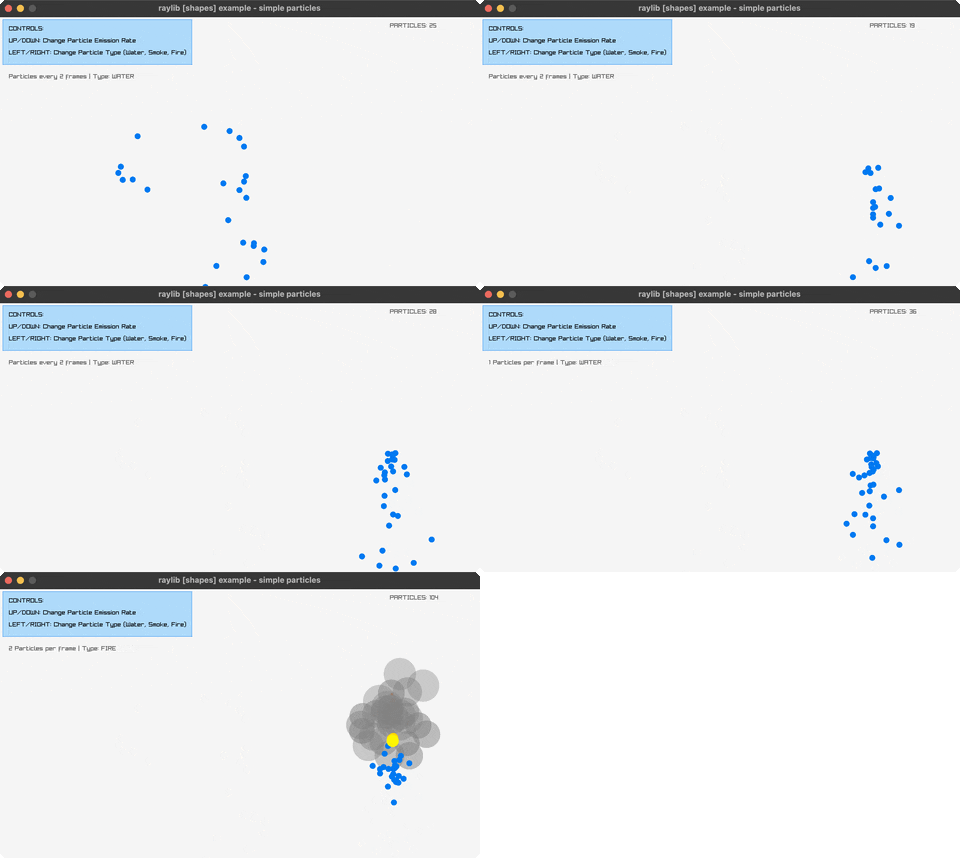
simple-particles
water/smoke/fire particle effects (arrows switch, click emits)
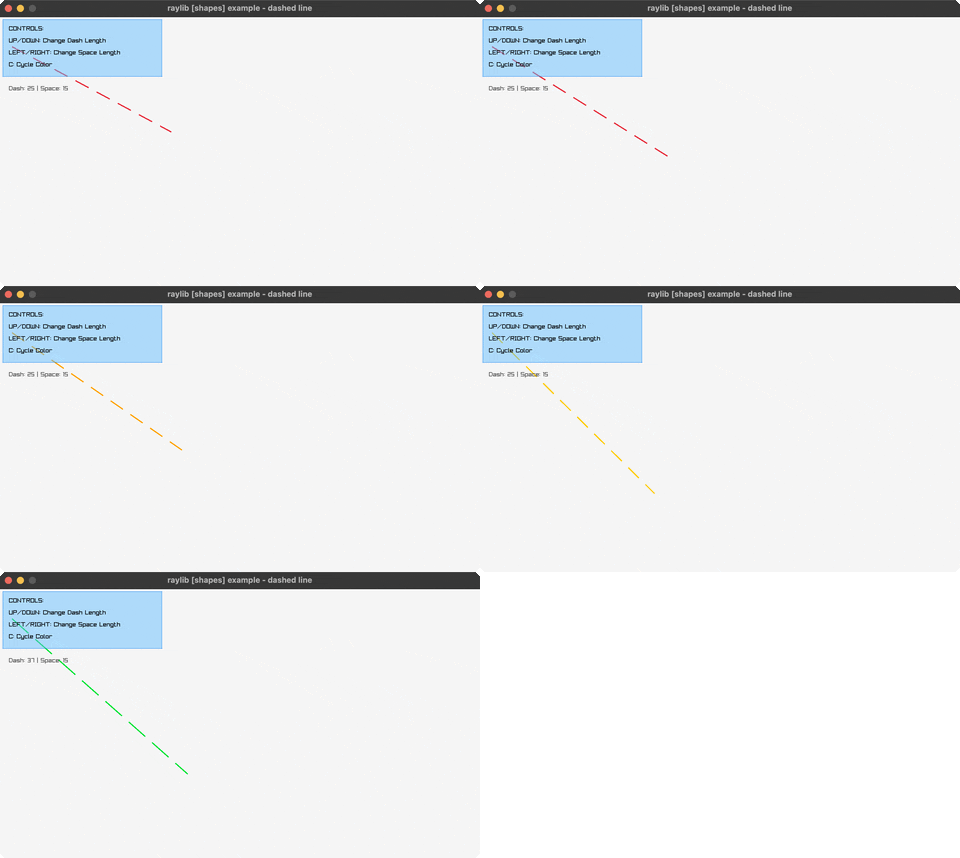
dashed-line
a dashed line follows the mouse (arrows, C)
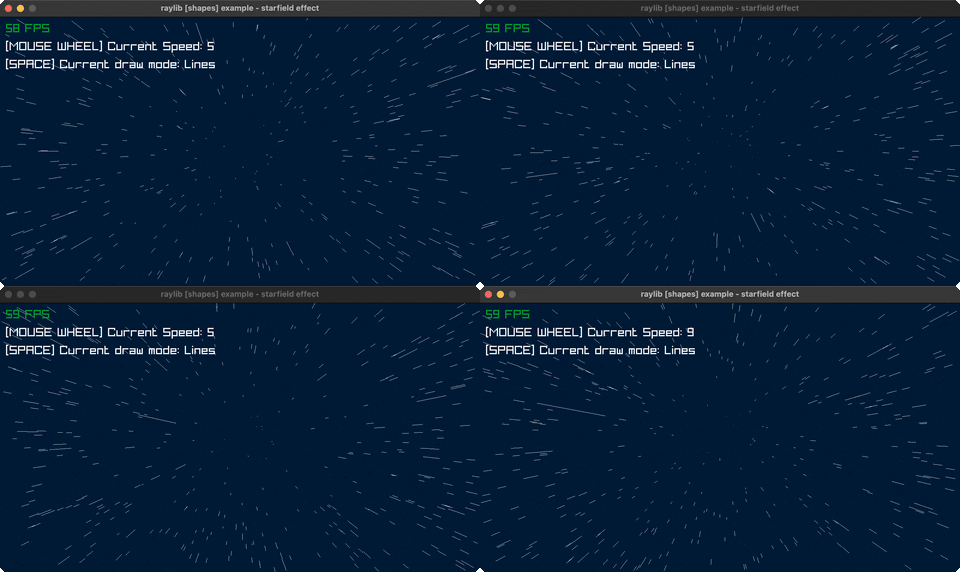
starfield-effect
a 3D starfield flying toward the camera (SPACE, wheel)
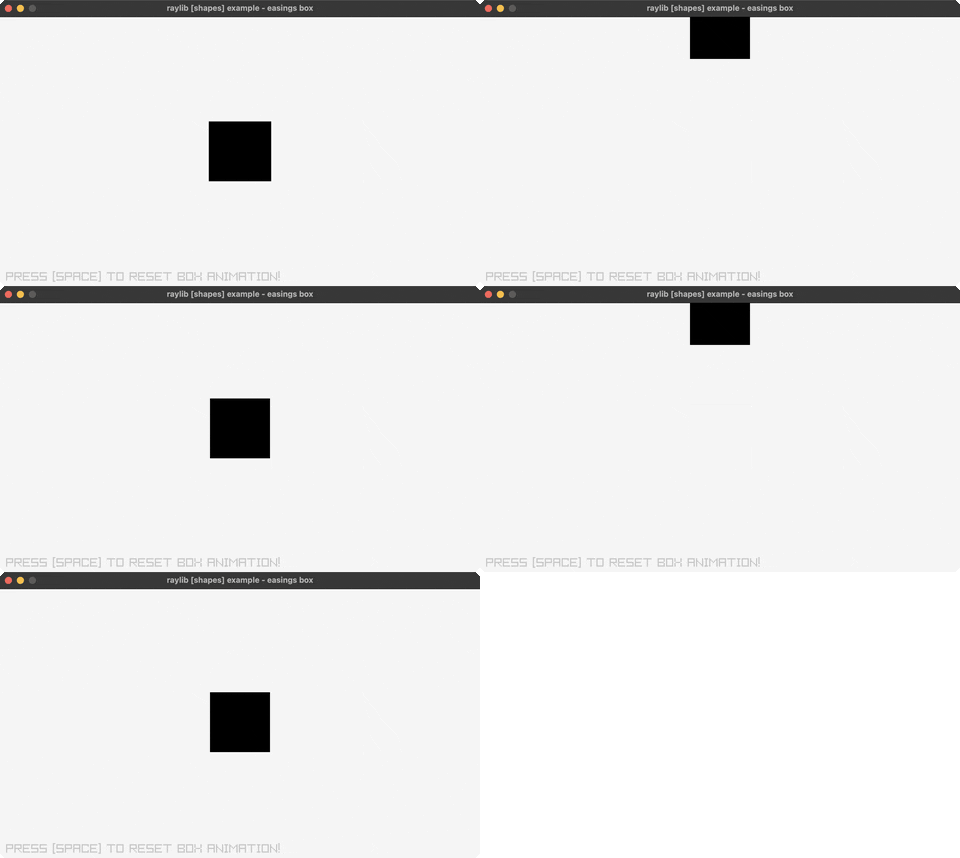
easings-box
a grid of boxes, each on a different easing curve (SPACE resets)
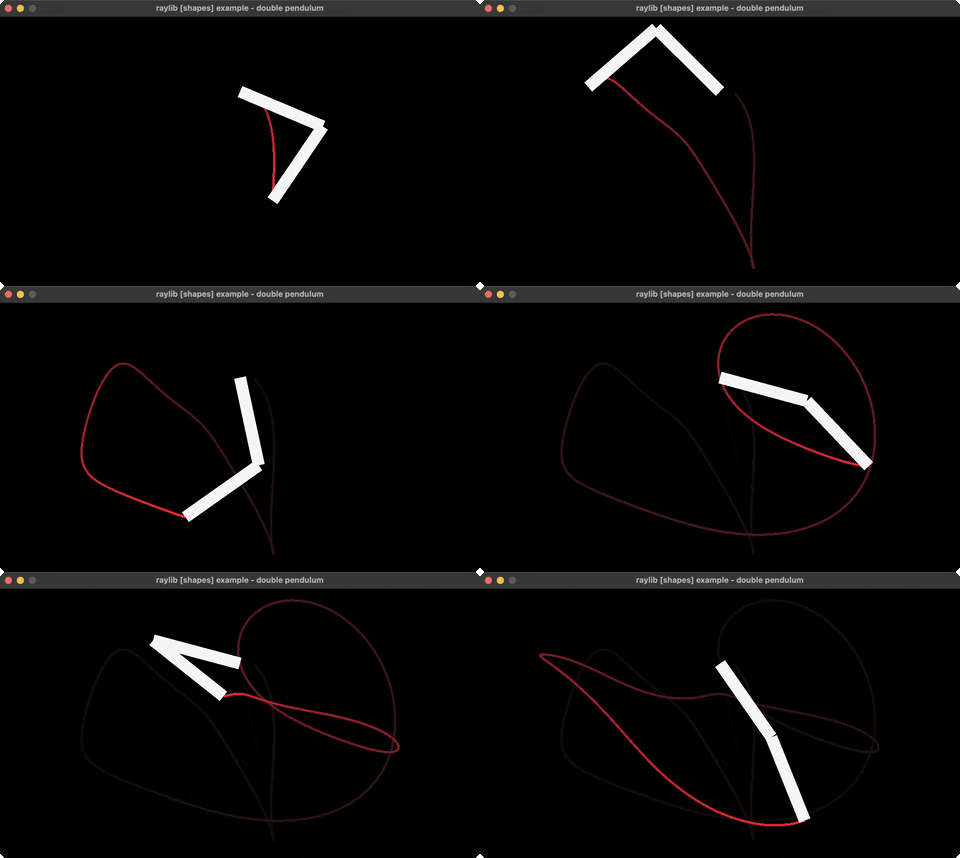
double-pendulum
chaotic double-pendulum motion + trail
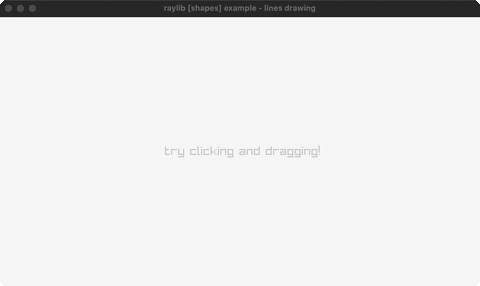
lines-drawing
click-drag to paint a rainbow fan of thick lines
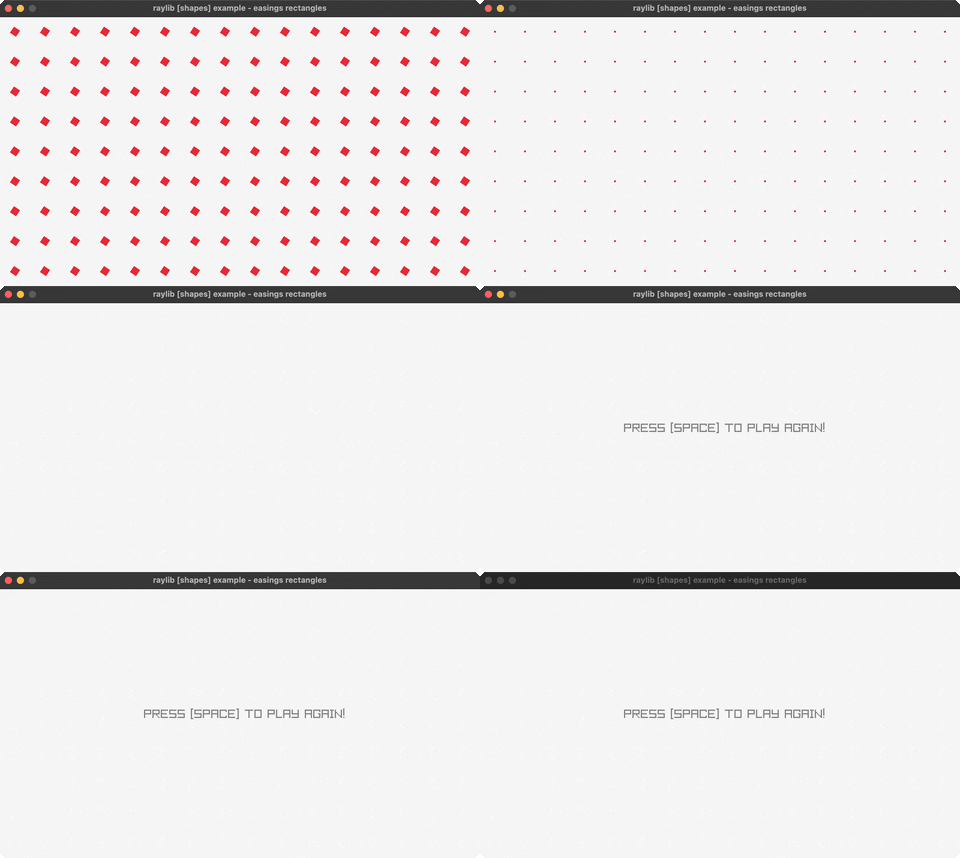
easings-rectangles
a grid of rectangles animating on easing curves (SPACE replays)
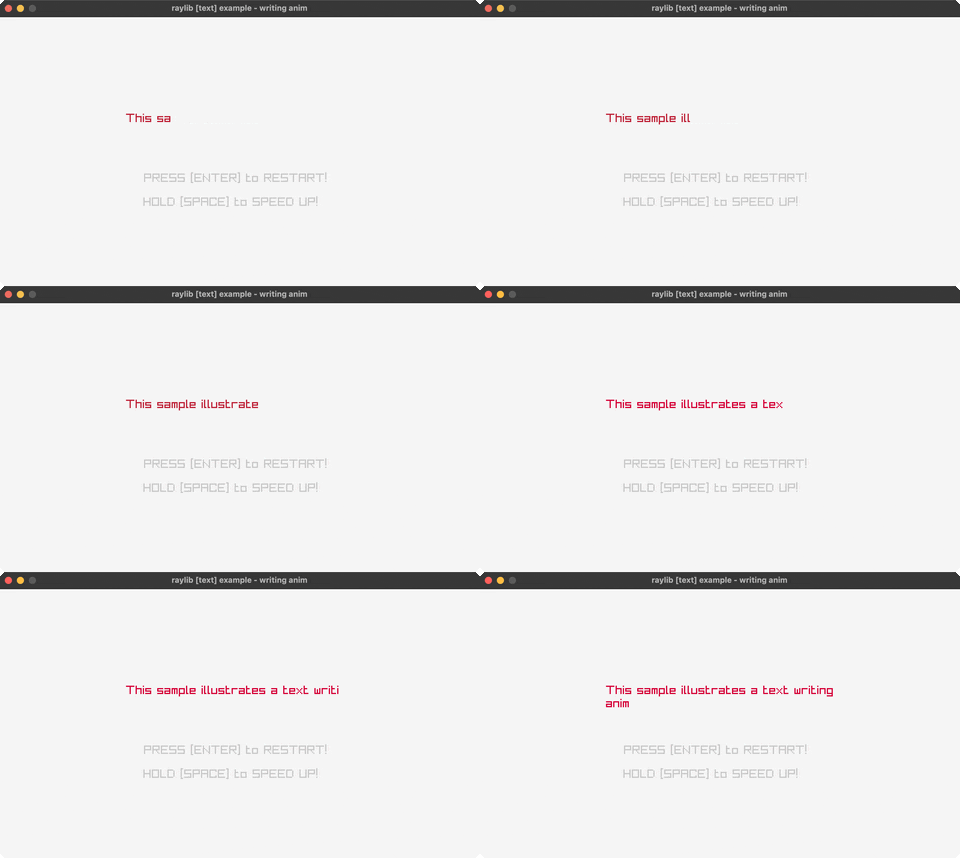
📝 Text (3)
writing-anim
a message types itself out (SPACE speeds up, ENTER restarts)
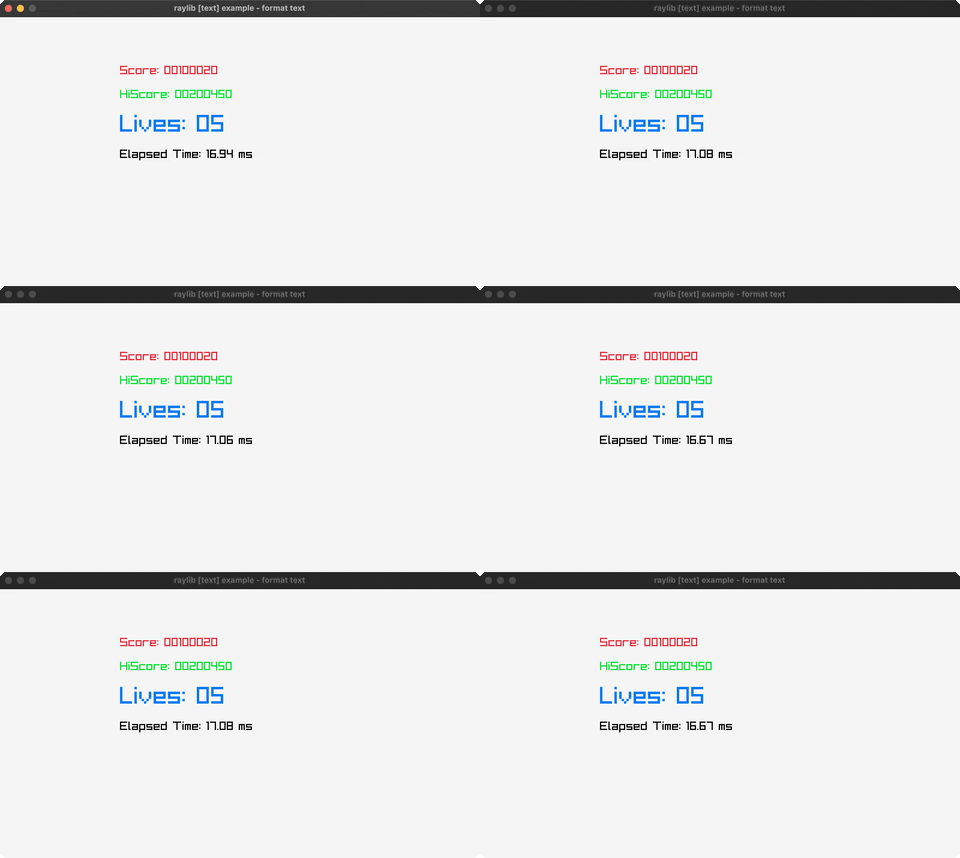
format-text
padded score + MM:SS timer readouts
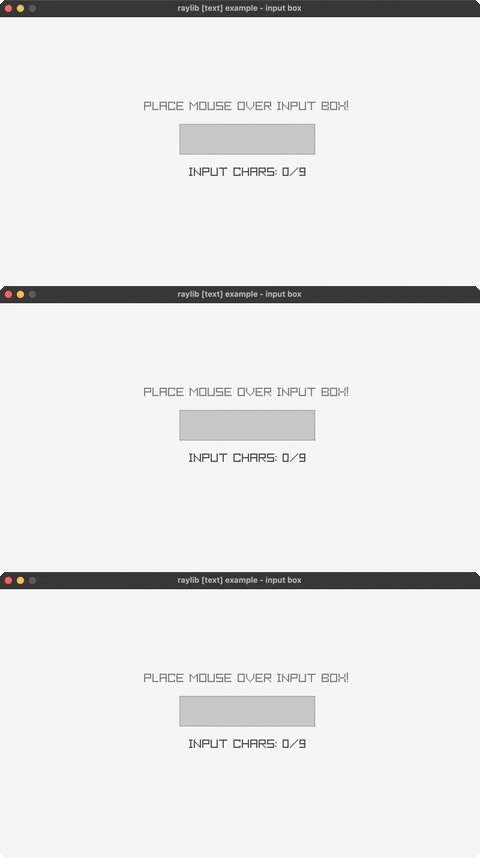
input-box
type into a text box (click to focus, Backspace to edit)
🖼️ Textures (2)
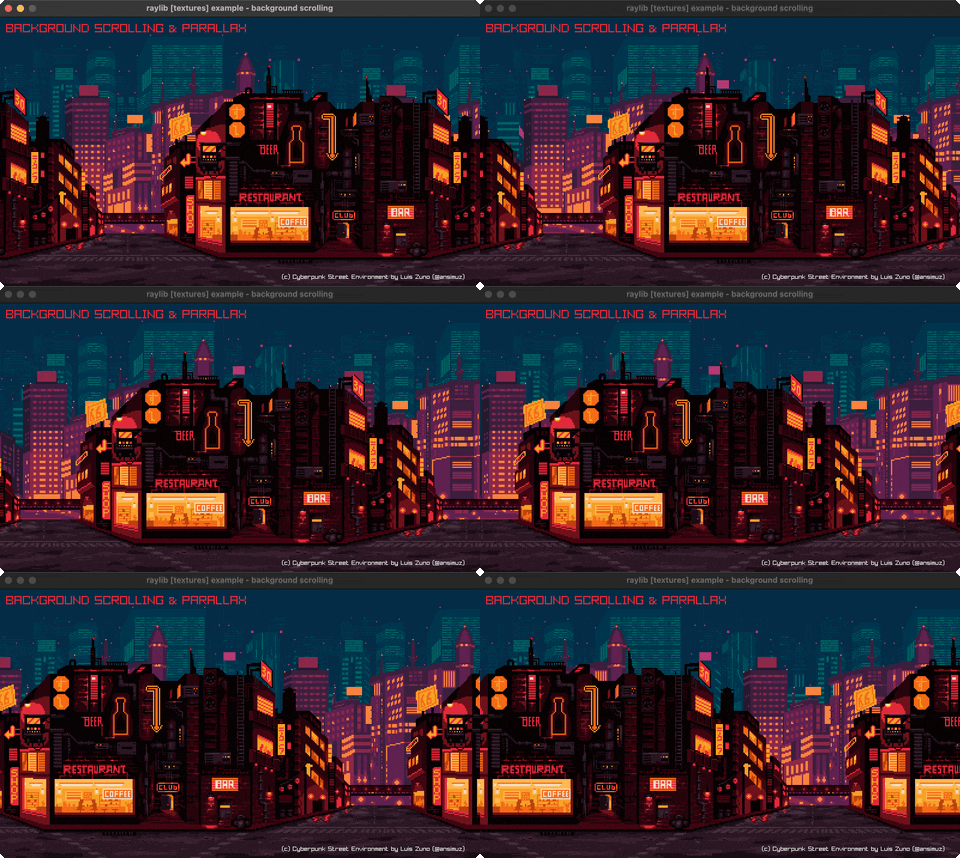
background-scrolling
a parallax-scrolling background
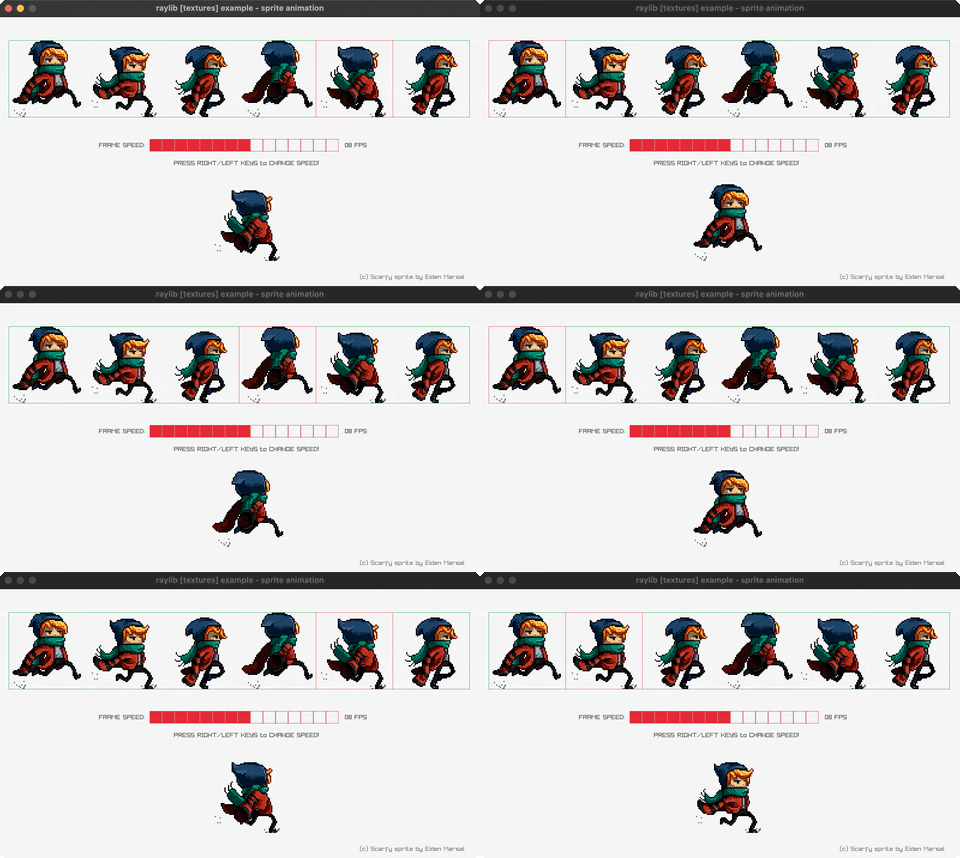
sprite-animation
a spritesheet character walk cycle (LEFT/RIGHT)
✨ Shaders (1)
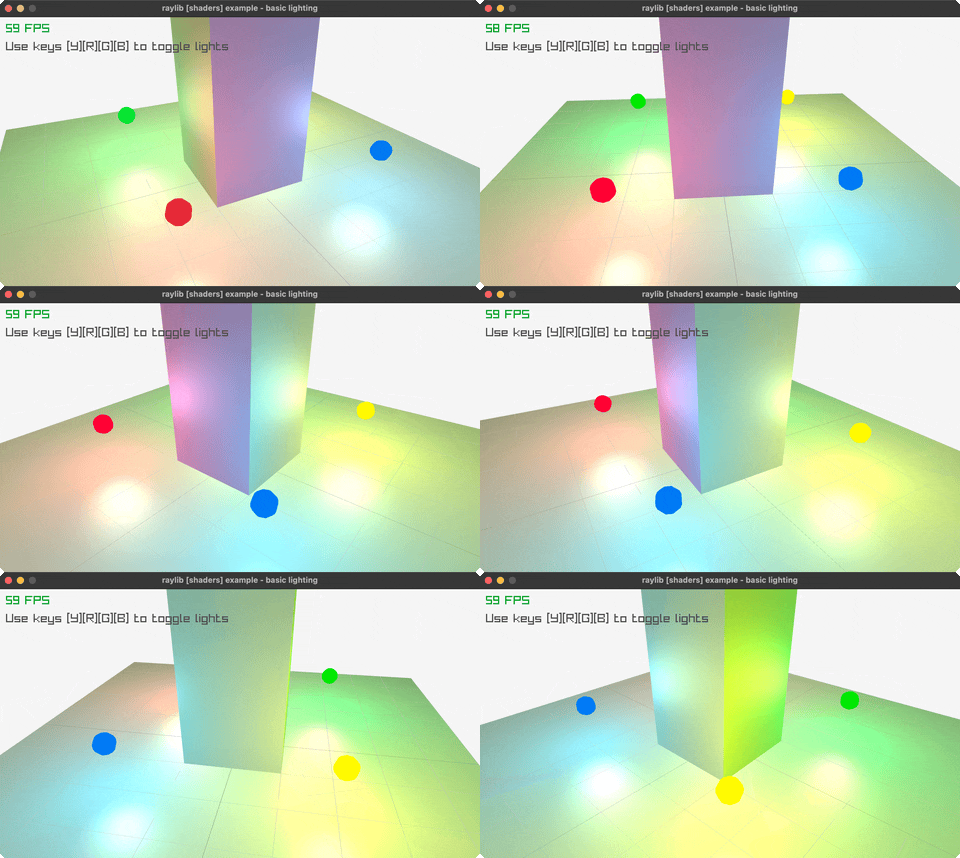
basic-lighting
dynamic per-pixel lighting (mouse moves it, Y/R/G/B toggle lights)
🔊 Audio (4)
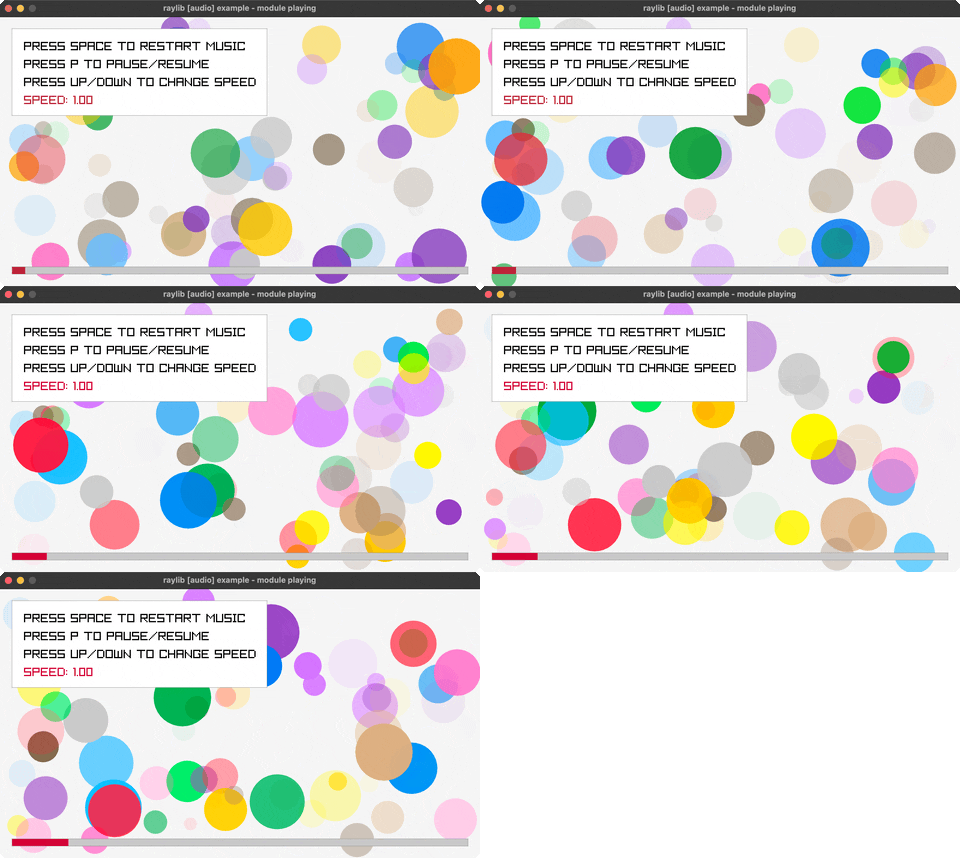
audio-module
a music-driven waveform/spectrum visualizer
sound-loading
load and play a WAV/OGG sound effect (SPACE, ENTER)
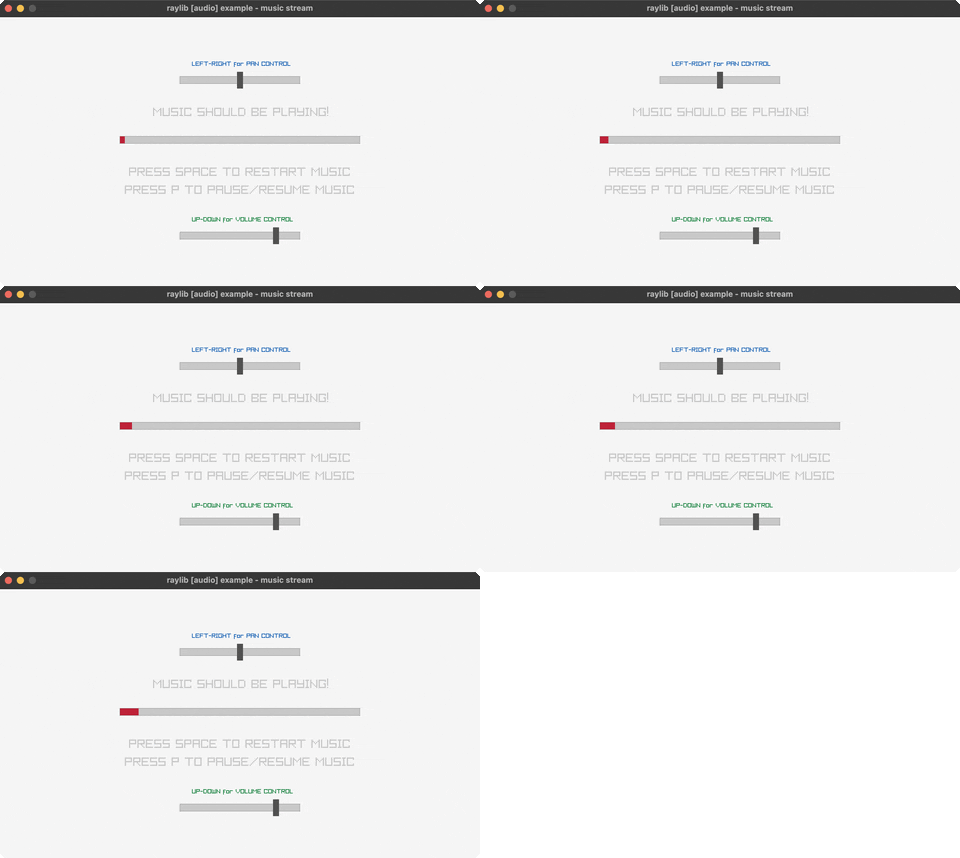
music-stream
stream an MP3 with play/pause/seek (SPACE, P, arrows)
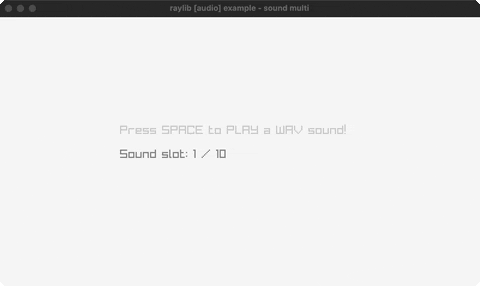
sound-multi
fire the same sound multiple times, overlapping (SPACE)
🗿 Models (21)
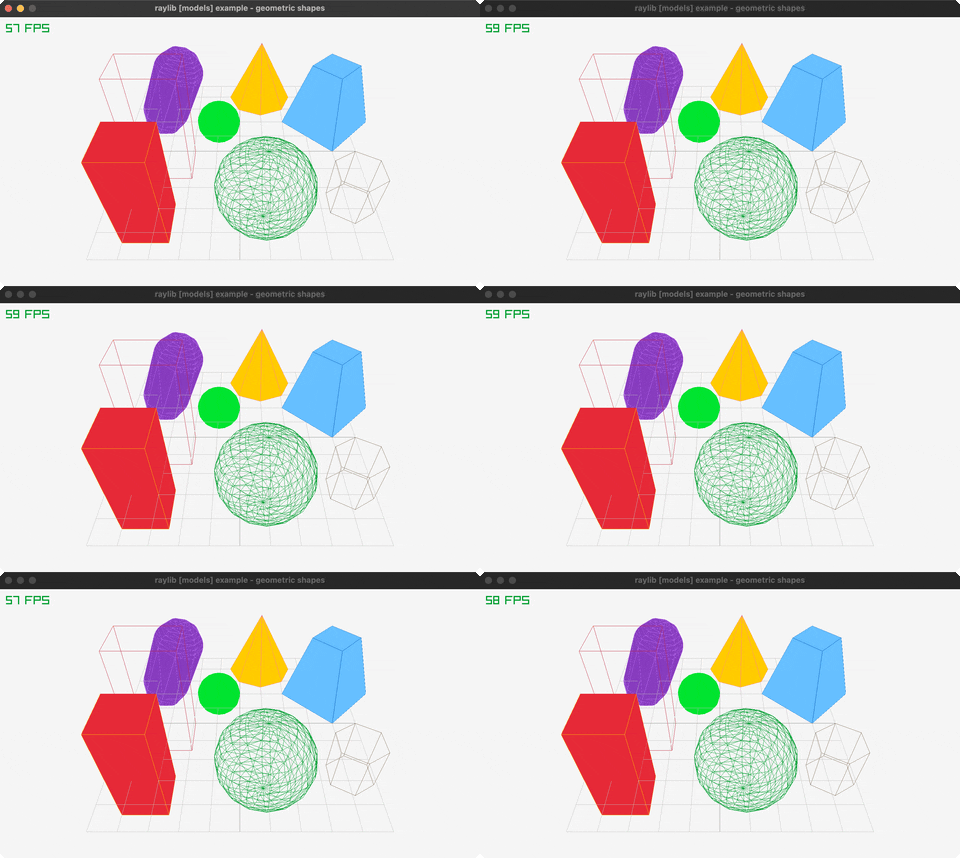
geometric-shapes
3D primitive shapes on display
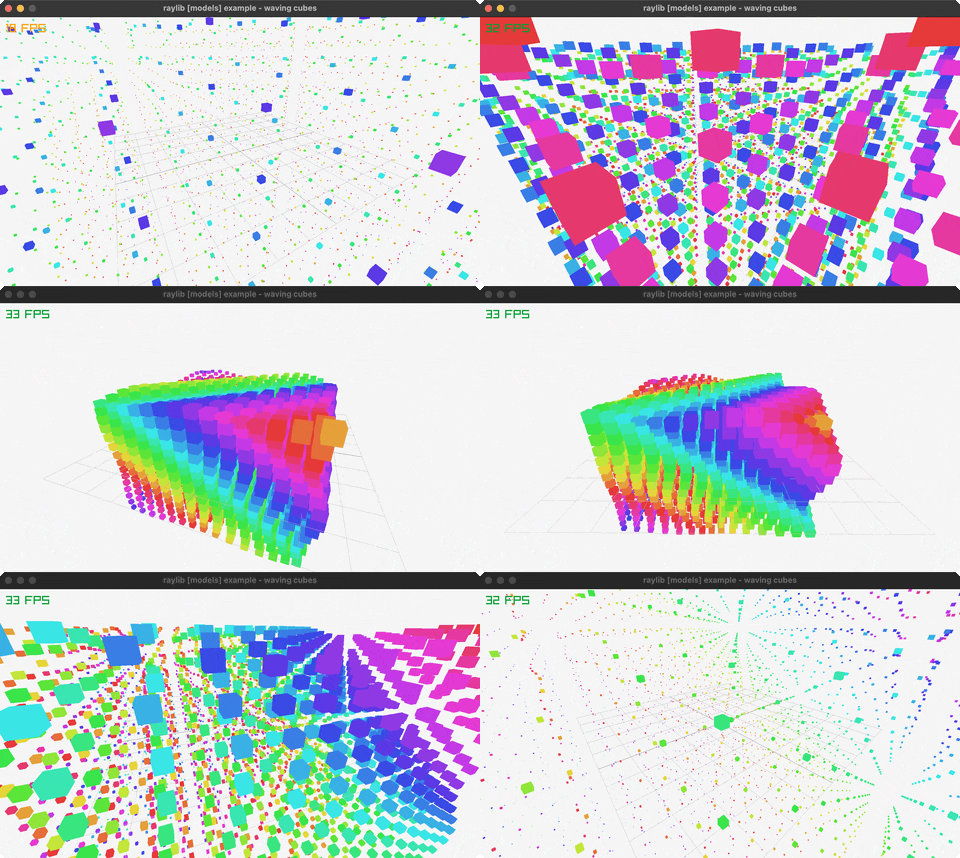
waving-cubes
an NxN grid of cubes rippling in 3D
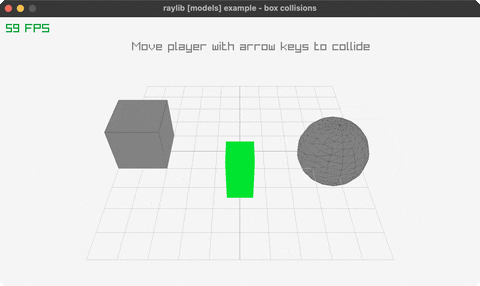
box-collisions
a player cube colliding with 3D boxes (arrow keys)
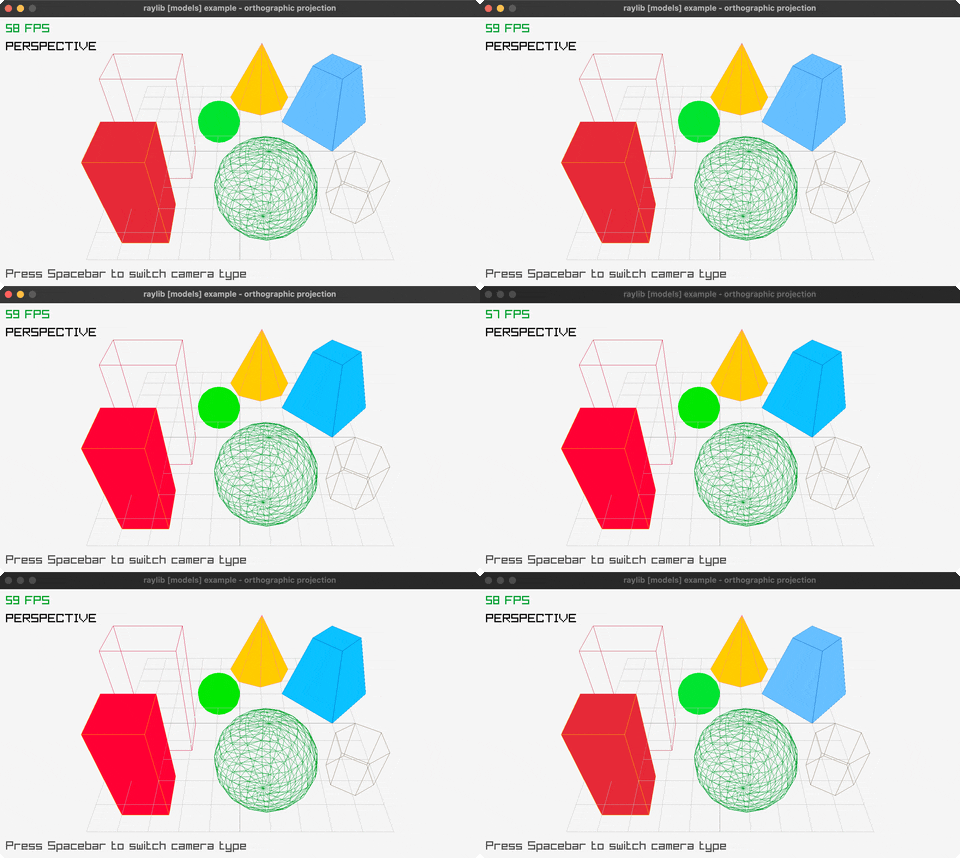
orthographic-projection
perspective vs orthographic (SPACE toggles)
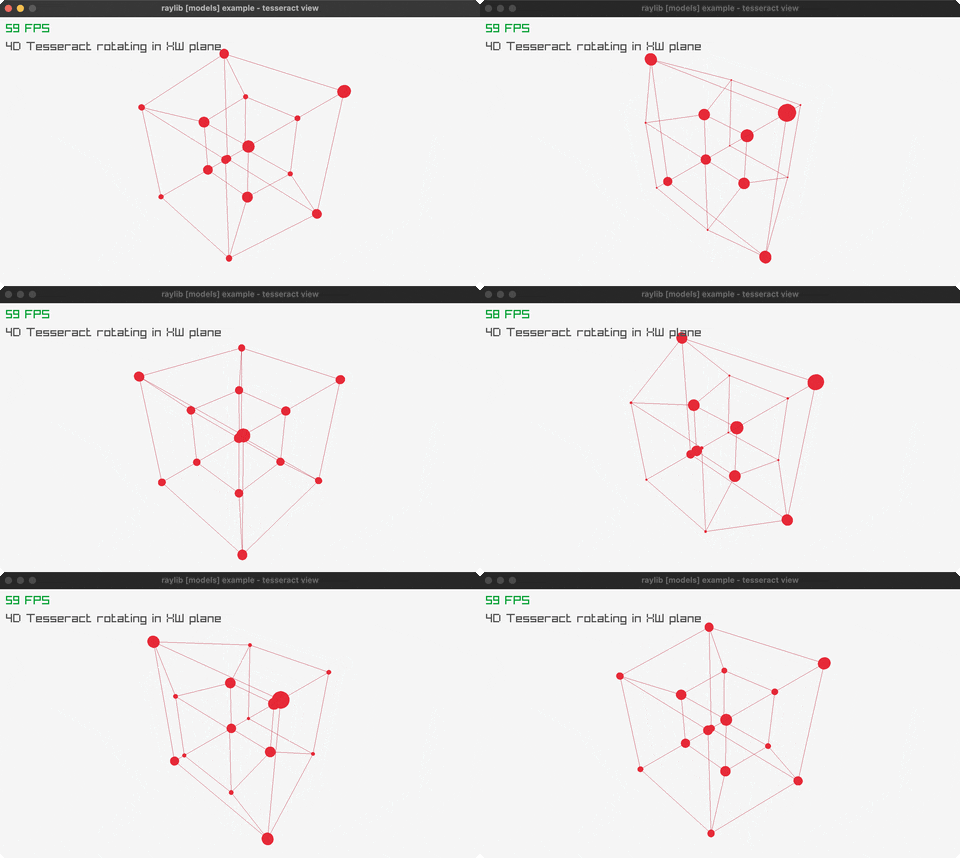
tesseract-view
a rotating 4D hypercube projected to 2D
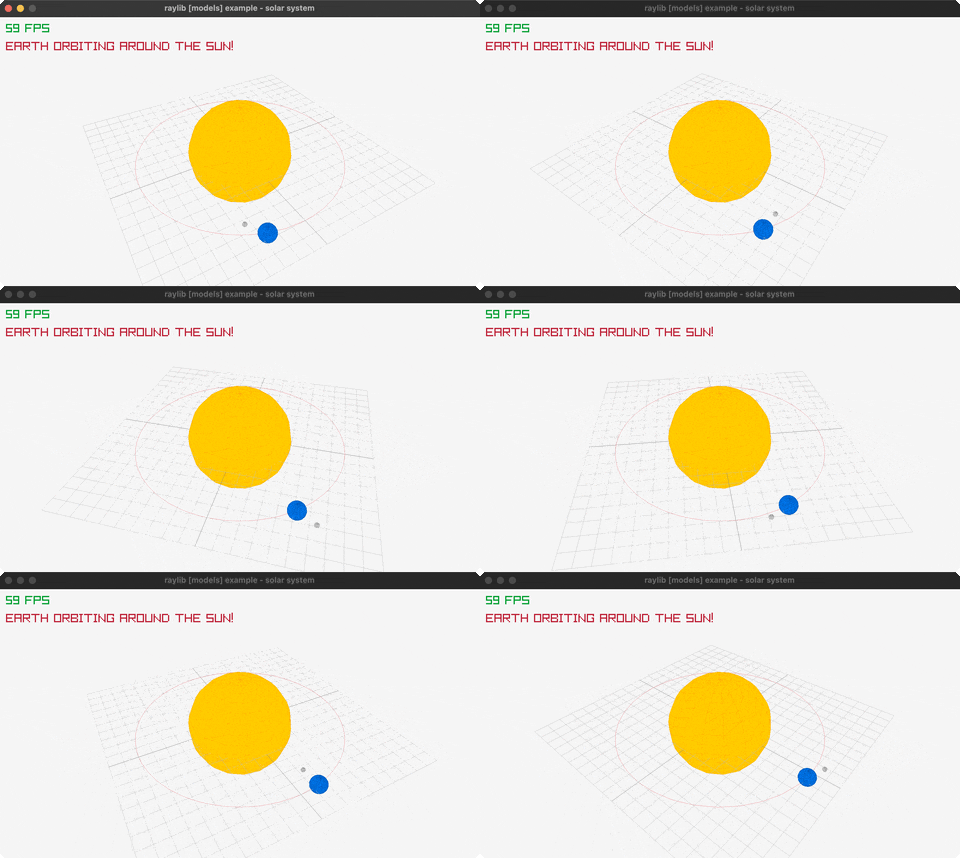
solar-system
Sun/Earth/Moon orbiting via the rlgl matrix stack
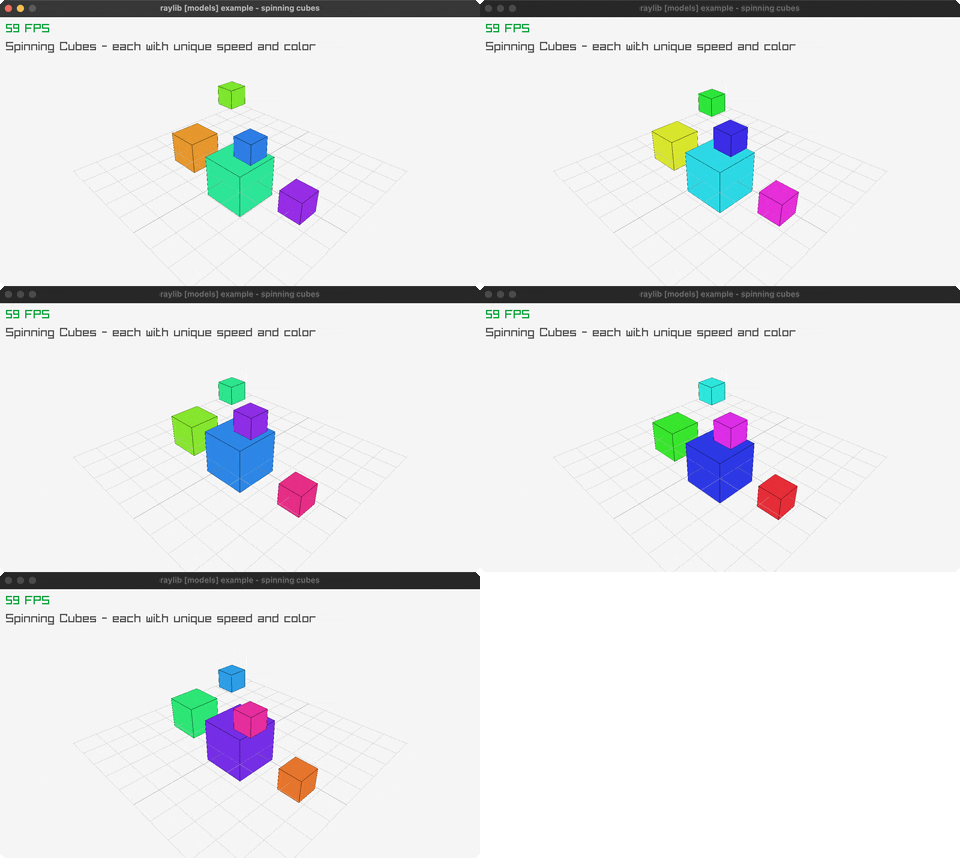
spinning-cubes
a row of cubes, each spinning with a color-cycling phase offset
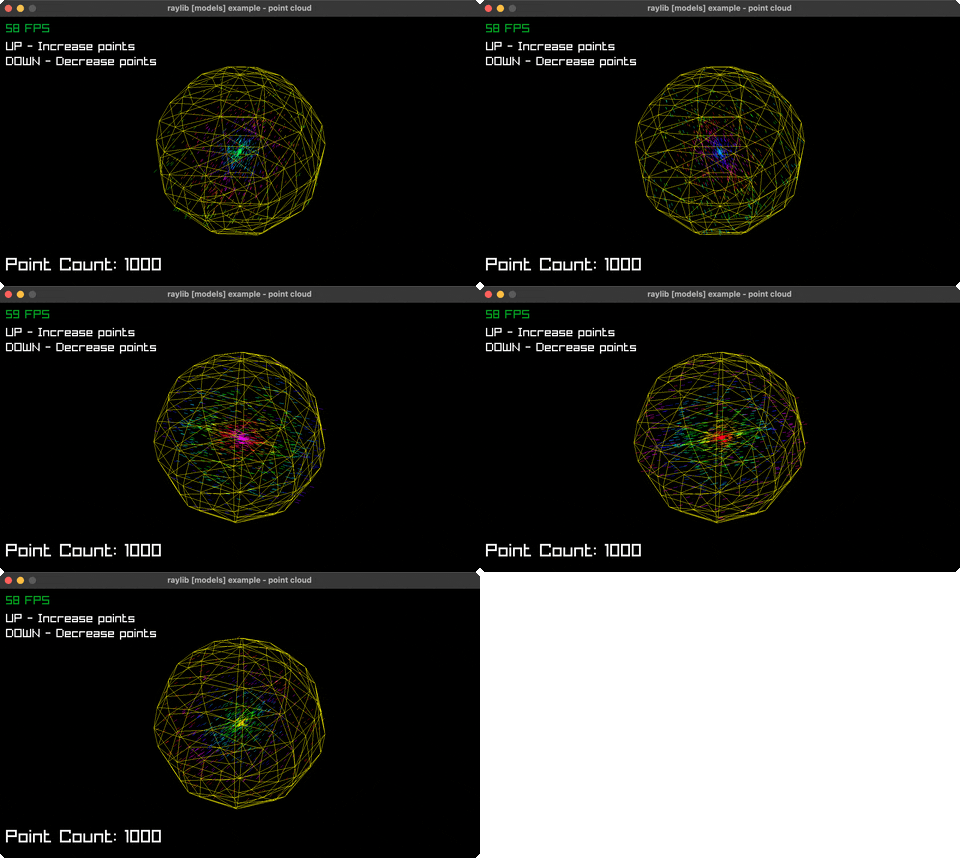
point-cloud
~1500 points forming a rotating sphere (UP/DOWN adjusts)
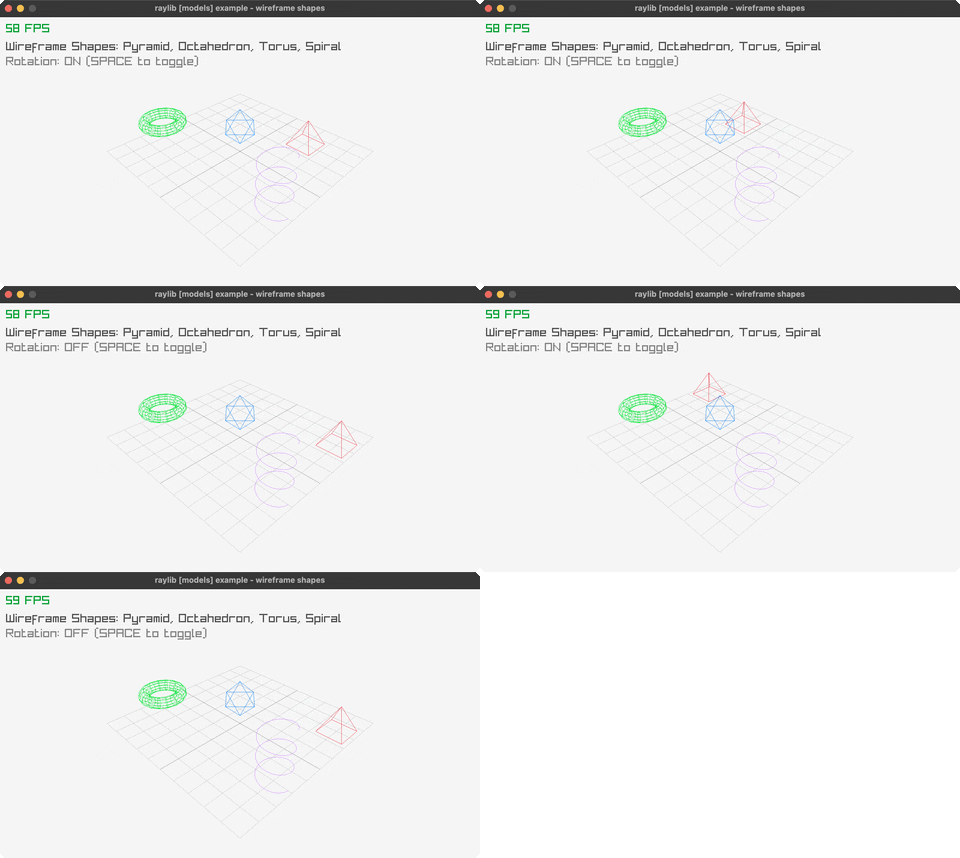
wireframe-shapes
pyramid/octahedron/torus/helix in 3D lines (SPACE cycles)
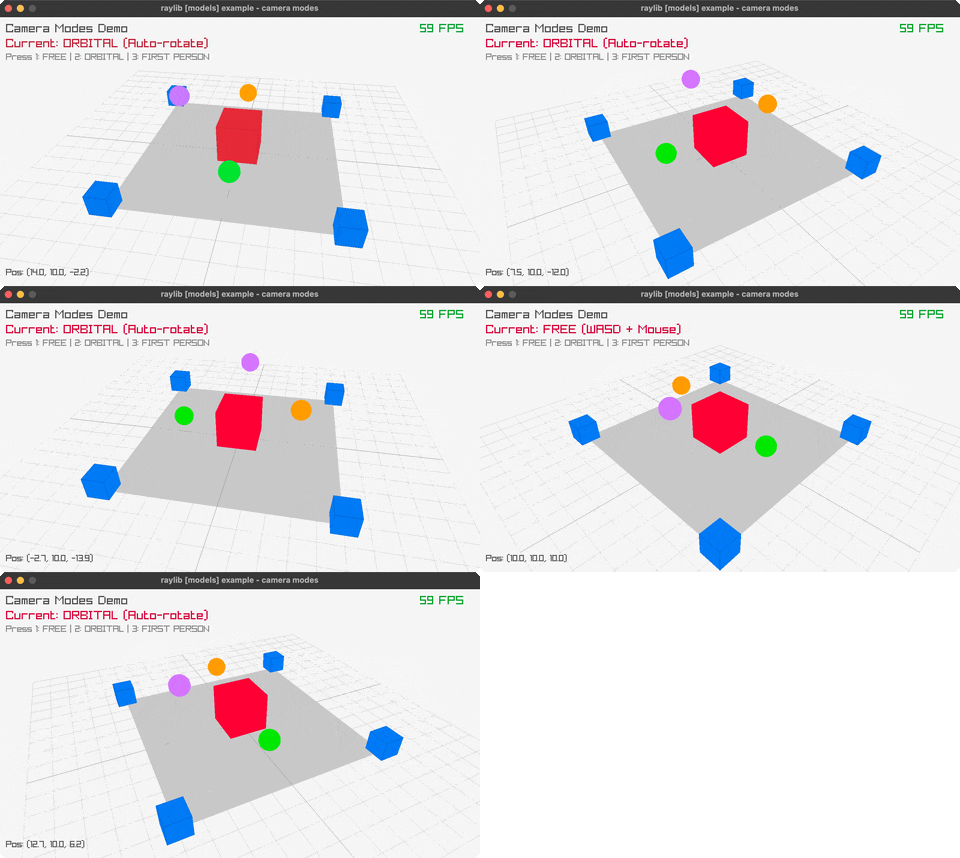
camera-modes
Free/Orbital/FPS camera modes (1/2/3 switches, WASD)
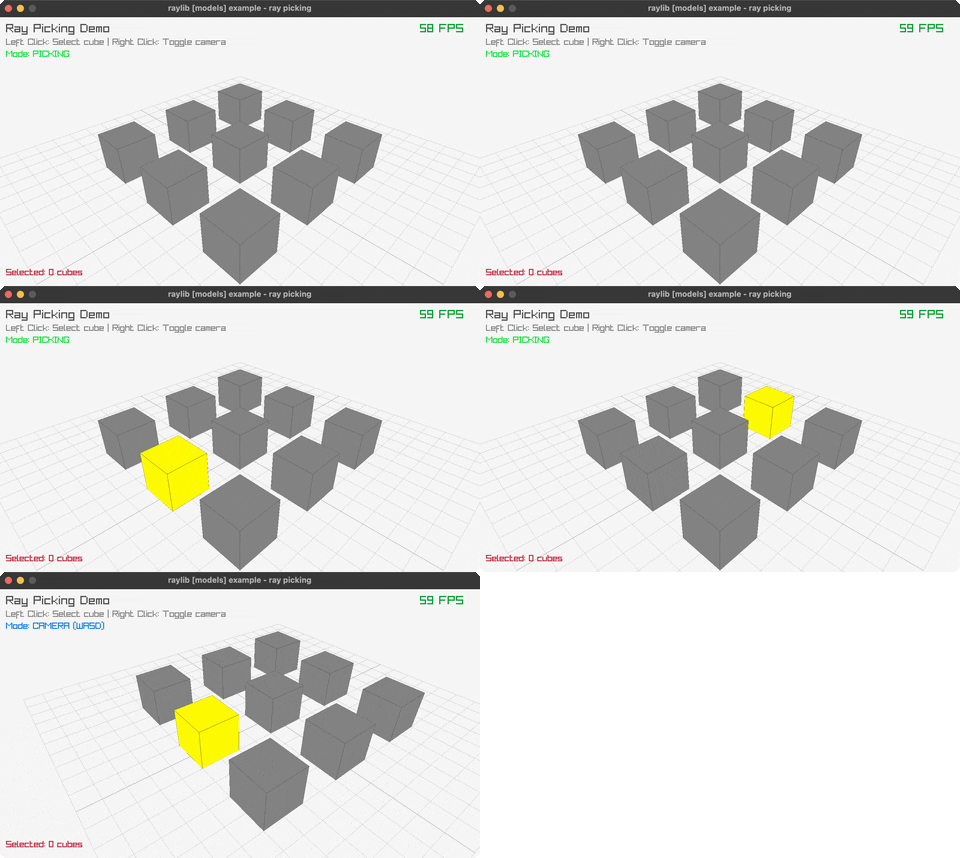
ray-picking
click to select cubes via ray-picking
bouncing-spheres
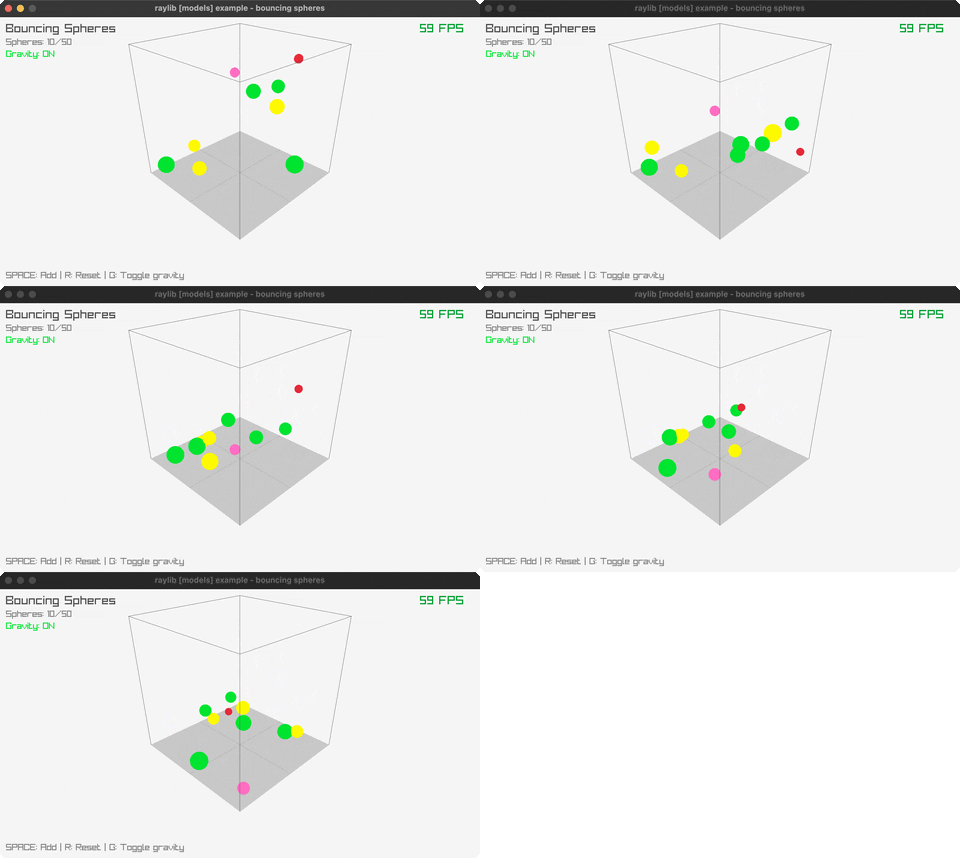
spheres bouncing inside a 3D box (SPACE, R, G)
rotating-cube
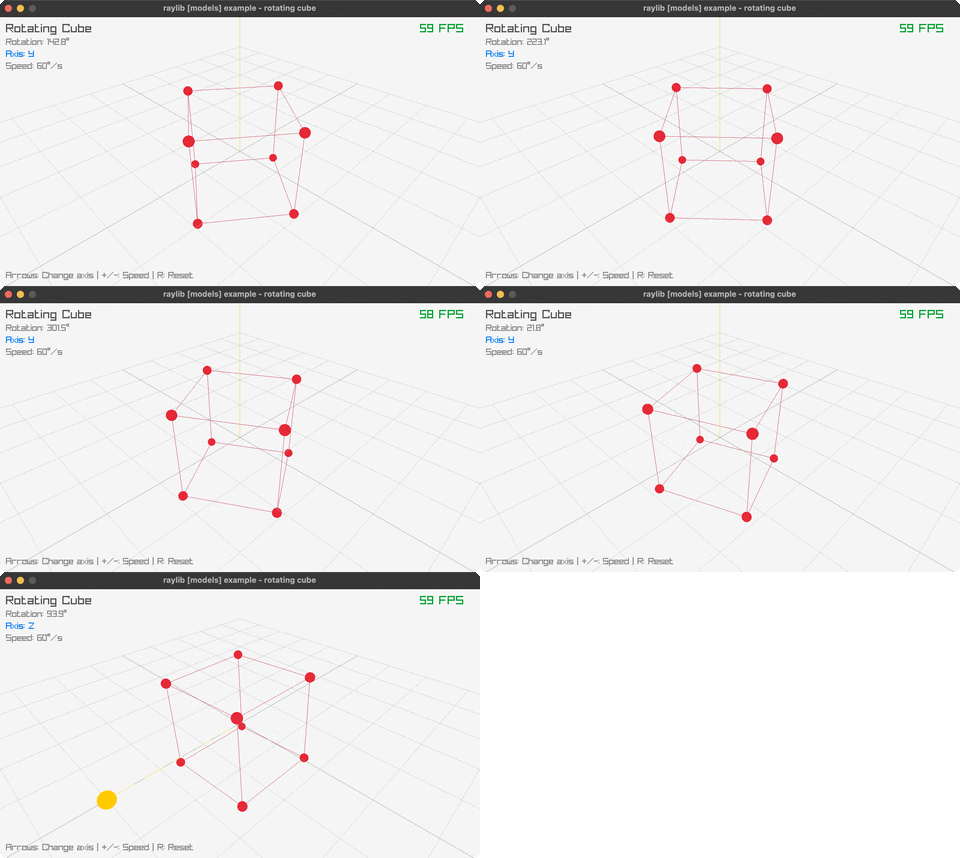
a single cube spinning via the rlgl matrix stack (arrows, +/-, R)
particle-system
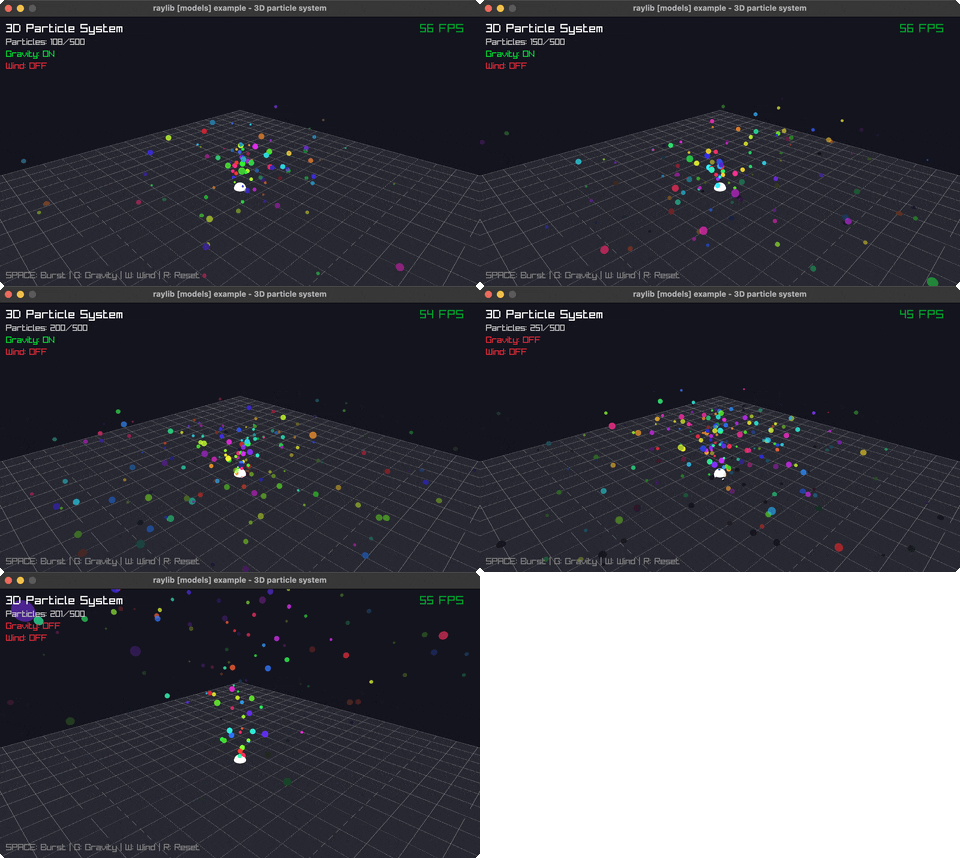
a 3D particle emitter (SPACE bursts, G toggles gravity, W/R reset)
dna-helix
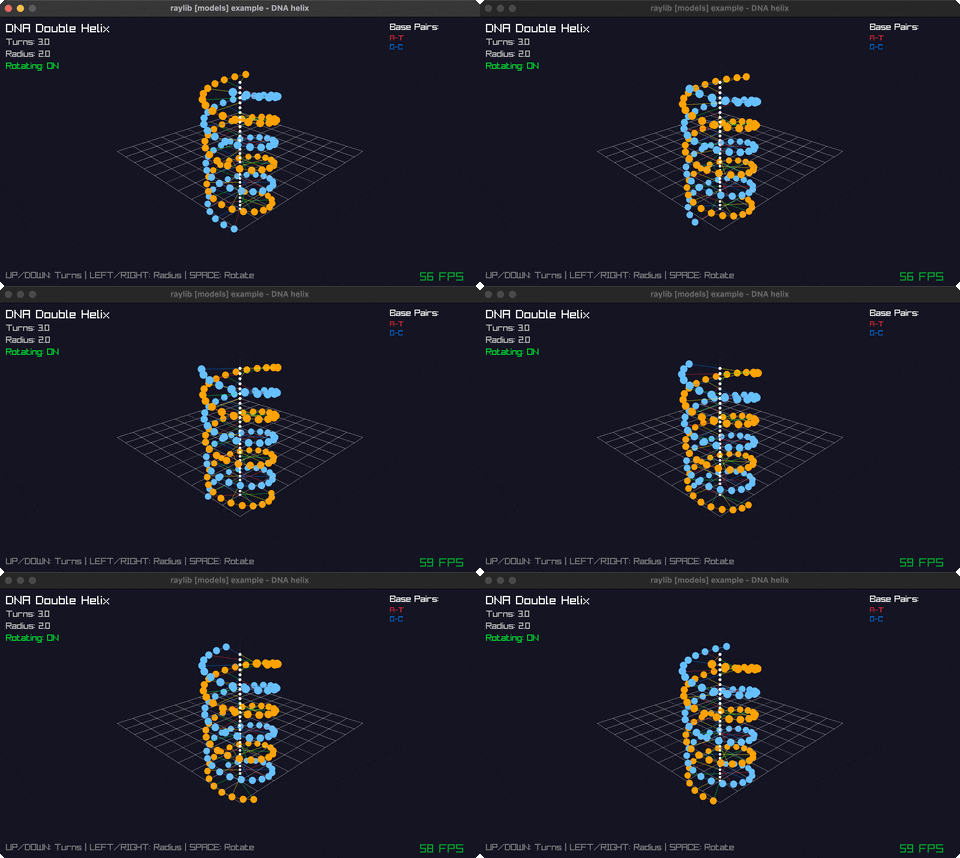
a rotating double-helix structure (arrows, SPACE, R)
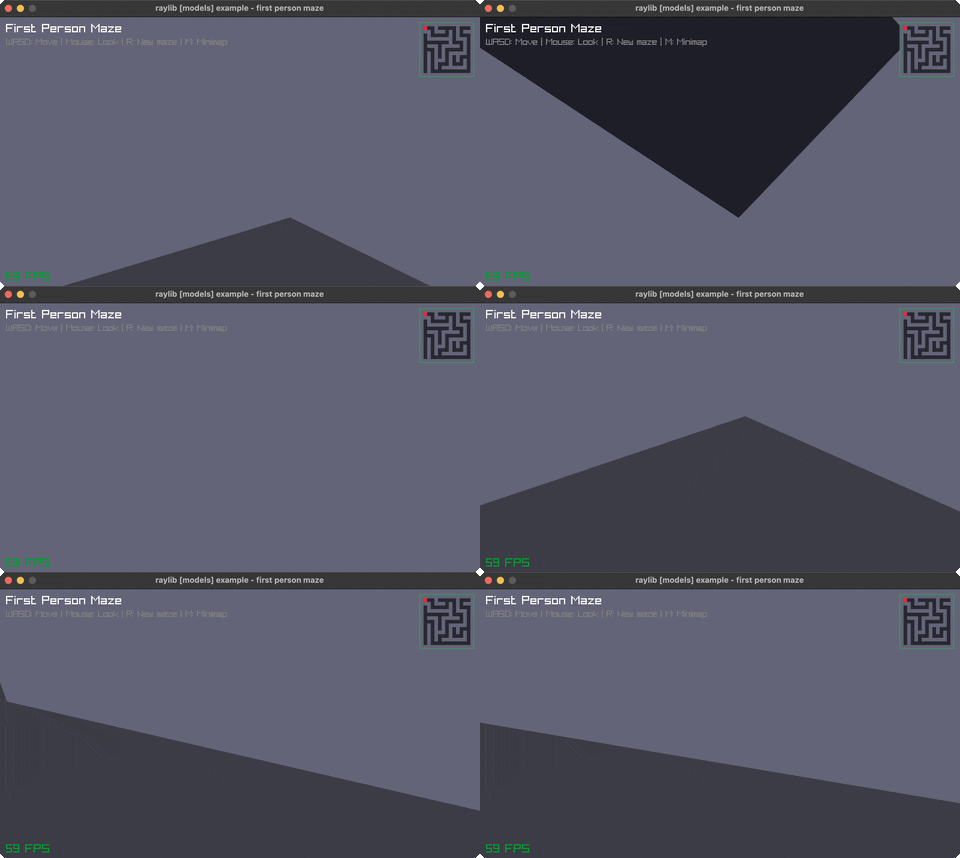
first-person-maze
walk a 3D maze in first person (WASD + mouse, M for map)
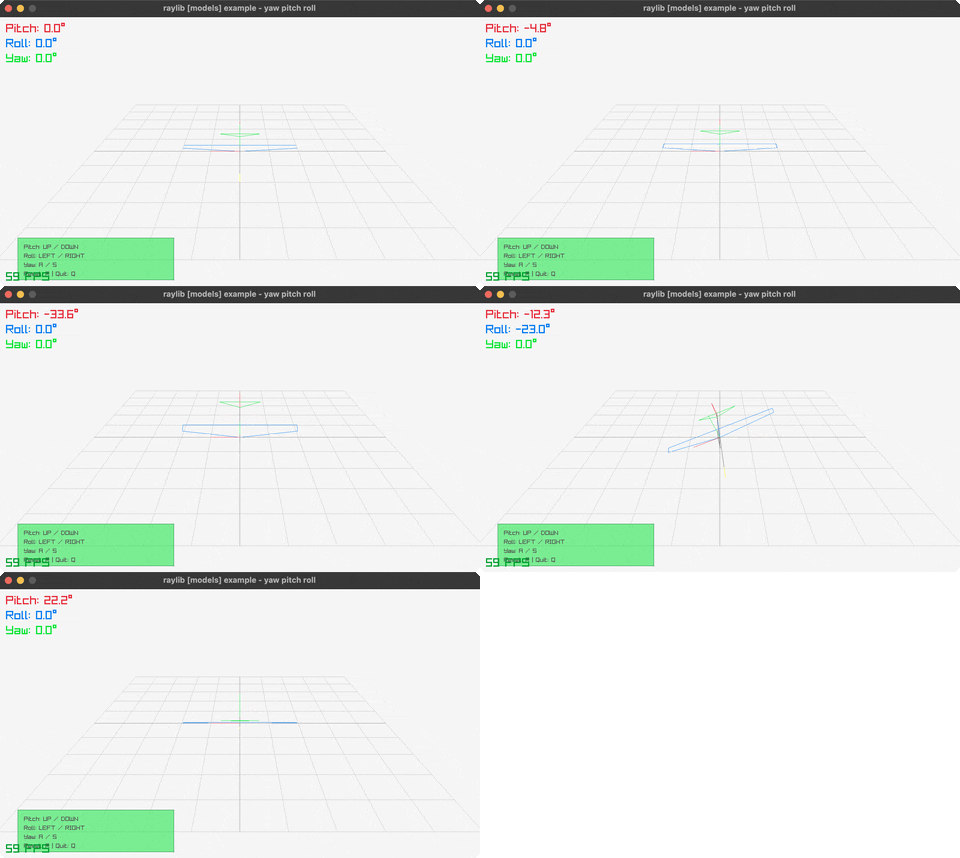
yaw-pitch-roll
yaw/pitch/roll rotation on a 3D model (arrows, SPACE, R)
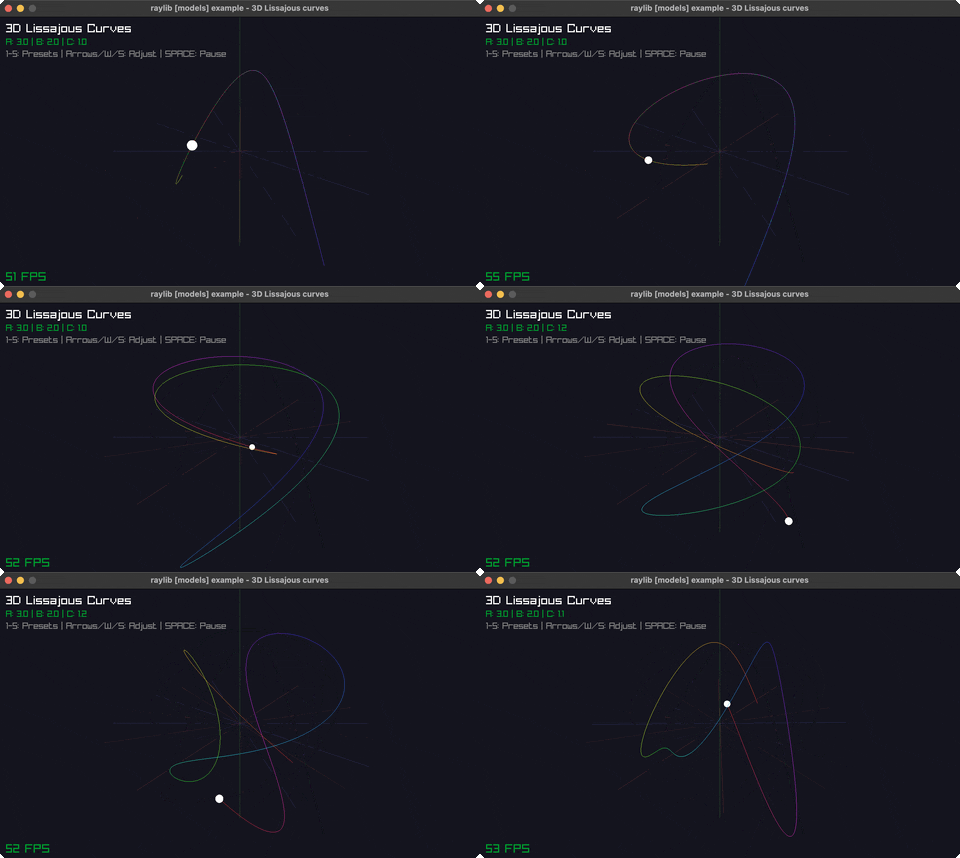
lissajous-3d
3D Lissajous parametric curves (1-5 picks a pattern, W/S, SPACE)
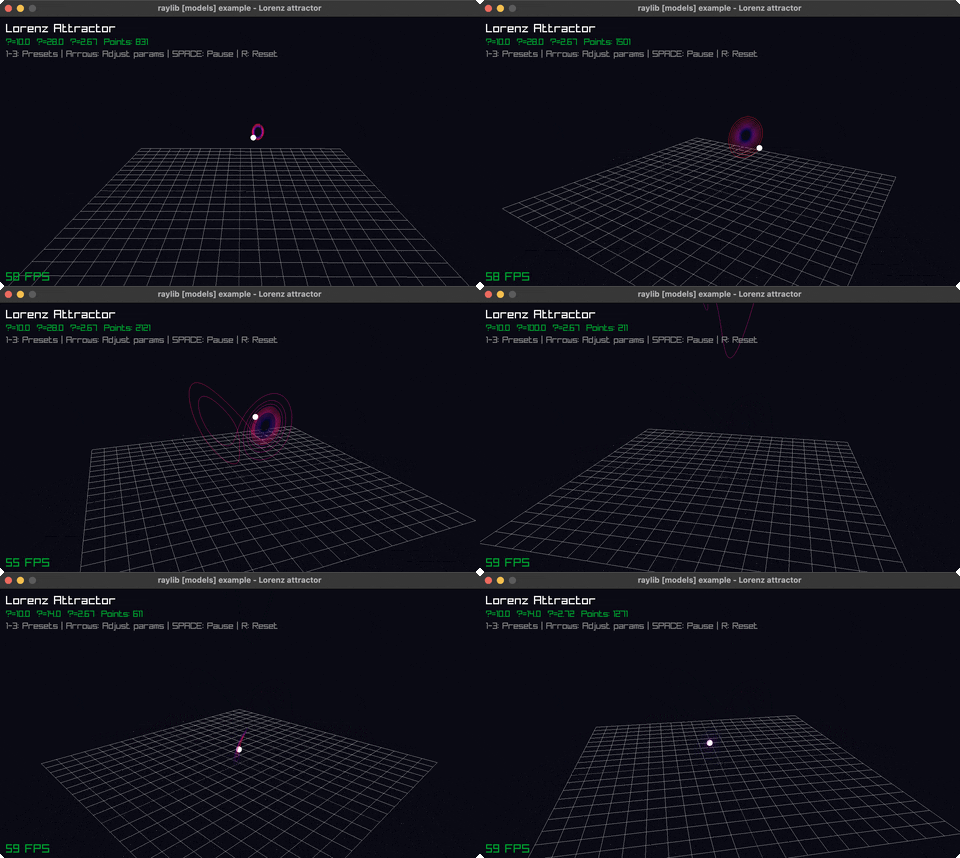
lorenz-attractor
the Lorenz attractor's chaotic butterfly path (1-3, arrows, SPACE, R)
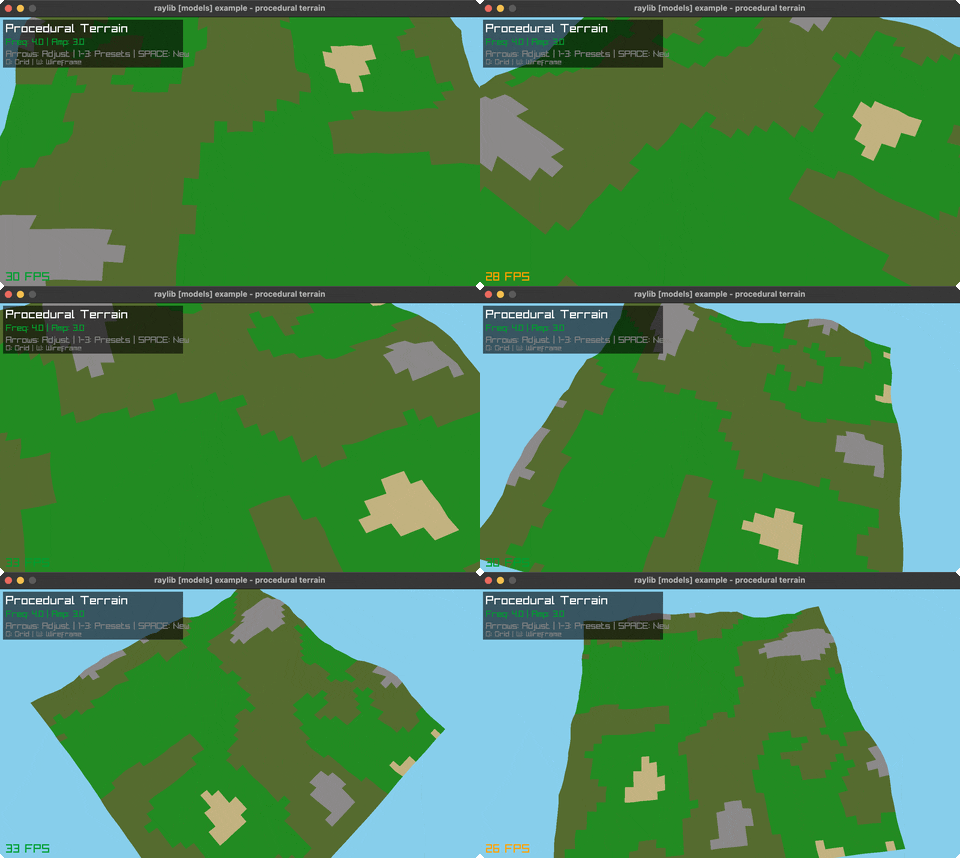
terrain-generation
procedurally generated terrain (1-3 picks an algorithm, G, W, SPACE)
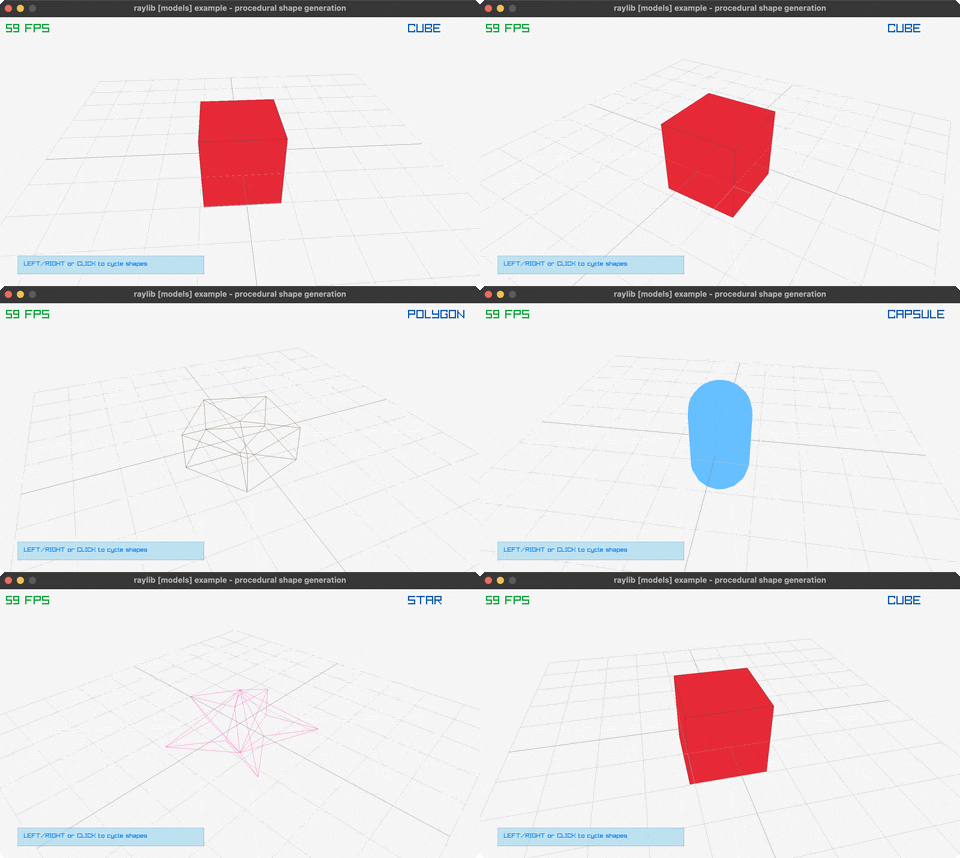
mesh-generation
procedurally generated 3D meshes (Left/Right cycles, click, SPACE, R)
Example architecture patterns
The shared skeleton
Most examples follow the same shape: start the embedded nREPL, open a window, loop until the user closes it, clean up (67 of 78 — 11 examples, including pong, camera-2d, and music-stream, skip the embedded nREPL; grep -rL "nrepl/start" src/examples/*.clj src/examples/*/*.clj lists them). Here's src/examples/asteroids.clj's -main (around line 523), verbatim:
(defn -main [& args]
  (nrepl/start {:port 7888})
  (init)
  (loop []
    (let [game (tick (update-fps @game-atom))]
      (when-not (rcw/window-should-close?)
        (reset! game-atom game)
        (draw game)
        (recur))))
  ;; Cleanup
  (when @render-target
    (ext/unload-render-texture! @render-target))
  (rcw/close-window!))
nrepl/start runs first, before the window even opens — so you can connect a REPL to a game that's still starting up. (init) does the one-time setup (init-window!, config flags, and — in asteroids' case — allocating the letterboxed render texture and calling debug-stats/enable!). Then the loop: compute the next game state (tick), check window-should-close?, and — while the window is still open — commit the new state to game-atom and draw the frame, before recurring. When the loop exits (the user closed the window), asteroids releases its render texture and calls close-window!.
Most examples are a variation on this shape: start nREPL once, init the window once, loop update -> draw -> check-close until the window closes, then clean up. Simpler examples skip the parts specific to asteroids (the render texture, the letterboxing) but follow the same overall skeleton — except for the 11 examples noted above, which skip the nREPL step entirely.
State as an atom
Asteroids keeps its entire game state in one atom, game-atom, seeded from initial-state:
(defn initial-state []
  {:dt 0
   :time (System/nanoTime)
   :time-acc [1]
   :frame-counter -1
   :screen :title
   :ship (make-ship WIDTH HEIGHT)
   :asteroids (map (fn [_] (make-asteroid)) (range INITIAL_ASTEROIDS))
   :bullets []
   :alive true})

(def game-atom (atom (initial-state)))
Ship, asteroids, bullets, and the current screen all live in this one map. The -main loop above reads it, computes a new value with tick, and reset!s it back — the atom is the single source of truth for "what's happening right now."
The functions that compute the next state are pure — deterministic, no game-state mutation — even where they lean on an FFI call underneath. vector-add and check-point-circle are two the README calls out as testable straight from a standalone REPL:
(defn vector-add [v1 v2]
  [(+ (v1 0) (v2 0))
   (+ (v1 1) (v2 1))])
vector-add is plain Clojure arithmetic; check-point-circle delegates its actual geometry to ext/check-collision-point-circle? (an FFI-backed call) but is still deterministic and doesn't touch game-atom or draw anything — you can call either at a REPL with made-up arguments and get the same answer every time. The draw phase is the opposite: draw calls rcd/begin-drawing!, a sequence of raylib draw calls, and rcd/end-drawing! — every one of those is a side effect (it writes pixels to the screen), and calling draw twice with the same game state does not give you back a value to compare, it paints a frame. Keeping the state-update functions pure is what makes them REPL- and test-friendly; the draw phase can't be, because rendering is inherently a side effect.
Plugging in debug-stats
src/debug_stats.clj is an optional F1 overlay plugin. Its own docstring is the usage guide, verbatim:
Debug stats overlay plugin.

Usage:
1. Require this namespace in your game ns
2. Call (debug-stats/enable!) once at startup
3. Call (debug-stats/update!) in your game tick function
4. Call (debug-stats/draw!) at the end of your draw function (inside begin/end-drawing)
5. Press F1 to toggle the stats overlay

Example:
(ns my-game
  (:require [debug-stats]))

(defn init []
  (debug-stats/enable!))

(defn tick [game]
  (debug-stats/update!)
  ;; ... your game logic
  )

(defn draw [game]
  (rcd/begin-drawing!)
  ;; ... your drawing code
  (debug-stats/draw!)
  (rcd/end-drawing!))
asteroids.clj follows this exactly: (debug-stats/enable!) at the end of init, (debug-stats/update!) in its tick function, and (debug-stats/draw!) as the last call inside each begin-drawing!/end-drawing! pair.
Plugging in the embedded nREPL
src/raylib/nrepl.clj wraps nrepl.server/start-server:
(defn start
  "Start a network repl for debugging on specified port followed by
  an optional parameters map. The :bind, :transport-fn, :handler,
  :ack-port and :greeting-fn will be forwarded to
  nrepl.server/start-server as they are.

  If the port is already in use, logs a warning and returns nil
  instead of throwing - this allows games to still run when another
  nREPL server is already using the port."
  [{:keys [port bind transport-fn handler ack-port greeting-fn]}]
  (try
    (log/info "starting nREPL server on port" port)
    (nrepl/start-server :port port
                        :bind bind
                        :transport-fn transport-fn
                        :handler handler
                        :ack-port ack-port
                        :greeting-fn greeting-fn)

    (catch java.net.BindException e
      (log/warn (str "nREPL port " port " already in use - continuing without embedded nREPL. "
                     "You can connect to the existing nREPL server if one is running."))
      nil)
    (catch Throwable t
      (log/error t "failed to start nREPL")
      (throw t))))
Called once in -main as (nrepl/start {:port 7888}). The BindException catch is what makes port 7888 safe to reuse: if another example (or another instance of the same one) is already listening there, start logs a warning and returns nil instead of crashing — the second game still runs, it just doesn't get its own nREPL server. Any other exception during startup is logged and re-thrown.
Porting a new raylib C example
The recipe, as a numbered list:
- Find the C source in raylib's
examples/tree. - Create
src/examples/<name>.cljfollowing the shared skeleton above. - Add a
deps.ednalias, mirroring any existing one::my-example {:jvm-opts ["--enable-native-access=ALL-UNNAMED" "-XstartOnFirstThread" "-Djava.library.path=libs:libs/macos:..."] :main-opts ["-m" "examples.my-example"]} - Add a
bb.edntask. Every task calls the sharedh/run-example!helper, which looks up the example's title, description, and controls from the registry (step 5) and prints them itself — so the task body stays a single line. The realasteroidstask:asteroids {:doc "🎮 Asteroids - shoot asteroids and survive" :task (h/run-example! "asteroids")}
Because run-example! looks the example up by alias, this task only prints the right header/controls text once the registry entry in step 5 exists. 5. Add the example's entry to bb/helpers.bb's examples registry — this is what makes bb examples, run-example!'s header text, and this guide's own example-catalog.md pick it up. One real entry, as the shape to copy:
   {:alias "asteroids"
    :category :games
    :title "Asteroids"
    :desc "Shoot asteroids"
    :controls "Arrows, Space"}
See also
example-catalog.md— every example this pattern produced, in one table
The example catalog — 78 raylib examples
A map of the whole suite. Each example is one namespace under src/examples/ (or src/examples/games/, src/examples/models/), runnable via bb <name> or clj -M:<alias>. bb examples prints this same grouping live from bb/helpers.bb's examples registry — this page is that registry rendered as a browsable table, plus (where known) which official raylib C example a given Clojure example ports. Nearly every "ported from" cell cites a file in raysan5/raylib's own examples/ tree; the 3 cells marked ¹ instead cite the companion raysan5/raylib-games repo — see the note under the games table below.
Full-size preview gallery:
demos.md— every example at full size, one-line description included. Thepreviewcolumn below thumbnails straight from the same committed GIFs (docs/demos/*.gif), regenerated by the maintainer-onlybb recordtask and configured byscripts/demo_manifest.edn.
Run one, or see them all grouped:
bb <name>       # e.g. bb asteroids   (opens a window)
bb examples     # this same grouping, printed from the terminal
🎮 Original games (9)
| preview | bb name | title | shows | controls | ported from |
|---|---|---|---|---|---|
| hello-world | Hello World | Basic window test | Q to exit, F1 for debug stats | core_basic_window.c |
| pong | Pong | Two-player paddle game | W/S, K/J, Enter | — |
| asteroids | Asteroids | Shoot asteroids | Arrows, Space | — |
| asteroids2 | Asteroids 2 | Alternate version | Arrows, Space | — |
| tetris | Tetris | Block-stacking puzzle | Arrows, Space | — |
| vampire-survivors | Vampire Survivors | Survival action | WASD | — |
| snake | Snake | Classic snake game | Arrows, P, ENTER, Q | snake.c¹ |
| floppy | Floppy | Flappy bird clone | SPACE, P, ENTER, Q | floppy.c¹ |
| retro-maze-3d | Retro Maze 3D | GameBoy-style maze escape | WASD, Mouse, SPACE, M, ENTER, Q | retro_maze_3d.c¹ |
¹ Ported from raysan5/raylib-games — a companion repo of classic-game clones and game-jam entries, separate from raysan5/raylib's own examples/ tree that every other "ported from" cell on this page cites. snake.c and floppy.c come from its classics/ collection; retro_maze_3d.c from its retro_maze_3d/ GGJ 2021 entry (header comment: "GGJ 2021 - RETRO MAZE 3D … Copyright (c) 2021 Ramon Santamaria (@raysan5)", matching this example's own docstring credit).
📦 Core (23)
| preview | bb name | title | shows | controls | ported from |
|---|---|---|---|---|---|
| bouncing-ball | Bouncing Ball | Physics demo | SPACE, G | shapes_bouncing_ball.c |
| following-eyes | Following Eyes | Mouse tracking | Move mouse | shapes_following_eyes.c |
| screen-manager | Screen Manager | State machine | ENTER | core_basic_screen_manager.c |
| input-keys | Input Keys | Keyboard input | Arrow keys | core_input_keys.c |
| input-mouse | Input Mouse | Mouse input | Click, move | core_input_mouse.c |
| input-gamepad | Input Gamepad | Gamepad demo | Connect gamepad | core_input_gamepad.c |
| mouse-wheel | Mouse Wheel | Scroll input | Mouse wheel | core_input_mouse_wheel.c |
| gestures-testbed | Gestures Testbed | Touch gestures | Touch/click | core_input_gestures_testbed.c |
| scissor-test | Scissor Test | Scissor clipping | S, Mouse | core_scissor_test.c |
| random-values | Random Values | Random numbers | Watch | core_random_values.c |
| camera-2d | Camera 2D | 2D camera | Arrows, A/S, Wheel | core_2d_camera.c |
| camera-3d-free | Camera 3D Free | Free 3D camera | Mouse, Wheel | core_3d_camera_free.c |
| split-screen-3d | Split Screen 3D | Two-player 3D | W/S, UP/DOWN | core_3d_camera_split_screen.c |
| first-person-3d | First Person 3D | FPS camera | WASD, Mouse, 1-4 | core_3d_camera_first_person.c |
| camera-fps | Camera FPS | FPS with physics | WASD, Space, Ctrl | core_3d_camera_fps.c |
| world-screen | World Screen | 3D to 2D coords | Mouse, Wheel | core_world_screen.c |
| picking-3d | Picking 3D | Ray casting | Click | core_3d_picking.c |
| collision-area | Collision Area | Collision detection | Mouse, SPACE | shapes_collision_area.c |
| colors-palette | Colors Palette | Color showcase | Hover, SPACE | shapes_colors_palette.c |
| logo-anim | Logo Animation | Logo animation | R to replay | shapes_logo_raylib_anim.c |
| window-should-close | Window Should Close | Custom close confirmation | Y/N to confirm/cancel | core_window_should_close.c |
| camera-2d-platformer | Camera 2D Platformer | 5 camera follow modes | Arrows, SPACE, C, R, Wheel | core_2d_camera_platformer.c |
| window-letterbox | Window Letterbox | Resolution-independent rendering | SPACE, Resize window | core_window_letterbox.c |
🔷 Shapes (15)
| preview | bb name | title | shows | controls | ported from |
|---|---|---|---|---|---|
| logo-raylib | Logo Raylib | Raylib logo drawn with shapes | ESC to exit | shapes_logo_raylib.c |
| logo-raylib-anim | Logo Raylib Anim | Animated logo construction | R to replay | shapes_logo_raylib_anim.c |
| basic-shapes | Basic Shapes | Circles, rectangles, triangles, polygons | ESC to exit | shapes_basic_shapes.c |
| rectangle-scaling | Rectangle Scaling | Drag to resize rectangle | Drag bottom-right corner | shapes_rectangle_scaling.c |
| mouse-trail | Mouse Trail | Circles following mouse cursor | Move mouse | shapes_mouse_trail.c |
| lines-bezier | Lines Bezier | Interactive bezier curve | Drag endpoints | shapes_lines_bezier.c |
| easings-ball | Easings Ball | Easing function animation | ENTER to replay | shapes_easings_ball.c |
| ball-physics | Ball Physics | Grab and throw balls | Click, Right-click, Wheel, Middle | shapes_ball_physics.c |
| simple-particles | Simple Particles | Water/smoke/fire effects | Arrows, Click | shapes_simple_particles.c |
| dashed-line | Dashed Line | Interactive dashed line | Arrows, C | shapes_dashed_line.c |
| starfield-effect | Starfield Effect | 3D starfield simulation | SPACE, Wheel | shapes_starfield_effect.c |
| easings-box | Easings Box | Box animation with easing functions | SPACE to reset | shapes_easings_box.c |
| double-pendulum | Double Pendulum | Chaotic pendulum simulation | ESC to exit | shapes_double_pendulum.c |
| lines-drawing | Lines Drawing | Draw rainbow lines on canvas | Click, Right-click, Wheel, Middle | shapes_lines_drawing.c |
| easings-rectangles | Easings Rectangles | Grid animation with easing functions | SPACE to replay | shapes_easings_rectangles.c |
📝 Text (3)
| preview | bb name | title | shows | controls | ported from |
|---|---|---|---|---|---|
| writing-anim | Writing Animation | Typewriter text effect | SPACE speed up, ENTER restart | text_writing_anim.c |
| format-text | Format Text | Formatted score/timer display | ESC to exit | text_format_text.c |
| input-box | Input Box | Text input field | Click, type, Backspace | text_input_box.c |
🖼️ Textures (2)
| preview | bb name | title | shows | controls | ported from |
|---|---|---|---|---|---|
| background-scrolling | Background Scrolling | Parallax demo | Watch | textures_background_scrolling.c |
| sprite-animation | Sprite Animation | Spritesheet | LEFT/RIGHT | textures_sprite_animation.c |
✨ Shaders (1)
| preview | bb name | title | shows | controls | ported from |
|---|---|---|---|---|---|
| basic-lighting | Basic Lighting | Dynamic lighting | Mouse, Y/R/G/B | shaders_basic_lighting.c |
🔊 Audio (4)
| preview | bb name | title | shows | controls | ported from |
|---|---|---|---|---|---|
| audio-module | Audio Module | Music visualization | SPACE, P, Arrows | audio_module_playing.c |
| sound-loading | Sound Loading | WAV/OGG playback | SPACE, ENTER | audio_sound_loading.c |
| music-stream | Music Stream | MP3 streaming | SPACE, P, Arrows | audio_music_stream.c |
| sound-multi | Sound Multi | Multiple sounds | SPACE | audio_sound_multi.c |
🗿 Models (21)
| preview | bb name | title | shows | controls | ported from |
|---|---|---|---|---|---|
| geometric-shapes | Geometric Shapes | 3D primitives | Q to exit | models_geometric_shapes.c |
| waving-cubes | Waving Cubes | Animated cube wave | Q to exit | models_waving_cubes.c |
| box-collisions | Box Collisions | 3D collision detection | Arrow keys, Q | models_box_collisions.c |
| orthographic-projection | Orthographic Projection | Perspective vs orthographic | SPACE, Q | models_orthographic_projection.c |
| tesseract-view | Tesseract View | 4D hypercube | Q to exit | models_tesseract_view.c |
| solar-system | Solar System | Orbiting planets | Q to exit | models_rlgl_solar_system.c |
| spinning-cubes | Spinning Cubes | Color-cycling cubes | Q to exit | — |
| point-cloud | Point Cloud | Spherical points | UP/DOWN, Q | models_point_rendering.c |
| wireframe-shapes | Wireframe Shapes | Custom wireframes | SPACE, Q | — |
| camera-modes | Camera Modes | Free/Orbital/FPS cameras | 1/2/3, WASD, Q | — |
| ray-picking | Ray Picking | Click to select cubes | Click, Right-click, Q | core_3d_picking.c |
| bouncing-spheres | Bouncing Spheres | Physics in 3D box | SPACE, R, G, Q | — |
| rotating-cube | Rotating Cube | 3D rotation | Arrows, +/-, R, Q | models_rotating_cube.c |
| particle-system | Particle System | 3D particles | SPACE, G, W, R, Q | — |
| dna-helix | DNA Helix | Double helix | Arrows, SPACE, R, Q | — |
| first-person-maze | First Person Maze | Navigate 3D maze | WASD, Mouse, R, M, Q | models_first_person_maze.c |
| yaw-pitch-roll | Yaw Pitch Roll | 3D rotation demo | Arrows, SPACE, R, Q | models_yaw_pitch_roll.c |
| lissajous-3d | Lissajous 3D | Parametric curves | 1-5, Arrows, W/S, SPACE, Q | — |
| lorenz-attractor | Lorenz Attractor | Chaos theory | 1-3, Arrows, SPACE, R, Q | — |
| terrain-generation | Terrain Generation | Procedural terrain | 1-3, Arrows, G, W, SPACE, Q | — |
| mesh-generation | Mesh Generation | Procedural 3D shapes | Left/Right, Click, SPACE, R, Q | models_mesh_generation.c |
Adding a new example
See example-architecture-patterns.md for the full recipe (source file, deps.edn alias, bb.edn task, bb/helpers.bb registry entry).
Getting Started
Prerequisites
- JDK 22 or newer — required for the Foreign Function API (see Coffi & Panama Internals for why JDK 22+ specifically)
- Clojure CLI (recommended) or Leiningen
- Babashka (optional, for task automation)
Installing JDK 22+
Clojure runs on the JVM, so you need Java installed. This project requires JDK 22 or later because we use the new Foreign Function API to call native code.
On macOS with Homebrew:
brew install openjdk@22
On Linux (Ubuntu/Debian):
sudo apt install openjdk-22-jdk
Alternatively, you can use SDKMAN which works on macOS, Linux, and Windows (WSL):
curl -s "https://get.sdkman.io" | bash
source "$HOME/.sdkman/bin/sdkman-init.sh"
sdk install java 22.0.2-open
Installing the Clojure CLI
The Clojure CLI is the modern way to run Clojure projects using deps.edn.
On macOS with Homebrew:
brew install clojure/tools/clojure
On Linux:
curl -L -O https://github.com/clojure/brew-install/releases/latest/download/linux-install.sh
chmod +x linux-install.sh
sudo ./linux-install.sh
Verify installation:
clj --version
Installing Leiningen
If you prefer Leiningen over the Clojure CLI:
On macOS with Homebrew:
brew install leiningen
On Linux:
curl -O https://raw.githubusercontent.com/technomancy/leiningen/stable/bin/lein
chmod +x lein
sudo mv lein /usr/local/bin/
lein  # This will download the rest automatically
Installing Babashka
Babashka provides fast task automation for Clojure projects.
On macOS with Homebrew:
brew install borkdude/brew/babashka
On Linux:
bash < <(curl -s https://raw.githubusercontent.com/babashka/babashka/master/install)
Verify installation:
bb --version
Running examples
Clone this repository:
git clone https://github.com/burinc/b12n-raylib-clj.git
cd b12n-raylib-clj
bb <example> (recommended)
If you have Babashka installed, running games is simple:
bb help              # Show all available commands
bb asteroids         # Run Asteroids game
bb tetris            # Run Tetris game
Running by alias (macOS only)
clojure -M:asteroids     # Run Asteroids
clojure -M:tetris        # Run Tetris
clojure -M:pong          # Run Pong
clojure -M:hello-world   # Run Hello World
Two things to know about this path:
Use clojure, not clj. clj wraps the same launcher in rlwrap for line editing, which interferes with a GUI app's event loop. Every bb task here shells out to clojure for exactly this reason.
These aliases only work on macOS. Every example alias in deps.edn carries -XstartOnFirstThread, which macOS requires to run OpenGL on the main thread. It is a macOS-only flag, and the JVM treats an unrecognized -X option as fatal — so on Linux the same command dies before it starts:
Unrecognized option: -XstartOnFirstThread
Error: Could not create the Java Virtual Machine.
On Linux, use bb <name> (below), which builds a flag-free command line for you. If you'd rather not install Babashka, that command is:
clojure -J--enable-native-access=ALL-UNNAMED \
        -J-Djava.library.path=libs:libs/linux_amd64:/usr/local/lib:/usr/lib \
        -M -m examples.asteroids
lein run -m examples.<ns>
lein run                        # Run default (Asteroids)
lein run -m examples.tetris     # Run Tetris
Setting JAVA_HOME
If you have multiple Java versions installed, you may need to set JAVA_HOME:
export JAVA_HOME=/path/to/jdk-22
On macOS with Homebrew:
export JAVA_HOME=/opt/homebrew/opt/openjdk@22
IDE Setup
Clojure development is best experienced with a good editor that supports REPL integration.
VS Code with Calva
- Install VS Code
- Install the "Calva" extension
- Open this project folder
- Press
Ctrl+Alt+CthenCtrl+Alt+J(orCmdon macOS) to start a REPL - Select "deps.edn" when prompted
Calva provides syntax highlighting, inline evaluation, and a connected REPL. Evaluate code by placing your cursor on an expression and pressing Ctrl+Enter.
IntelliJ IDEA with Cursive
- Install IntelliJ IDEA (Community or Ultimate)
- Install the "Cursive" plugin
- Open this project folder
- Cursive will detect
deps.ednand set everything up
To start a REPL, right-click on deps.edn and select "Run REPL".
Connecting to nREPL
For live game development (recommended):
bb asteroids # Starts game + nREPL on port 7888
Then connect your editor to localhost:7888.
For standalone REPL (non-GUI work):
bb nrepl # Starts nREPL on port 7999
Then connect your editor to localhost:7999.
See REPL Workflow for the full live-development workflow, including hot-reloading running games from the connected REPL.
REPL workflow
One of the best things about Clojure is the REPL workflow: you can change code while a game is running and see the change immediately.
Two REPL modes
| Embedded (game) | Standalone | |
|---|---|---|
| Port | 7888 | 7999 |
| Start | bb <example> | bb nrepl |
| Can open a window (macOS) | Yes | No |
Live game development (recommended)
Most games start an embedded nREPL server on port 7888 (67 of the 78 examples — 11, including pong, camera-2d, and music-stream, don't call nrepl/start). This is the proper way to do live development for the examples that do:
sequenceDiagram
    participant Terminal
    participant Game
    participant nREPL as nREPL:7888
    participant Editor

    Terminal->>Game: bb asteroids
    Game->>nREPL: Start embedded nREPL on 7888
    Game->>Game: Open window & run
    Editor->>nREPL: Connect to localhost:7888

    loop Live Development
        Editor->>nREPL: Modify & eval function
        nREPL->>Game: Hot-reload code
        Game-->>Editor: See changes instantly!
    end
Step 1: Start a game (it launches nREPL automatically):
bb asteroids # or: clojure -M:asteroids
You'll see in the logs:
INFO: starting nREPL server on port 7888
Step 2: Connect your editor to localhost:7888: - VS Code/Calva: Run "Calva: Connect to a Running REPL Server" - IntelliJ/Cursive: Run → Edit Configurations → Remote REPL
Step 3: Modify code live! Try these from your connected REPL:
;; Access the running game state
@examples.asteroids/game-atom

;; Reset the game
(reset! examples.asteroids/game-atom (examples.asteroids/initial-state))

;; Make the ship bigger
(swap! examples.asteroids/game-atom assoc-in [:ship :size] 50)

;; Spawn more asteroids
(swap! examples.asteroids/game-atom update :asteroids
       concat (repeatedly 5 examples.asteroids/make-asteroid))
Why macOS can't open windows from a standalone REPL
On macOS, you cannot open a raylib window from the standalone :dev REPL — only from a game alias (bb asteroids, clj -M:hello-world, etc.) started fresh, which is why live game development connects to the game's own embedded nREPL instead of running the game from :dev. See Coffi & Panama Internals for the -XstartOnFirstThread flag and exactly what is (and isn't) verified about why this is the rule.
Standalone REPL for non-GUI work
For exploring code, testing logic, or non-GUI work, use the standalone REPL:
bb nrepl # or: clj -M:dev (starts on port 7999)
Port note: Standalone REPL uses port 7999 to avoid conflicts with games that use 7888.
What works from standalone REPL:
;; Load and explore FFI bindings
(require '[raylib.colors :as colors])
(require '[raylib.enums :as enums])

;; Colors are just Clojure maps!
colors/red
;; => {:r 230, :g 41, :b 55, :a 255}

;; Create custom colors
(def my-purple {:r 128 :g 0 :b 255 :a 255})

;; Test game logic (pure functions)
(require '[examples.asteroids :as ast])

(ast/vector-add [1 2] [3 4])
;; => [4 6]

(ast/check-point-circle [100 100] [100 100] 50)
;; => true (collision!)

;; Explore game state structure
(keys (ast/initial-state))
;; => (:bullets :screen :dt :alive :asteroids :ship ...)
REPL capability summary
| Capability | Standalone REPL | Connected to Game |
|---|---|---|
| Load FFI bindings | ✅ | ✅ |
| Inspect colors/enums | ✅ | ✅ |
| Test pure game logic | ✅ | ✅ |
| Open windows/render | ❌ (macOS) | ✅ |
| Modify running game | ❌ | ✅ |
| Hot-reload functions | ❌ | ✅ |
Troubleshooting
"Library not found" error
Make sure you're running from the project root directory where libs/ folder exists.
macOS security warning
Run bb macos:sign-lib or manually sign the library:
codesign --force --sign - libs/macos/libraylib.5.5.0.dylib
See Architecture: macOS code signing for more detail.
"No matching method" or FFI errors
Ensure you're using JDK 22 or newer:
java -version # Should show 22.x.x or higher
Window doesn't appear on macOS
The -XstartOnFirstThread flag is required. This is already configured in deps.edn and project.clj.
See Coffi & Panama Internals for why this flag is necessary and what it does.
Unrecognized option: -XstartOnFirstThread (Linux)
Unrecognized option: -XstartOnFirstThread
Error: Could not create the Java Virtual Machine.
You ran clojure -M:<alias> on Linux. Every example alias in deps.edn carries -XstartOnFirstThread because macOS requires it to run OpenGL on the main thread — but it is a macOS-only flag, and the JVM treats any unrecognized -X option as fatal rather than ignoring it.
Use bb <name> instead. It detects the platform and builds a flag-free command line on Linux. The equivalent raw command, if you'd rather not install Babashka:
clojure -J--enable-native-access=ALL-UNNAMED \
        -J-Djava.library.path=libs:libs/linux_amd64:/usr/local/lib:/usr/lib \
        -M -m examples.asteroids
A GUI example misbehaves when launched with clj
Use clojure, not clj. clj wraps the same launcher in rlwrap for line editing, which does not play well with a GUI app holding the main thread. Every bb task here shells out to clojure for this reason, and deps.edn carries the same note above its example aliases.
clj remains the better choice for a plain REPL, where the line editing is what you want.
WARNING: A restricted method in java.lang.foreign.Linker has been called
Harmless in itself, but it tells you something: you are running without the project's JVM flags. Every alias in deps.edn passes --enable-native-access=ALL-UNNAMED, which suppresses this warning entirely. Seeing it means you invoked a bare clojure -e ... or a plain REPL instead.
The full block looks like this, and appears only when the flag is missing:
WARNING: A restricted method in java.lang.foreign.Linker has been called
WARNING: java.lang.foreign.Linker::downcallHandle has been called by
         coffi.ffi$downcall_handle in an unnamed module
WARNING: Use --enable-native-access=ALL-UNNAMED to avoid a warning for
         callers in this module
WARNING: Restricted methods will be blocked in a future release unless
         native access is enabled
Nothing breaks today — but note the last line. A future JDK will block these calls rather than warn, so get the flag onto your command line rather than learning to ignore the message:
clojure -J--enable-native-access=ALL-UNNAMED -J-Djava.library.path=libs:libs/macos ...
Build tools comparison
This project supports both the Clojure CLI and Leiningen:
| Feature | Clojure CLI (deps.edn) | Leiningen (project.clj) |
|---|---|---|
| Run game (macOS) | clojure -M:asteroids | lein run -m examples.asteroids |
| Run game (any OS) | bb asteroids | N/A |
| Start REPL | clj | lein repl |
| Start nREPL | bb nrepl (or clojure -M:dev) | lein repl |
clj is fine for a plain REPL — the rlwrap line editing it adds is useful there. It is only GUI examples that need clojure.